


Multi Stopwatch and Timer Plus
Play on PC with BlueStacks – the Android Gaming Platform, trusted by 500M+ gamers.

Page Modified on: Jan 16, 2026
Run Stopwatch and Timer on PC or Mac
Multitask effortlessly on your PC or Mac as you try out Stopwatch and Timer, a Tools app by Jupiter Apps on BlueStacks.
About the App
Need to keep an eye on the clock but hate fussy gadgets? Stopwatch and Timer keeps things straightforward, so you can time anything — whether you’re baking cookies, squeezing in a workout, managing a game, or tracking work sprints. Brought to you by Jupiter Apps, this handy tool aims to make timing hassle-free, with clear visuals and user-friendly features that just work. No learning curve, no clutter—just a reliable, fuss-free companion for all your timing needs.
App Features
-
Simple, Intuitive Interface
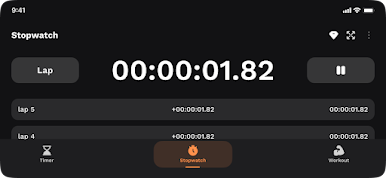
Start, stop, or reset your stopwatch or timer in seconds. The uncluttered design makes it easy to see what’s happening at a glance. -
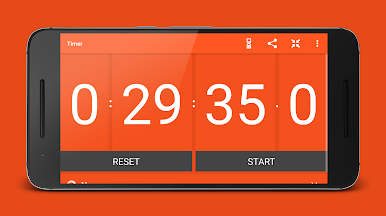
Large, Easy-to-Read Digits
Never squint at your screen again — whether you’re across the room or juggling tasks, the bold display keeps everything visible. -
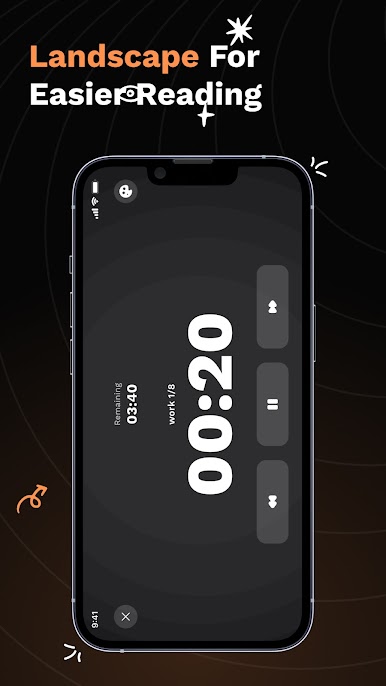
Full Screen Mode
Need to keep the focus on timing? Pop the app into full screen and watch those numbers roll in extra-large letters. -
Handy Notification Bar Updates
Get time info even outside the app! The elapsed or remaining time shows right in your phone’s notification panel. -
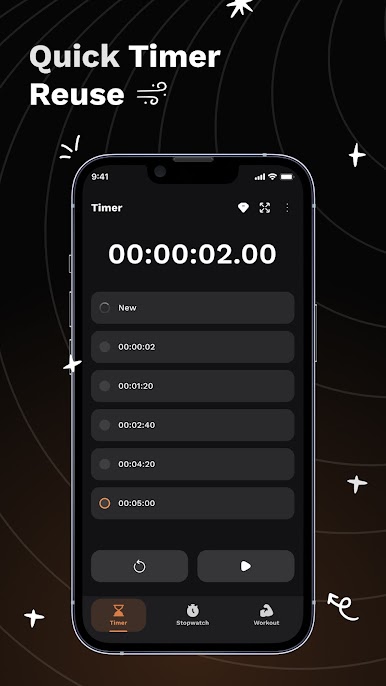
Quick Access to Recent Timers
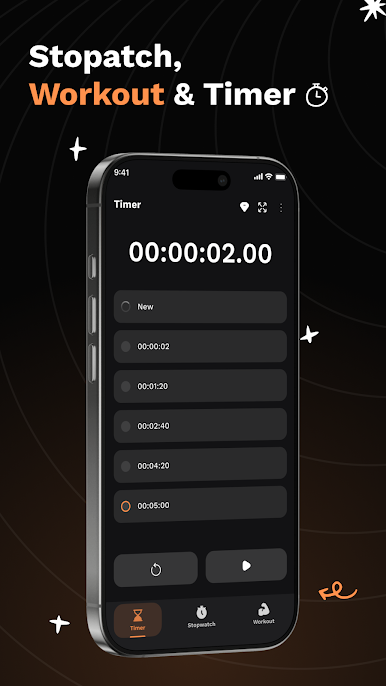
The timer remembers your last three countdowns, so you can jump right back into frequent routines without extra setup. -
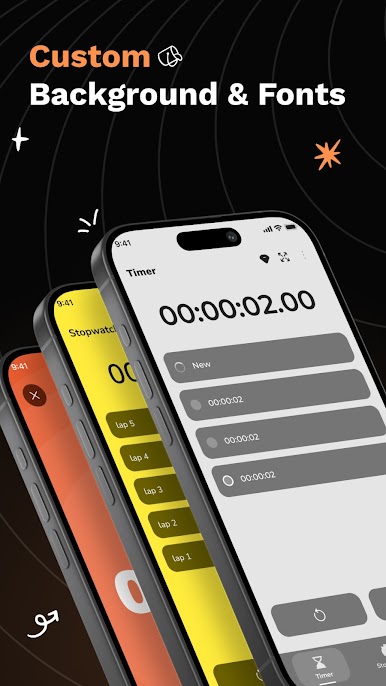
Customizable Appearance
Add your personality—swap colors and fonts to find the vibe that works best for you. -
Works Great on BlueStacks
Prefer timing things on your computer? Stopwatch and Timer runs smoothly on BlueStacks, letting you multitask alongside your other tools. -
Perfect for Any Situation
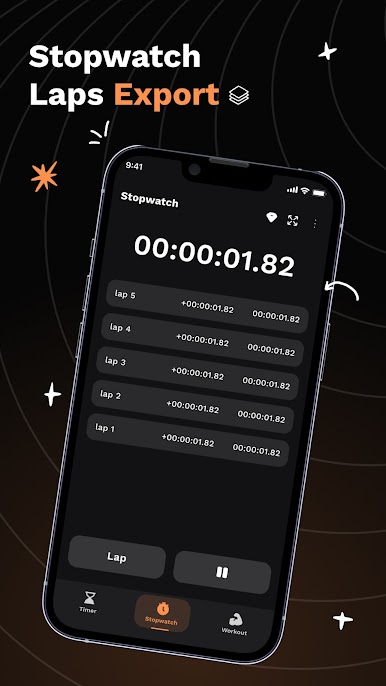
Cooking dinner, tracking laps, managing study sessions, or even keeping game night fair—this tool’s got you covered.
Ready to experience Stopwatch and Timer on a bigger screen, in all its glory? Download BlueStacks now.
Play Multi Stopwatch and Timer Plus on PC. It’s easy to get started.
-
Download and install BlueStacks on your PC
-
Complete Google sign-in to access the Play Store, or do it later
-
Look for Multi Stopwatch and Timer Plus in the search bar at the top right corner
-
Click to install Multi Stopwatch and Timer Plus from the search results
-
Complete Google sign-in (if you skipped step 2) to install Multi Stopwatch and Timer Plus
-
Click the Multi Stopwatch and Timer Plus icon on the home screen to start playing

