


SportzX TV
Play on PC with BlueStacks – the Android Gaming Platform, trusted by 500M+ gamers.

Page Modified on: Dec 28, 2025
Play SportzX TV on PC
Follow today’s matches, check lineups before kickoff, and explore match details whenever you want.
⭐ Key Features:
• Live Scores: Instant updates for ongoing matches
• Match Details: Goals, cards, substitutions, and key events
• Lineups: View starting lineups before the match
• Fixtures: Check today’s and upcoming match schedules
• Results: Full-time scores for completed games
• Stats Overview: Simple and clear match information
• Favorites: Follow your preferred teams easily
• Highlights (when available): Public recap clips only
• Clean Interface: Fast, lightweight, and easy to use
📌 Important Notice
SportzX TV does not provide or host any live streaming, TV channels, or full-match videos.
The app shows only publicly available match information, scores, and highlight clips.
SportzX TV is not affiliated with any league, club, or organization.
All data is sourced from public and reliable providers.
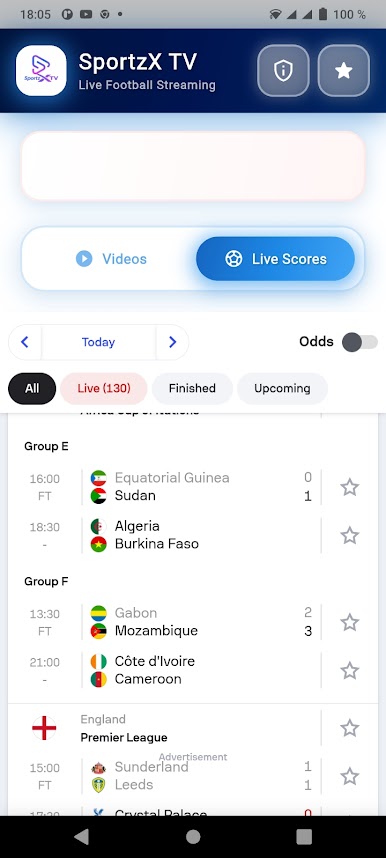
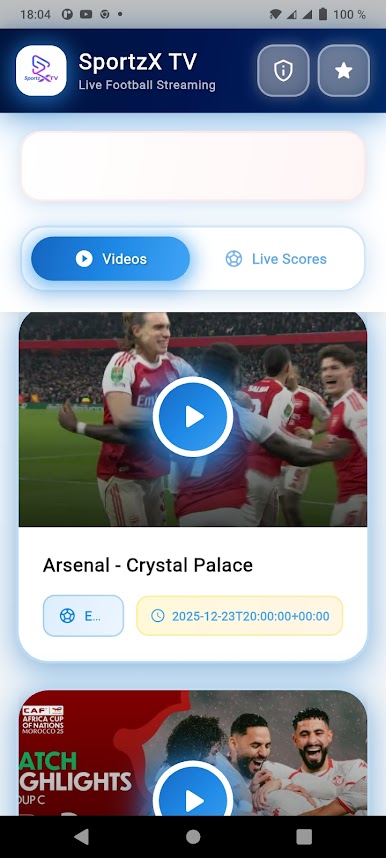
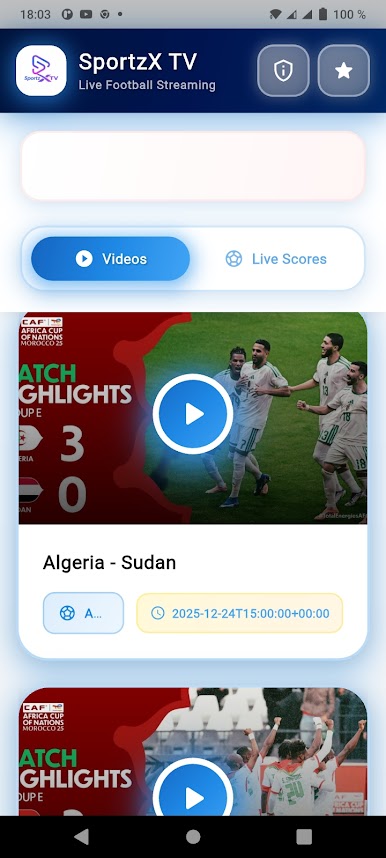
Play SportzX TV on PC. It’s easy to get started.
-
Download and install BlueStacks on your PC
-
Complete Google sign-in to access the Play Store, or do it later
-
Look for SportzX TV in the search bar at the top right corner
-
Click to install SportzX TV from the search results
-
Complete Google sign-in (if you skipped step 2) to install SportzX TV
-
Click the SportzX TV icon on the home screen to start playing

