


SpotCam
Play on PC with BlueStacks – the Android Gaming Platform, trusted by 500M+ gamers.

Page Modified on: Aug 30, 2026
Run SpotCam on PC or Mac
Let BlueStacks turn your PC, Mac, or laptop into the perfect home for SpotCam, a fun Tools app from SPOTCAM CO., LTD..
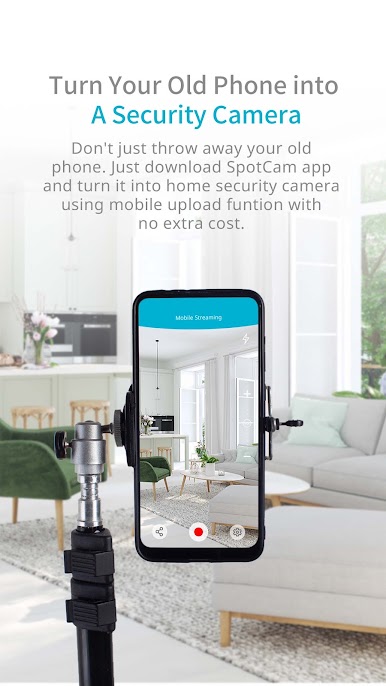
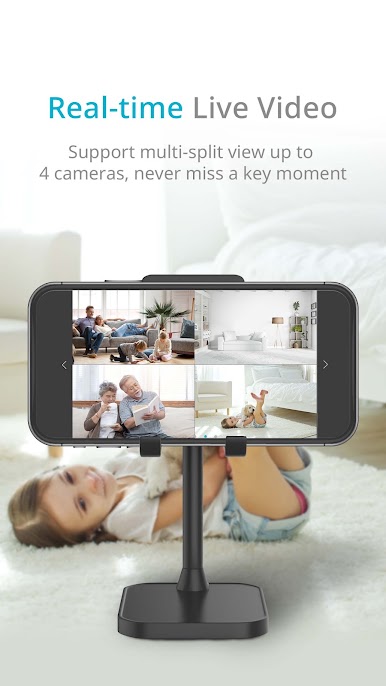
SpotCam is one of those apps for anyone who likes keeping an eye on things when they’re not around, whether it’s a place, pets, or whatever matters. The way it works is you connect it with your SpotCam device and suddenly you’ve got this personal security setup that’s just running on your phone or, using something like BlueStacks, set up right on your computer screen. It’s not complicated at all — getting it ready is about as hard as setting up WiFi, so basically if you’ve ever logged onto a wireless network, you’re halfway there.
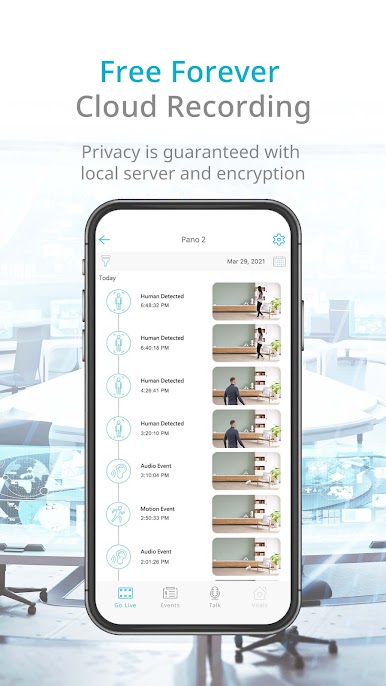
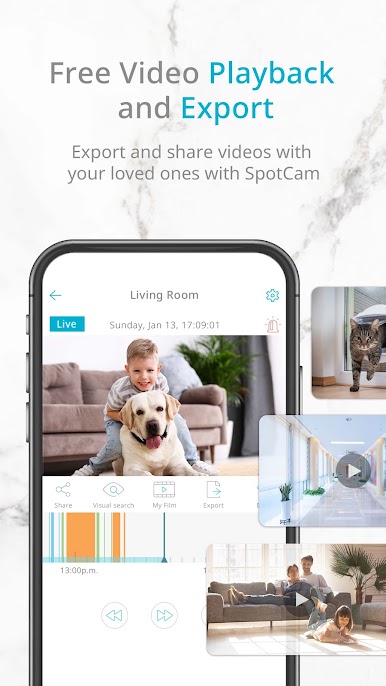
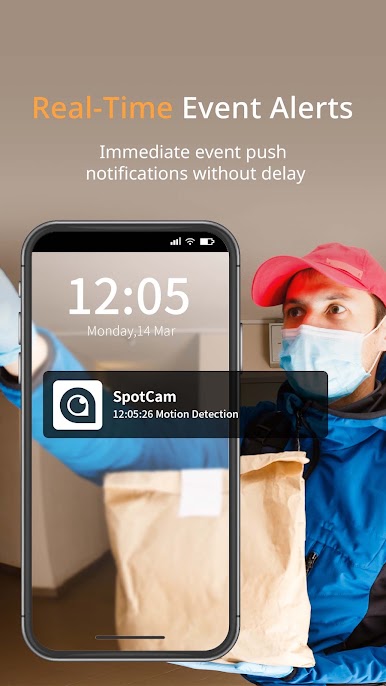
What stands out about SpotCam is how quick you can jump between live video, checking out old footage, or just getting alerts if something unusual happens. It’s effortless to scroll through past moments too, and there’s a free 24-hour cloud recording right off the bat, so you’re always able to see what happened even if you missed it the first time. It doesn’t really get in the way or use a ton of PC resources (handy when running on BlueStacks), and all the controls are easy enough for people who hate fiddling with menus. For anyone wanting solid video monitoring but not interested in dealing with tricky set-up or subscriptions, this one’s straightforward and reliable.
Ready to experience SpotCam on a bigger screen, in all its glory? Download BlueStacks now.





Play SpotCam on PC. It’s easy to get started.
-
Download and install BlueStacks on your PC
-
Complete Google sign-in to access the Play Store, or do it later
-
Look for SpotCam in the search bar at the top right corner
-
Click to install SpotCam from the search results
-
Complete Google sign-in (if you skipped step 2) to install SpotCam
-
Click the SpotCam icon on the home screen to start playing

