


SwapX PRO: AI Video & Photo
Play on PC with BlueStacks – the Android Gaming Platform, trusted by 500M+ gamers.

Page Modified on: Mar 21, 2026
Overview
· Text-to-Video: Enter text to generate dynamic clips — imagination becomes reality.
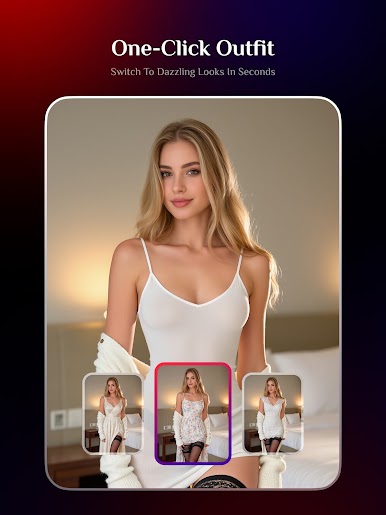
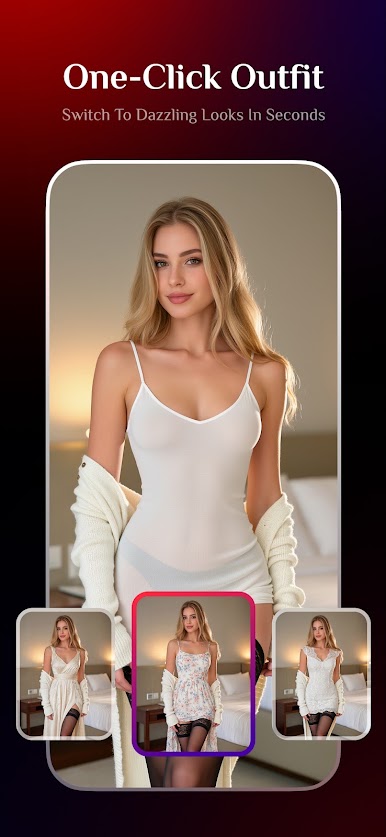
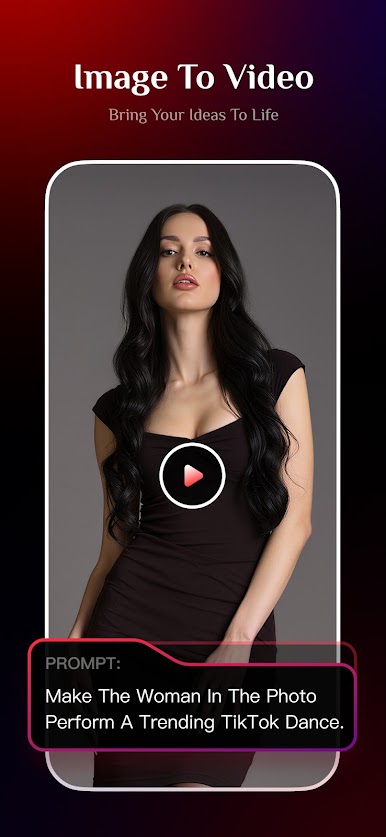
· Image-to-Video: Make photos talk, dance, or change outfits with ease.
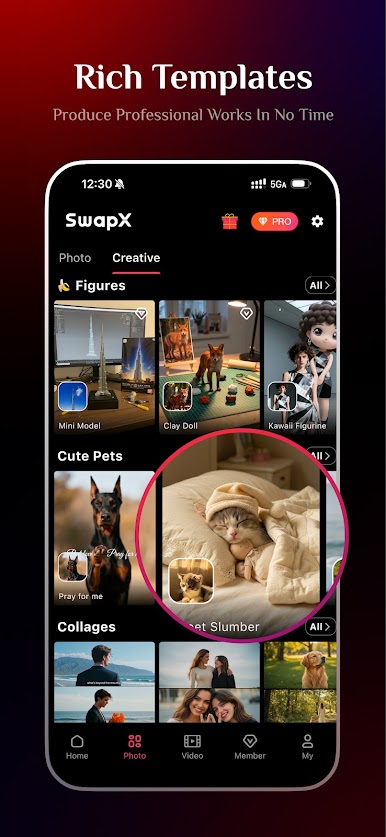
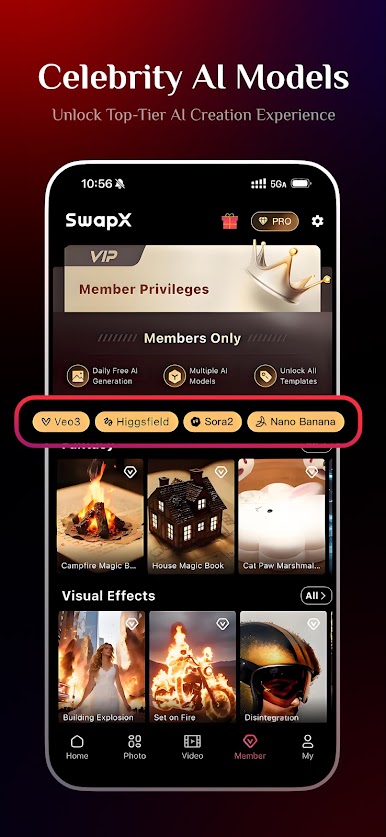
· Massive Templates: Pre-set prompt-based video templates, ready to use instantly.
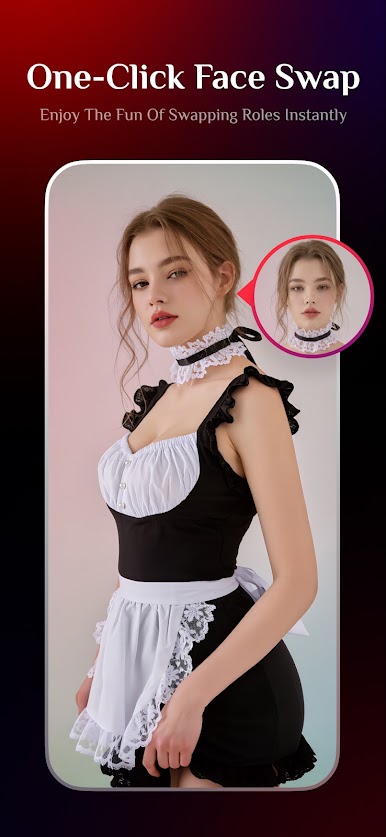
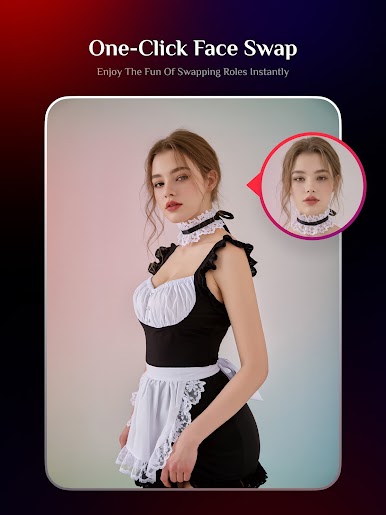
· Face Transformation: A selfie turns you into any character, even next to your idol.
· Style Change: Switch between multiple looks effortlessly.
· Hair Change: Try new hairstyles and colors anytime.
· Body Adjustment: One-click body proportion editing for your ideal figure.
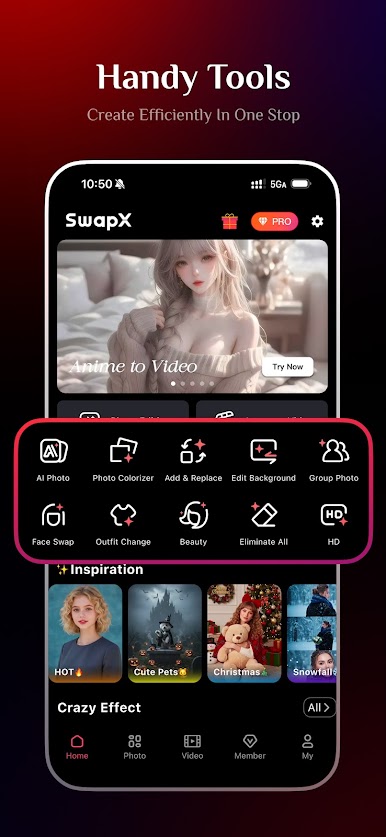
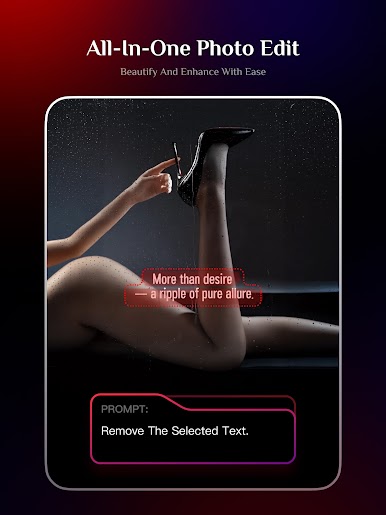
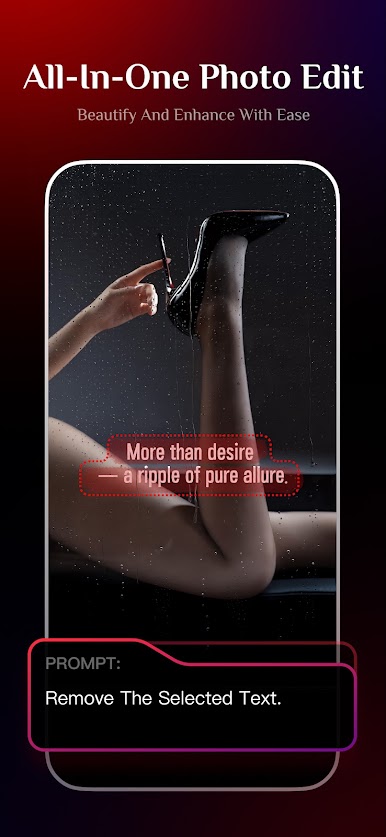
· Text Editing: Type words to edit images easily and efficiently.
· Universal Editing: Fine-tune details, optimize tones, and shape visuals in one go.
· HD Enhancement: Make blurry photos sharp, old images look new again.
· Background Change: Instantly place yourself in different scenes worldwide.
· Multi-Subject: Effortlessly create couple shots, group photos, or team images.
· Video Effects: Turn photos into cinematic scenes — sci-fi, retro, or romantic styles.


Play SwapX PRO: AI Video & Photo on PC. It’s easy to get started.
-
Download and install BlueStacks on your PC
-
Complete Google sign-in to access the Play Store, or do it later
-
Look for SwapX PRO: AI Video & Photo in the search bar at the top right corner
-
Click to install SwapX PRO: AI Video & Photo from the search results
-
Complete Google sign-in (if you skipped step 2) to install SwapX PRO: AI Video & Photo
-
Click the SwapX PRO: AI Video & Photo icon on the home screen to start playing

