


DRAGON QUEST Smash/Grow
Play on PC with BlueStacks – the Android Gaming Platform, trusted by 500M+ gamers.

Page Modified on: Apr 8, 2026
Main DRAGON QUEST Smash/Grow on PC
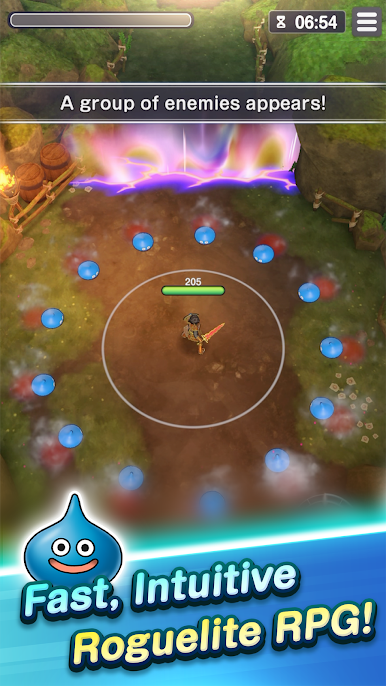
DRAGON QUEST with fast, intuitive combat!
Embark on a new roguelite RPG adventure!
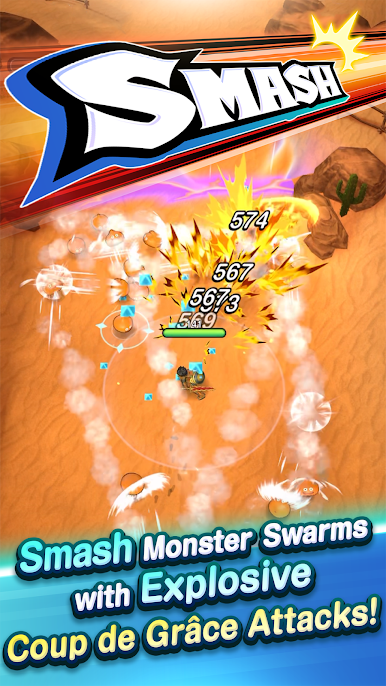
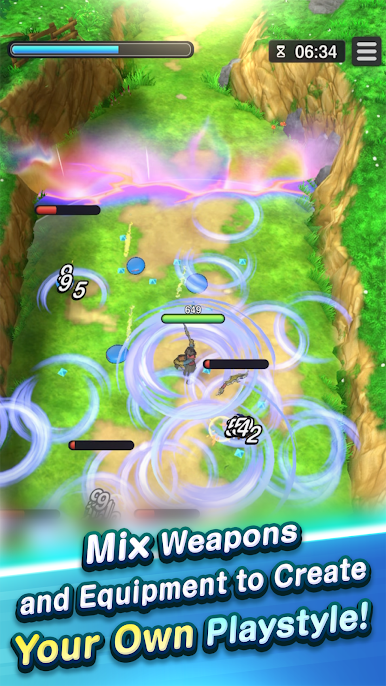
Smash your way through hordes of monsters, then blow them away with Dragon Quest’s signature Coup de Grâce attacks! Grow your character with random Blessings and adapt your battle strategy to match an ever-changing tactical situation. No quest is ever the same in this unique Dragon Quest experience!
Game Features
- BLESSINGS
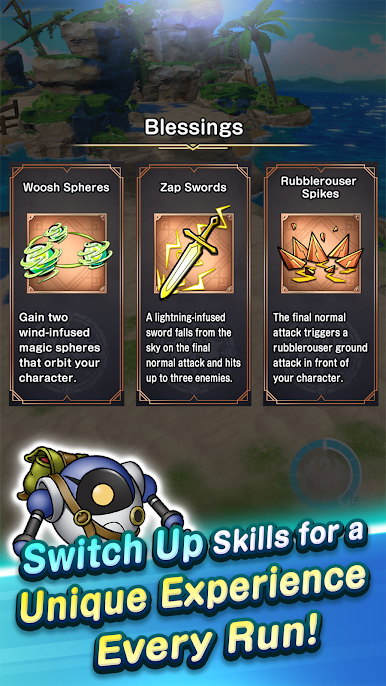
Mix and match Blessings for a unique experience every run! Blessings reshuffle every stage. Race through rifts with luck and strategy!
- VOCATIONS
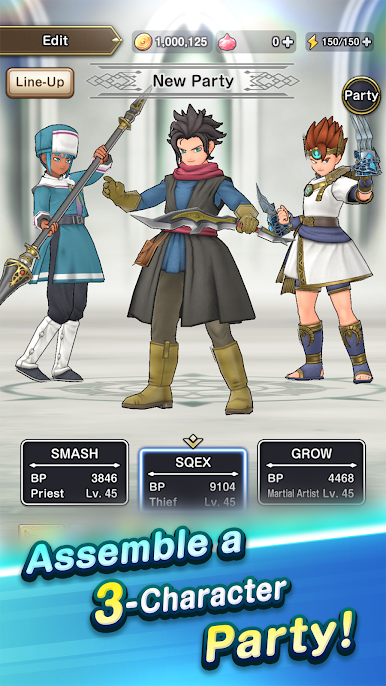
Forge your party from a variety of classic vocations! Beyond levelling up, unlock vocation tree nodes to enhance each vocation’s abilities!
- MAIN STORY
Embark on a grand adventure to restore order to the world! Navigate dungeons known as rifts that have appeared all over the land with your trusty mechanical ally Roly in tow!
- CO-OP QUESTS
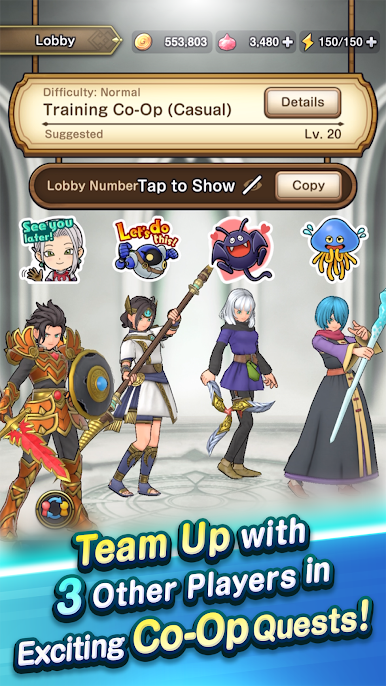
Join forces with up to 3 other players for exciting co-op quests! Bring your characters together and crush hordes of monsters!
- PACKED WITH CONTENT
Bring your best party to bear in even greater challenges! Smash through swarms of monsters in the Gauntlette, take on formidable bosses in Shrines, and dive into a wealth of content waiting to be explored!
Compatibility
Android: Requires Android 9.0 or later, a 64-bit device with a Snapdragon 855 or better, and at least 6GB of RAM.

Play DRAGON QUEST Smash/Grow on PC. It’s easy to get started.
-
Download and install BlueStacks on your PC
-
Complete Google sign-in to access the Play Store, or do it later
-
Look for DRAGON QUEST Smash/Grow in the search bar at the top right corner
-
Click to install DRAGON QUEST Smash/Grow from the search results
-
Complete Google sign-in (if you skipped step 2) to install DRAGON QUEST Smash/Grow
-
Click the DRAGON QUEST Smash/Grow icon on the home screen to start playing

