


Spider by Staple Games
Play on PC with BlueStacks – the Android Gaming Platform, trusted by 500M+ gamers.

Page Modified on: Nov 13, 2026
Overview
Try it out!
FEATURES:
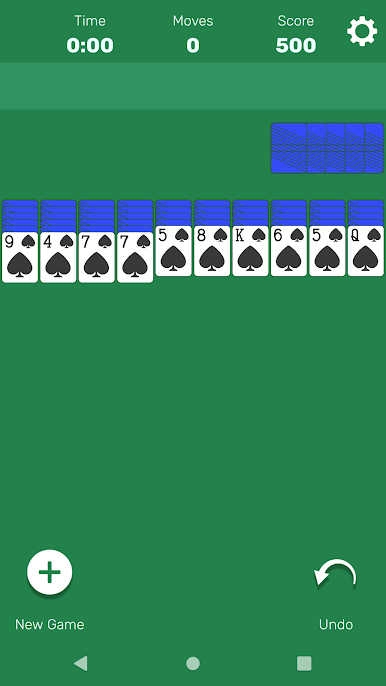
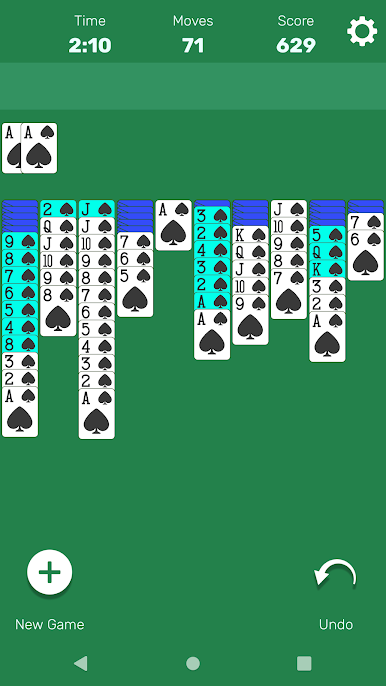
- Easy to read cards
- Intuitive tap to play
- Intelligent auto-complete
- Auto-save, so you never lose your progress
- Unlimited undo
- Statistics
Spider Solitaire Rules:
Place cards in descending order in their matching suits. New players can test out their strategies on 1 and 2 suit games or step it up with games including 3 or 4 suits for a challenge.
You will learn quickly we promise! If you get stuck, tap on any card, and the app will automatically make a valid move if one exists.
Play Spider by Staple Games on PC. It’s easy to get started.
-
Download and install BlueStacks on your PC
-
Complete Google sign-in to access the Play Store, or do it later
-
Look for Spider by Staple Games in the search bar at the top right corner
-
Click to install Spider by Staple Games from the search results
-
Complete Google sign-in (if you skipped step 2) to install Spider by Staple Games
-
Click the Spider by Staple Games icon on the home screen to start playing

