


StarLeaf
Play on PC with BlueStacks – the Android Gaming Platform, trusted by 500M+ gamers.

Page Modified on: Dec 17, 2025
Overview
MESSAGING:
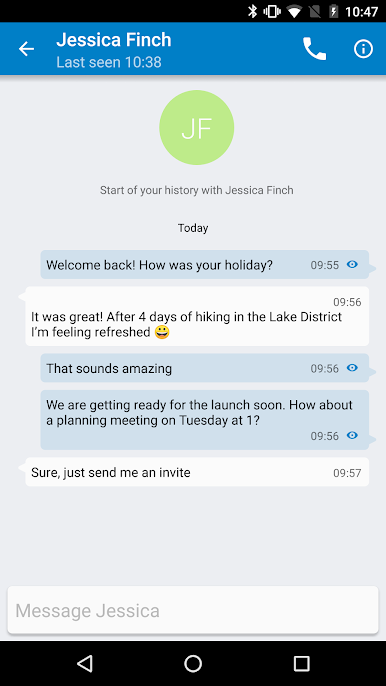
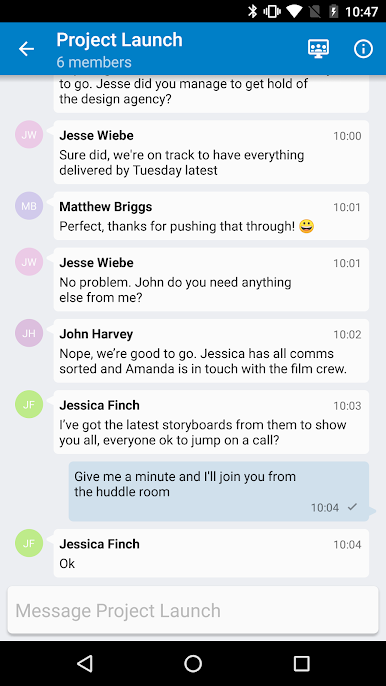
• Easily connect with colleagues using one-to-one and group chats.
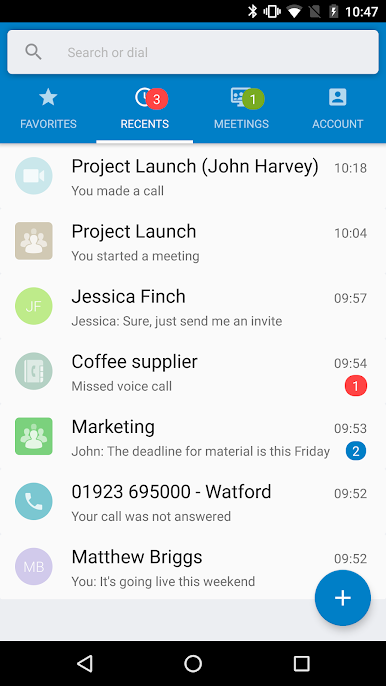
• See all your messages at any time with persistent messaging across all your mobile, desktop and tablet devices.
• Collaborate more effectively with the ability to escalate any chat to a video call or meeting with one touch.
MEETINGS:
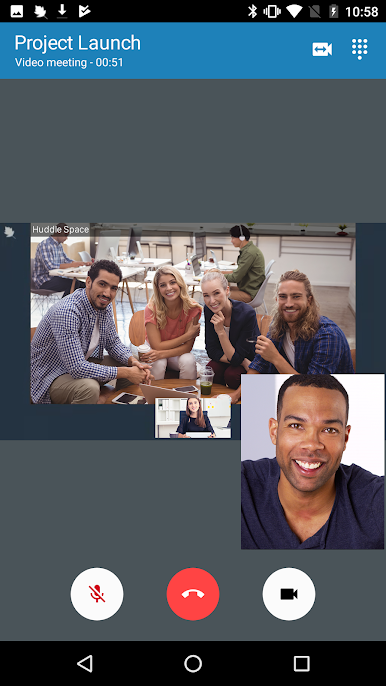
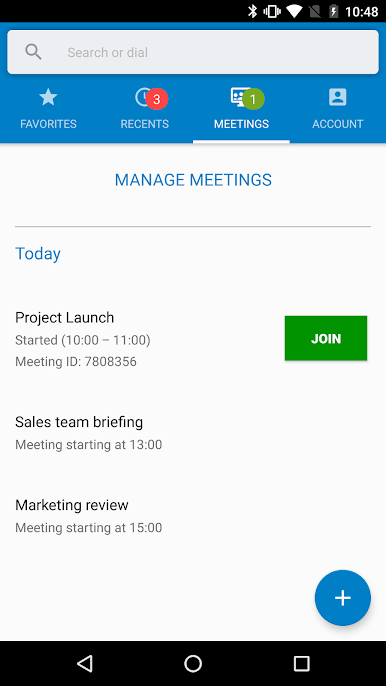
• Work from anywhere and on any device with the ability to create and join online meetings
• Easily see your upcoming meetings and join with a single touch
• Invite anyone to meet with you, internal or external. Participants can join from any device, their web browser, video room system or the telephone.
CALLING:
• Instant one-to-one calls with all your colleagues and contacts from anywhere on any device
• Cut the cost of company communications with unlimited calling, even from your mobile device
CENTRALIZED IT MANAGEMENT:
• Designed with the needs of businesses in mind, StarLeaf allows IT managers to stay in control.
• Administrators can easily add, delete and manage all users and meetings from a central management portal.
Key features:
• Business Messaging - Persistent messaging for your entire organization
• Superb quality video
• Seamless Outlook / Google calendar integration
• Great for video meetings
• Easy meeting scheduling on the move
• Unlimited free guest invitations
• Works with Cisco, Polycom, Lifesize and all H.323 & SIP video room systems
• Works with Skype for Business
• Global dial-in telephone numbers
• See who is online or busy with contact presence
• Works over Wifi, 3G, 4G and LTE networks
• Available on iOS, Android, Windows and Mac
• Centrally managed via administrator portal
Follow us:
Twitter http://www.twitter.com/starleafco
LinkedIn https://www.linkedin.com/company/starleaf
Facebook https://www.facebook.com/StarLeafCo
Web https://www.starleaf.com
Have a question? Contact us at support@starleaf.com
Play StarLeaf on PC. It’s easy to get started.
-
Download and install BlueStacks on your PC
-
Complete Google sign-in to access the Play Store, or do it later
-
Look for StarLeaf in the search bar at the top right corner
-
Click to install StarLeaf from the search results
-
Complete Google sign-in (if you skipped step 2) to install StarLeaf
-
Click the StarLeaf icon on the home screen to start playing

