


Starry Peaks:Solitaire
Play on PC with BlueStacks – the Android Gaming Platform, trusted by 500M+ gamers.

Page Modified on: Sep 3, 2026
Play Starry Peaks:Solitaire on PC
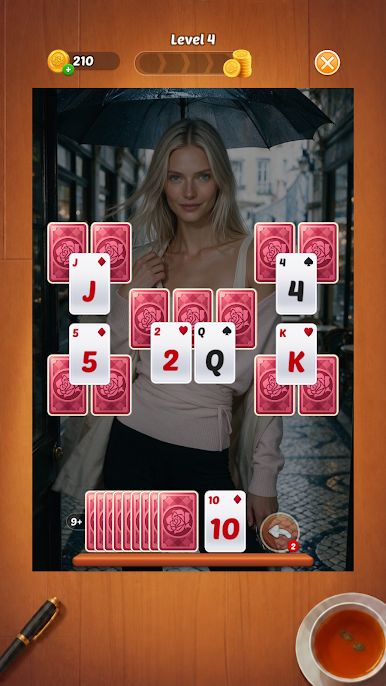
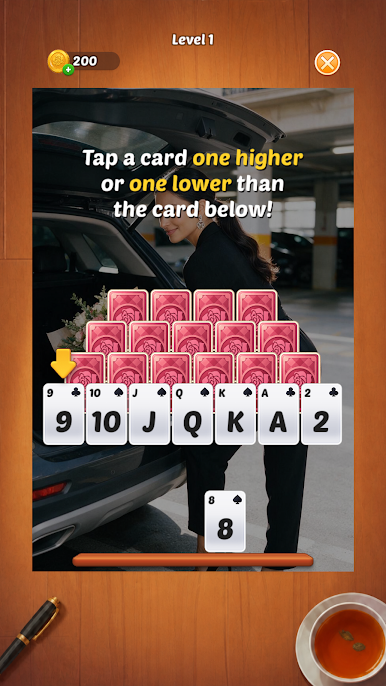
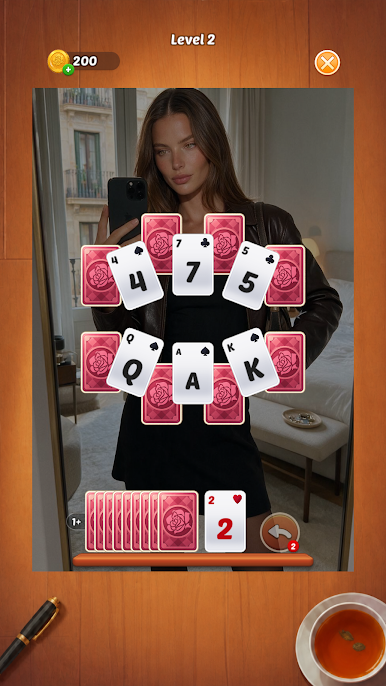
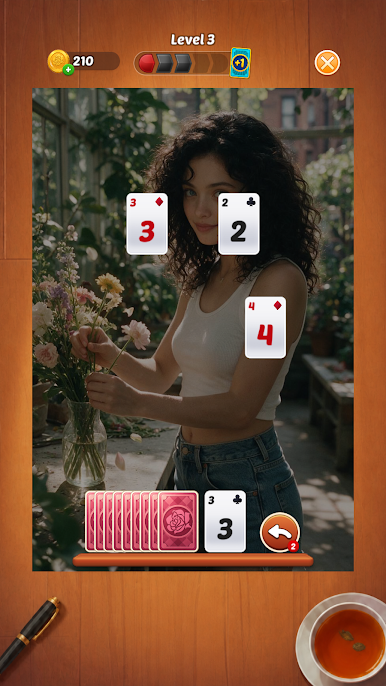
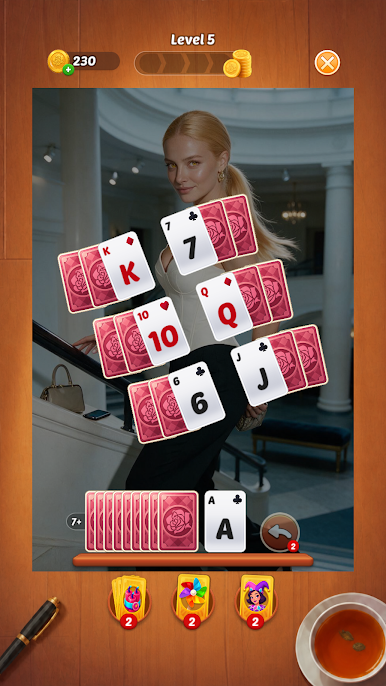
Choose a card that is one rank higher or lower than the current card to clear it from the board. Plan your moves carefully, build satisfying streaks, and remove every card to complete the level. The rules are simple to learn, while each new layout brings a fresh puzzle to solve.
As you progress, discover charming characters and stylish scenes that make every victory more rewarding. Whether you want a quick card challenge or a peaceful way to unwind, Starry Peaks: Solitaire offers a smooth and enjoyable experience.
Game Features:
• Relaxing solitaire gameplay
Select cards one rank higher or lower and clear the entire board.
• Simple rules, thoughtful challenges
Easy to start, with increasingly interesting card layouts to master.
• Beautiful character scenes
Meet charming characters and enjoy attractive visuals as you progress.
• Helpful tools
Use convenient tools when you need help overcoming a difficult level.
• Smooth and satisfying experience
Enjoy clear card designs, comfortable controls, and rewarding animations.
Take a break, sharpen your card skills, and enjoy a new solitaire journey in Starry Peaks: Solitaire!
Play Starry Peaks:Solitaire on PC. It’s easy to get started.
-
Download and install BlueStacks on your PC
-
Complete Google sign-in to access the Play Store, or do it later
-
Look for Starry Peaks:Solitaire in the search bar at the top right corner
-
Click to install Starry Peaks:Solitaire from the search results
-
Complete Google sign-in (if you skipped step 2) to install Starry Peaks:Solitaire
-
Click the Starry Peaks:Solitaire icon on the home screen to start playing

