


ScratchCard: EasyToWin
Play on PC with BlueStacks – the Android Gaming Platform, trusted by 500M+ gamers.

Page Modified on: Sep 14, 2026
Play ScratchCard: EasyToWin on PC
⭐ GAME FEATURES ⭐
🎫 Classic Scratch Card Fun
Enjoy the satisfying feeling of scratching off the surface to reveal what lies beneath. With bright visuals and smooth touch controls, every card is a mini adventure waiting to happen.
💰 Exciting Reveal Mechanics
Match three identical symbols to win rewards! Watch for special bonus icons that can unlock extra prizes and keep the excitement going with every card you scratch.
🎁 Daily Bonus & Rewards
Log in every day to claim free scratch cards and bonus coins. Complete simple tasks to earn even more chances to play and discover what fortune has in store for you.
✨ Simple & Relaxing Gameplay
Easy-to-learn controls make this game perfect for quick breaks or longer play sessions. Just tap, scratch, and enjoy the thrill of the reveal—no complicated rules, just pure fun!
Ready to scratch your way to a lucky surprise?
Download ScratchCard: EasyToWin now and start revealing your next win today! 🎫✨
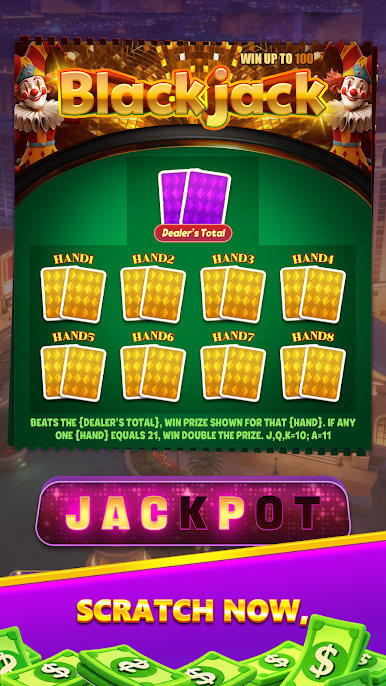




Play ScratchCard: EasyToWin on PC. It’s easy to get started.
-
Download and install BlueStacks on your PC
-
Complete Google sign-in to access the Play Store, or do it later
-
Look for ScratchCard: EasyToWin in the search bar at the top right corner
-
Click to install ScratchCard: EasyToWin from the search results
-
Complete Google sign-in (if you skipped step 2) to install ScratchCard: EasyToWin
-
Click the ScratchCard: EasyToWin icon on the home screen to start playing

