


Stimuler AI: English Fluency
Play on PC with BlueStacks – the Android Gaming Platform, trusted by 500M+ gamers.

Page Modified on: Aug 20, 2026
Run English Speaking App- Stimuler on PC or Mac
Get freedom from your phone’s obvious limitations. Use English Speaking App- Stimuler, made by Stimuler, a Education app on your PC or Mac with BlueStacks, and level up your experience.
About the App
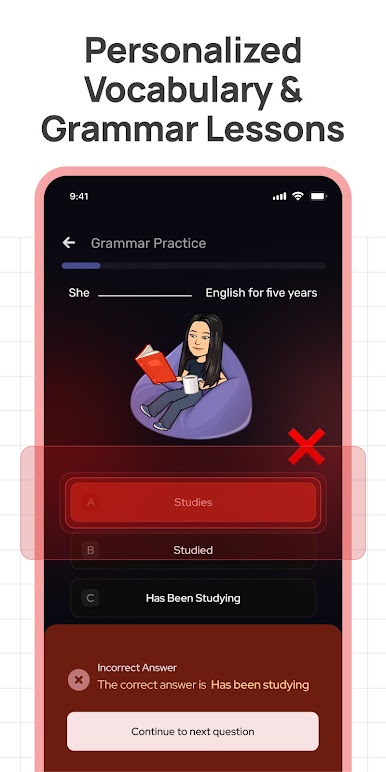
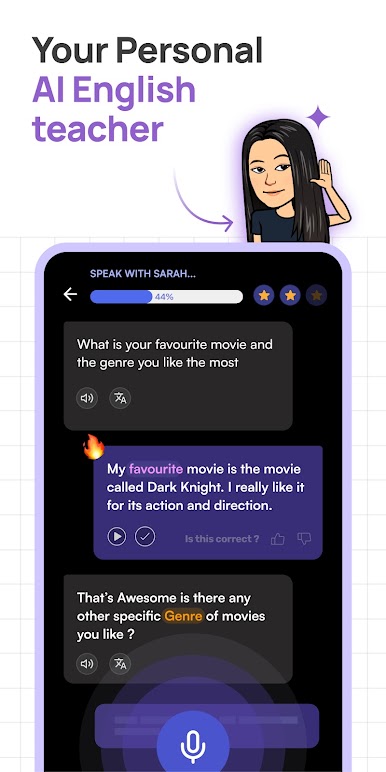
Feel like your spoken English could use a little boost—or maybe you’re keen on mastering the IELTS Speaking section? English Speaking App- Stimuler by Stimuler is all about making real, everyday language practice easy and stress-free, whether you’re prepping for exams, dreaming bigger at work, or just want to sound more natural in conversation. You’ll find a mix of guided exercises, instant AI-powered feedback, and plenty of fresh practice topics to keep it interesting. Plus, everything runs straight from your phone or—if you want an even smoother experience—you can check it out on your computer using BlueStacks.
App Features
-
Quick Speech Practice
Test your speaking with 60-second speech challenges. Record yourself, submit, and get a thorough review on your pronunciation, fluency, vocabulary, and more—all in less than half a minute, including your instant IELTS band estimate. -
Live IELTS Mock Interviews
Face realistic, live video mock IELTS Speaking tests. An AI interviewer asks questions just like the real deal, and you’ll walk away with your score plus detailed performance feedback. -
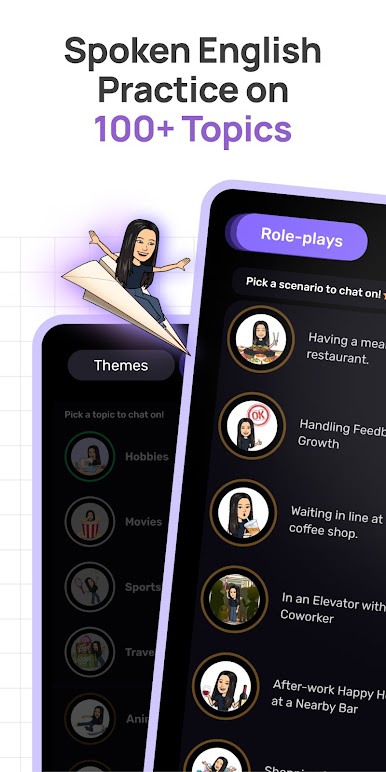
Diverse Speaking Topics
Choose from more than 100 conversation prompts, suitable whether you’re targeting TOEFL, IELTS, or just want to improve your spoken English in day-to-day scenarios. -
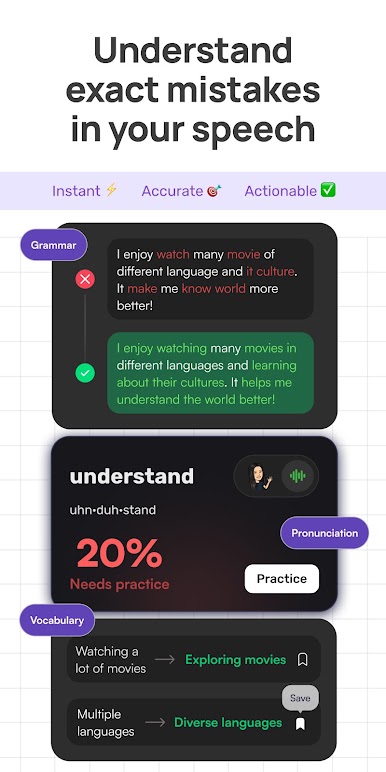
In-Depth Speech Breakdown
Go beyond just a score. Get insights into your fill words, pauses, pacing, and tone—so you really know where you shine and what to work on next. -
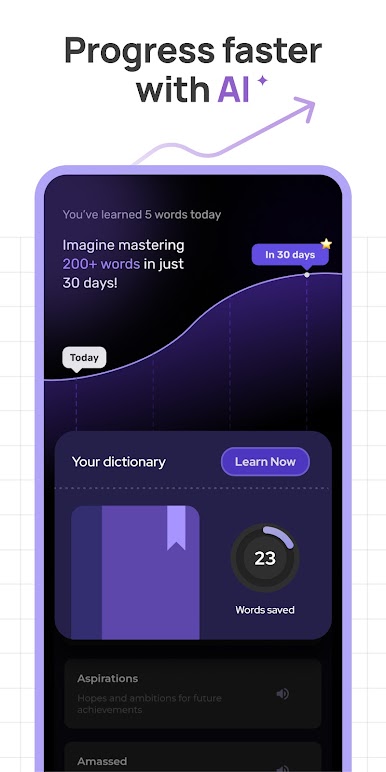
Personalized Feedback & Tips
Every session ends with practical tips tuned to your specific strengths and mistakes, making sure you know exactly how to grow your skills. -
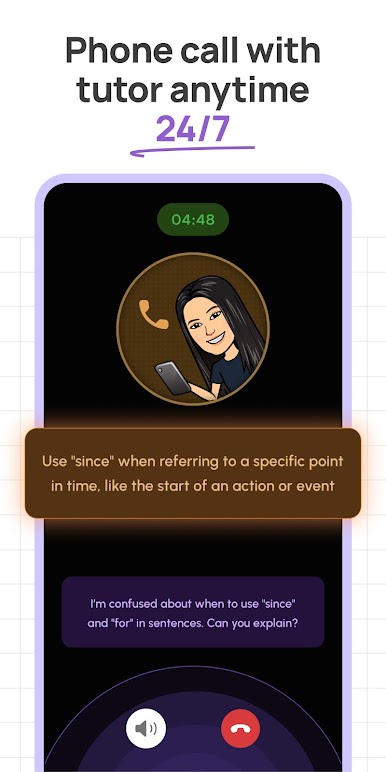
Voice AI Technology
The feedback’s sharp, thanks to Stimuler’s advanced in-house AI, which learns from millions of user recordings and keeps getting smarter. -
Flexible, Fast Sessions
Only have a few minutes? No problem—you’ll still get constructive, comprehensive analysis. Practice fits around your schedule, not the other way around. -
Accessible Premium Features
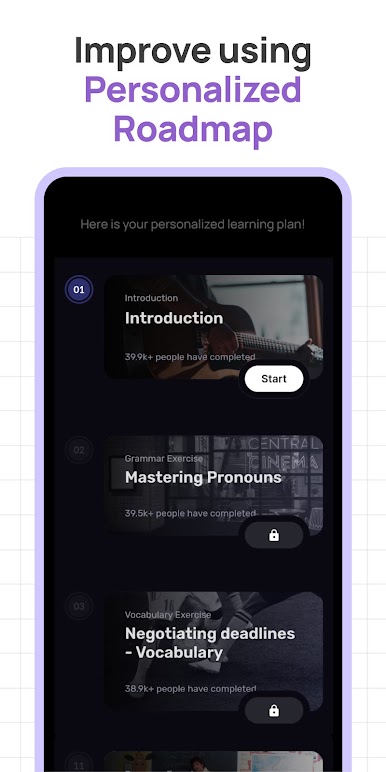
There are handy free tools for all users, while premium unlocks advanced options like full-length IELTS Speaking tests, detailed training plans, and more—all at a price that’s easy on your wallet. -
A Global Community
Join speakers from over 200 countries, share your progress, and see where you stand in a growing, supportive community. -
Practice Anywhere
Whether you’re on your phone or trying Stimuler out on a bigger screen with BlueStacks, everything works smoothly and keeps your progress synced.
Ready to experience English Speaking App- Stimuler on a bigger screen, in all its glory? Download BlueStacks now.


Play Stimuler AI: English Fluency on PC. It’s easy to get started.
-
Download and install BlueStacks on your PC
-
Complete Google sign-in to access the Play Store, or do it later
-
Look for Stimuler AI: English Fluency in the search bar at the top right corner
-
Click to install Stimuler AI: English Fluency from the search results
-
Complete Google sign-in (if you skipped step 2) to install Stimuler AI: English Fluency
-
Click the Stimuler AI: English Fluency icon on the home screen to start playing

