


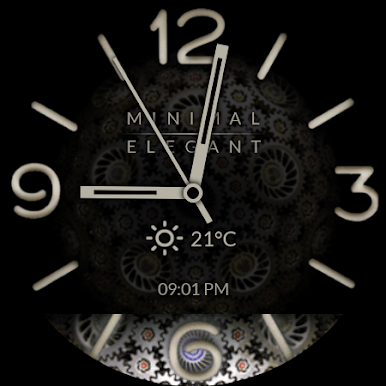
Watch Face - Minimal & Elegant
Play on PC with BlueStacks – the Android Gaming Platform, trusted by 500M+ gamers.

Page Modified on: Aug 13, 2024
Play Watch Face - Minimal & Elegant on PC
One purchase! One low price and no limits.
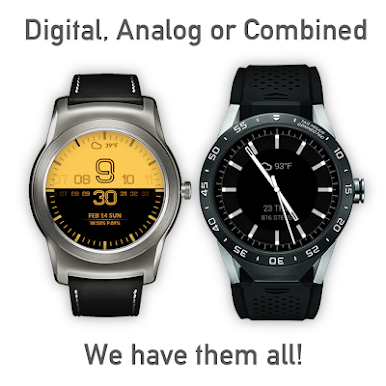
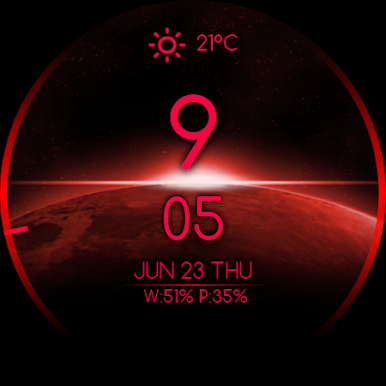
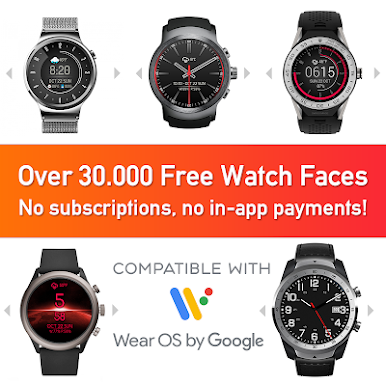
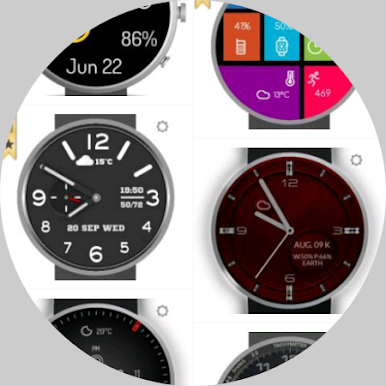
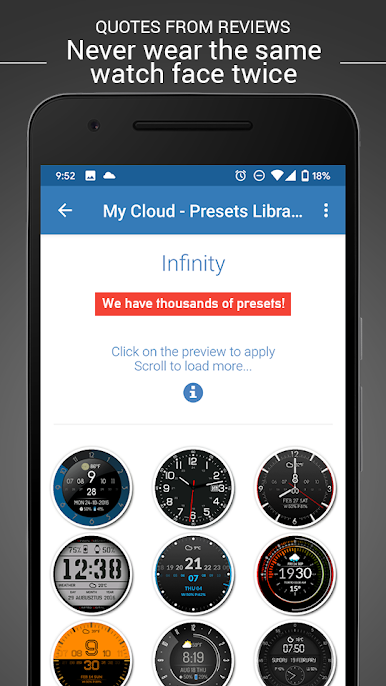
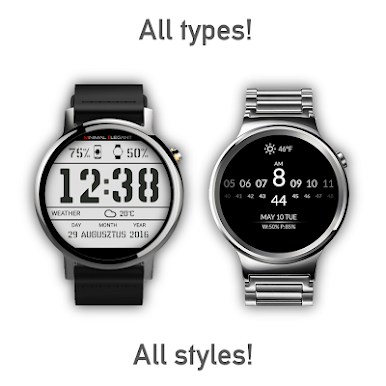
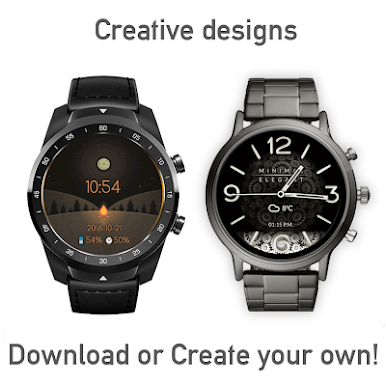
Enjoy over 30.000 watch faces from our online library.
Compatible with all Wear OS by Google watches.
★ Check out the example Gallery: academyextreme.com/infinity
and make sure that it is worth purchasing the app.
Nothing is impossible with Minimal and Elegant so get the app now and enjoy:
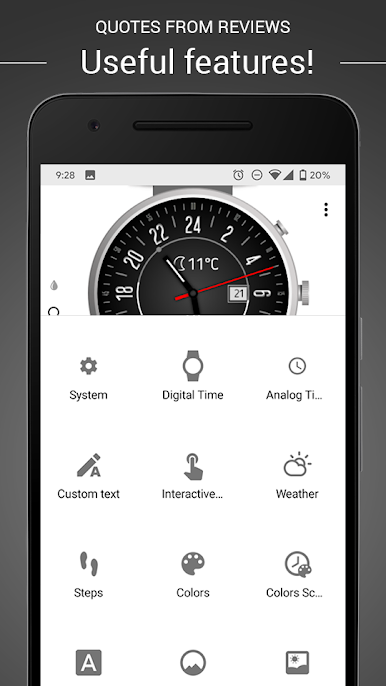
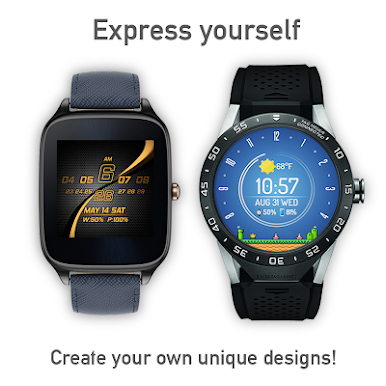
- maximum watchface customization
- multitude of great features
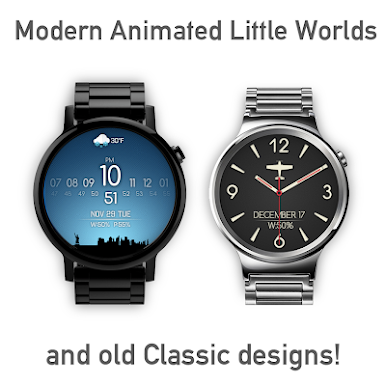
- universally famous Little Words and Magic Backgrounds
- lots of interactive functions
- neat design and user friendly settings panel
- long-awaited option to hide an icon
- regular upgrades
- perfect customer service
💡 NOTICE
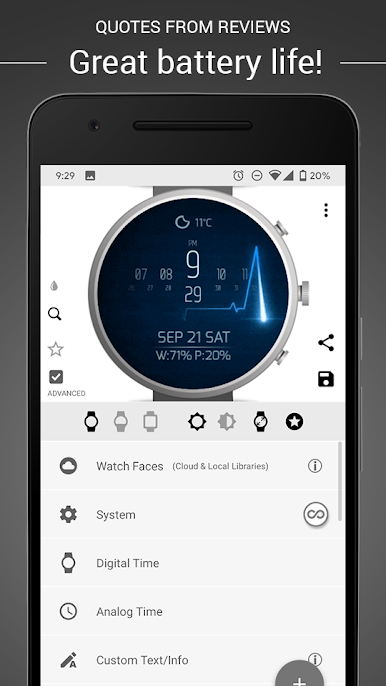
Watch face settings are accessible via Icon Launcher, Wear OS Application on the phone or directly on the watch.
⭐ NEW!
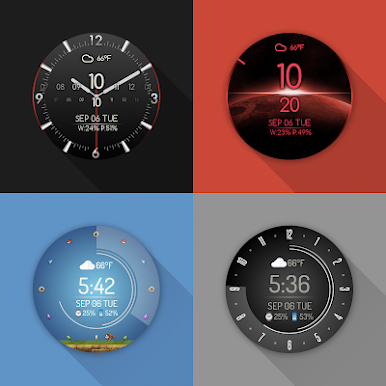
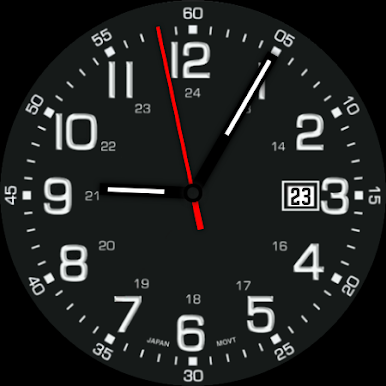
★ Analog functions allowing you to create a brand-new look of you smart watch
★ ONLINE LIBRARY with hundreds of presets updated on daily basis
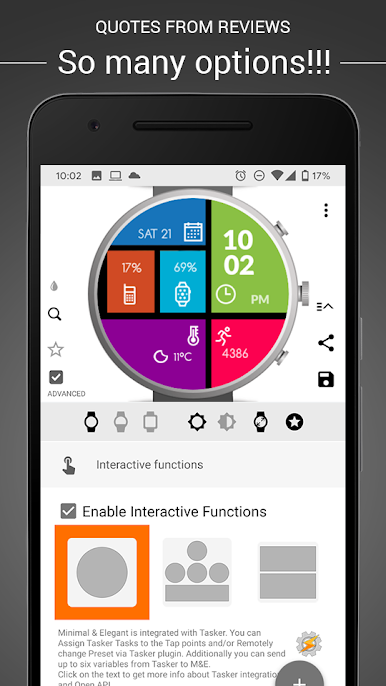
★ LOTS OF INTERACTIVE FUNCTIONS
★ Tasker Support
★ Compatible with all Wear OS versions
★ Minimal & Elegant OPTIONS:
★ PRESETS / WATCH FACES
- Create, save, import or share your own presets
- G+ Presets Community https://goo.gl/c6BAOH
- Central Online Library (all in one place)
★ EXTRA FEATURES
- Famous (Animated!) Little Worlds – G+ LW Community: http://goo.gl/vv8WB3
- Magic Backgrounds (custom images)
- Side Lights (in Magic Backgrounds)
- Color Scheduler to program color changes
- Presets Scheduler (separate app)
- Steps - Google FIT
★ COLORS
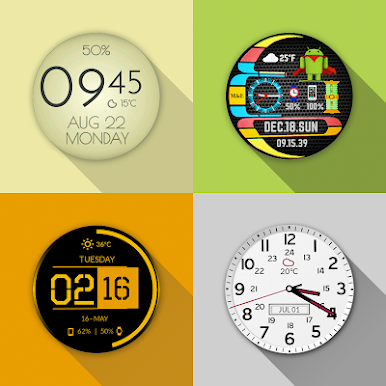
- change colors of all the elements
- add gradients for background
- enjoy Full Color or Black & White Dim mode
★ FONTS
- use a variety of fonts and font sizes
★ TIME & WEATHER
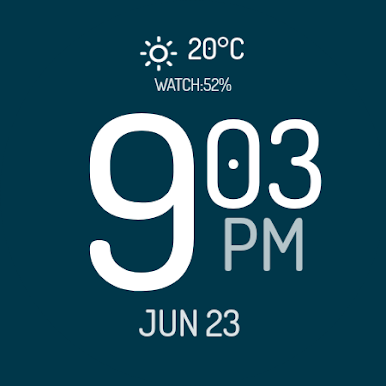
- 12 or 24 hour digital watch display
- analog watch display
- multiple Time Zones
- weather information - icon or text
- two weather providers (additional external weather option)
★ CUSTOM TEXT
- add custom info texts with special tags
- watch and Phone battery levels
- custom date formats (check TAGS info)
- use EMOJI in custom text
- control text appearance
- use Tasker variables
★ MANY SYSTEM TWEAKS
- screen-off custom time (5-60s)
- change notification cards size
- transparent notification cards option
- display line on top of Dim card option
- set visibility of notification cards in DIM
- positions for system indicators
★ INTERACTIVE FUNCTIONS
Control:
- Run any app installed on your Watch
- Apply Next Preset
- Music Controls (Play/Pause etc.) (on phone)
- Control Spotify
- Control Pocket Casts
- Open Settings
- System Apps (Flash, Timer, etc.)
- Control Brightness
- Open Voice Assistant
Toggle:
- Mute/Un-mute (on phone)
- Phone Flashlight (on phone)
- Voice Recording (on phone)
- Visibility of side numbers on watch face
Run / Show:
- Agenda
- Weather
- Motorola BODY (NEW)
- Motorola Steps (OLD)
- Motorola Heart Rate (OLD)
- Motorola Health (OLD)
- Google Translate
- Google Maps
- Google Keep
- Google Music
- FIT
- Hangouts
- Stopwatch
- Asus Wellness
- Asus UP by Jawbone
- Asus Compass
Cool:
- TellMeTheTime (on phone)
Join our beta community and be the first to familiarize with all new features: https://play.google.com/apps/testing/com.stmp.minimalface
★ COMPATIBLE WITH ALL Wear OS devices
Tested on:
Samsung Galaxy 4 & 5
Asus Zen Watches
Fossil Q
Huawei Watch (1, 2)
LG Watch (Sport, Style)
LG G Watch R
LG G Watch W100
LG Urbane 2 & LTE
Moto 360
Nixon (The Mission)
Sony Smartwatch 3
Samsung Galaxy Watch 4
TAG Heuer
Ticwatch (Pro, E, S)
Minimal & Elegant is a premium and thoroughly tested application.
In case of any problems, don’t rate it 1-star, instead contact us on: academyextreme@gmail.com
★ PERMISSIONS Explained
http://academyextreme.com/permissions-explained/
★ HELP & FAQ
http://academyextreme.com/faq/
Play Watch Face - Minimal & Elegant on PC. It’s easy to get started.
-
Download and install BlueStacks on your PC
-
Complete Google sign-in to access the Play Store, or do it later
-
Look for Watch Face - Minimal & Elegant in the search bar at the top right corner
-
Click to install Watch Face - Minimal & Elegant from the search results
-
Complete Google sign-in (if you skipped step 2) to install Watch Face - Minimal & Elegant
-
Click the Watch Face - Minimal & Elegant icon on the home screen to start playing

