


Stones and Bones
Play on PC with BlueStacks – the Android Gaming Platform, trusted by 500M+ gamers.

Page Modified on: Sep 23, 2026
Play Stones and Bones on PC
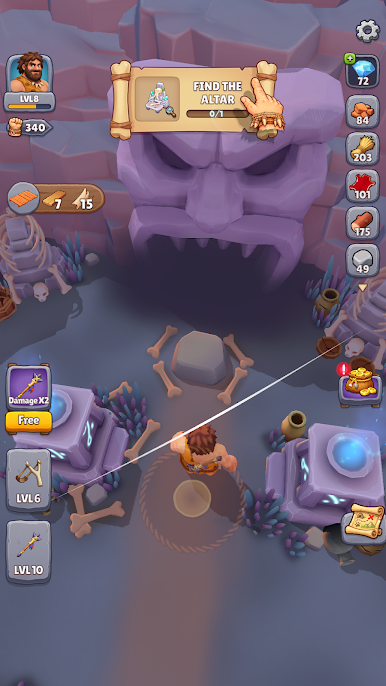
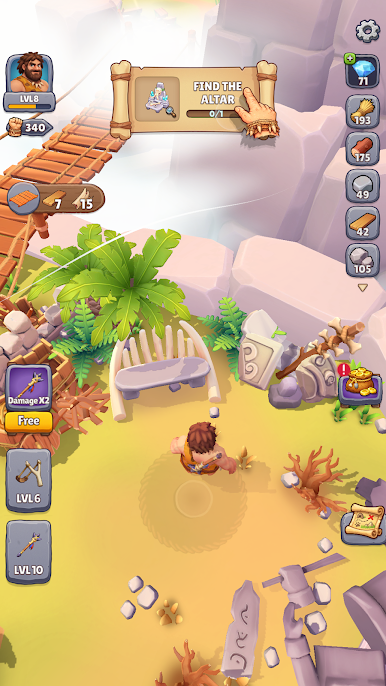
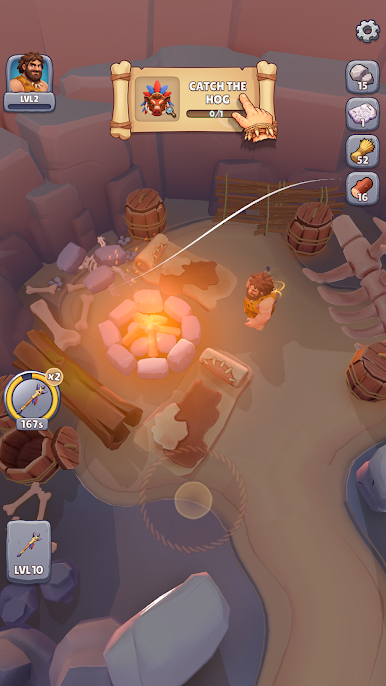
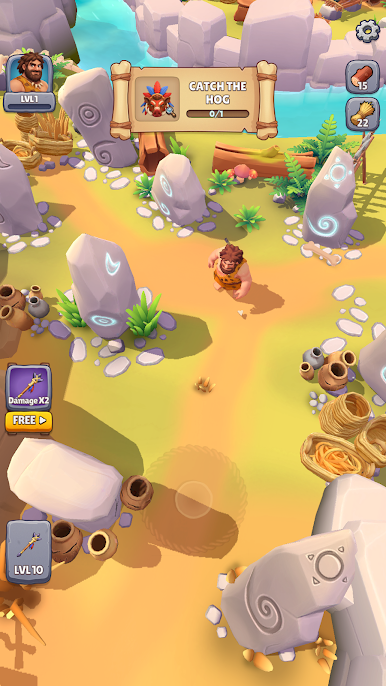
Guided by the spirit of his great-grandfather, Rokan sets out on a dangerous journey to rescue Nara and protect the sacred beast. Gather resources, craft powerful Stone Age weapons, and upgrade your equipment as you battle waves of enemies across hostile prehistoric lands.
Use the sacred boar as bait, grow stronger with every battle, and fight your way into the Bonebreaker Tribe’s territory. With the spirits watching over you, confront Varkul before his deadly ritual is complete and save the future of the Stonehorn Tribe.
Can Rokan rescue Nara, protect the sacred boar, and defeat the Bonebreaker Tribe?
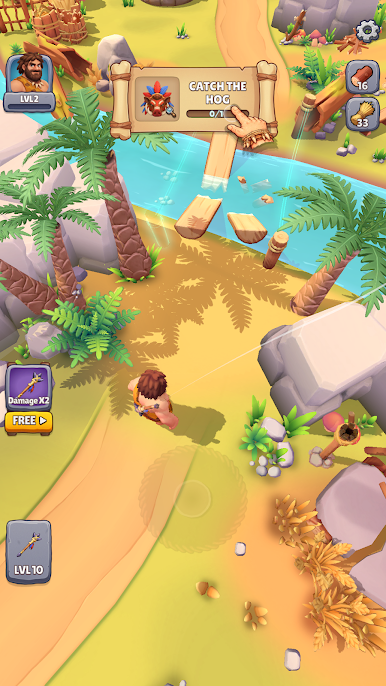
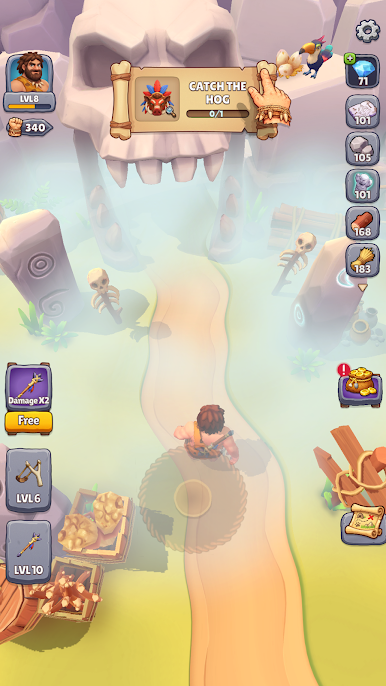
Play Stones and Bones on PC. It’s easy to get started.
-
Download and install BlueStacks on your PC
-
Complete Google sign-in to access the Play Store, or do it later
-
Look for Stones and Bones in the search bar at the top right corner
-
Click to install Stones and Bones from the search results
-
Complete Google sign-in (if you skipped step 2) to install Stones and Bones
-
Click the Stones and Bones icon on the home screen to start playing

