


Sequence: Card Game
Play on PC with BlueStacks – the Android Gaming Platform, trusted by 500M+ gamers.

Page Modified on: Jul 2, 2026
Play Sequence: Card Game on PC
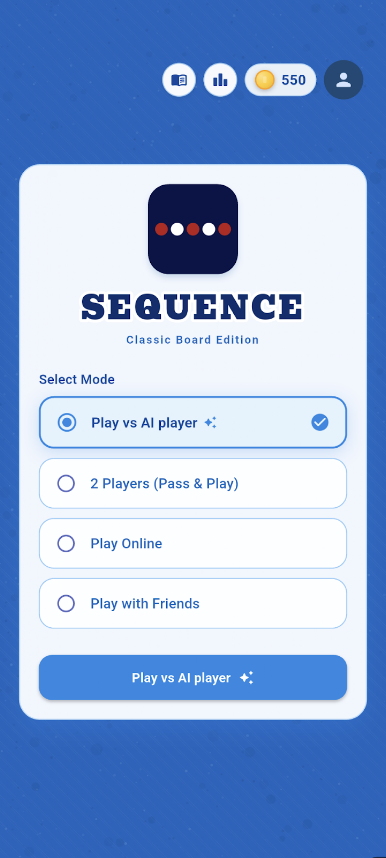
Experience the perfect blend of strategy and fun with multiple ways to play. Whether you want to challenge yourself, play with friends, or compete globally — Sequence has it all.
🔥 Game Modes:
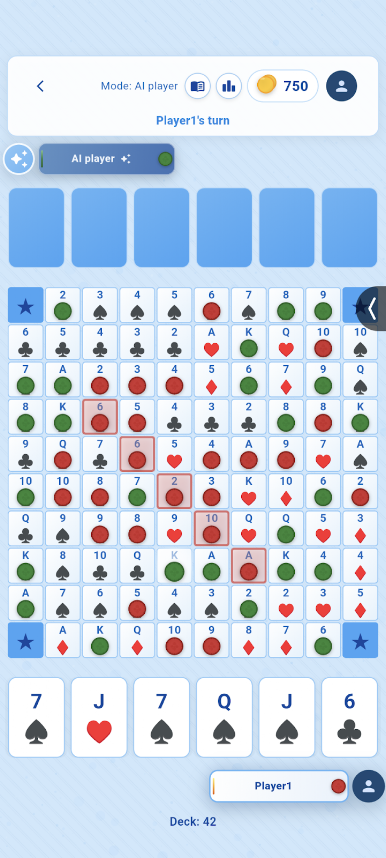
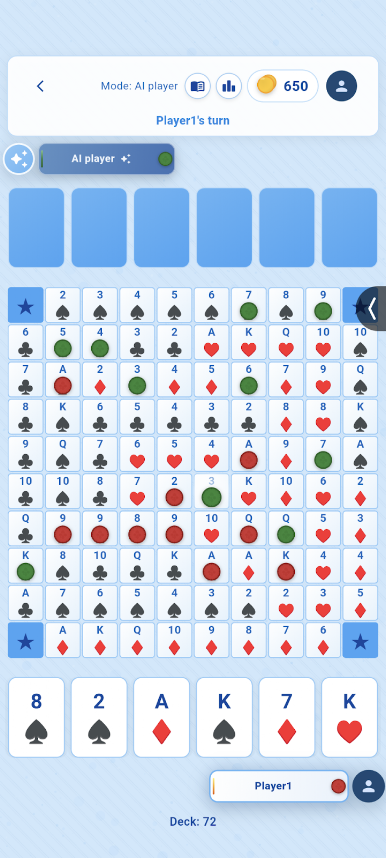
🤖 Solo Play (vs AI)
Practice and improve your strategy by playing against an intelligent AI opponent.
👥 Pass & Play (2 Players)
Play locally with friends on the same device — perfect for quick matches.
🌍 Online Multiplayer
Get matched with players from around the world and test your skills in real-time.
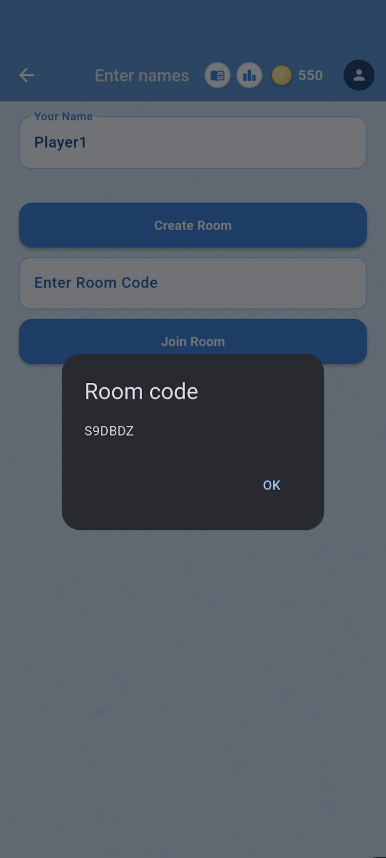
🎯 Play with Friends (Private Rooms)
Create or join rooms to play with your friends anytime.
✨ Features:
• Smooth and intuitive gameplay
• Real-time multiplayer experience
• Clean and minimal design
• Easy to learn, challenging to master
• Fast and responsive performance
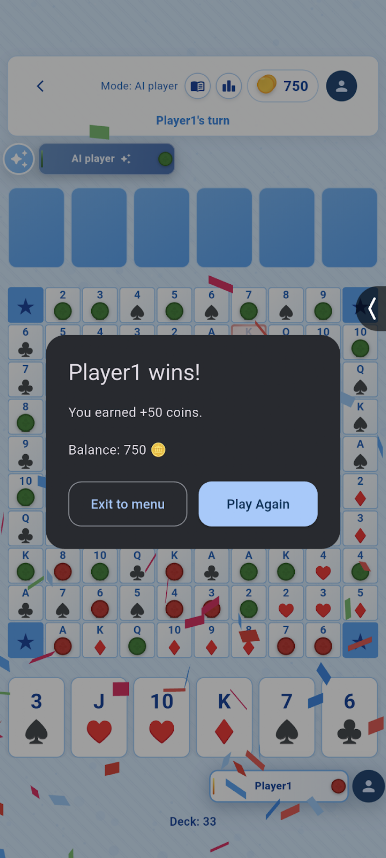
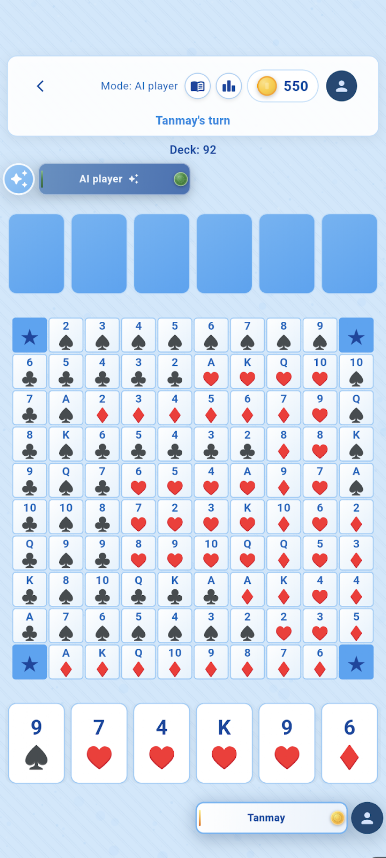
Sequence is a strategy game where your goal is to form a sequence of five chips in a row. Plan your moves carefully and outsmart your opponent!
🚀 Download now and start building your winning sequences!

Play Sequence: Card Game on PC. It’s easy to get started.
-
Download and install BlueStacks on your PC
-
Complete Google sign-in to access the Play Store, or do it later
-
Look for Sequence: Card Game in the search bar at the top right corner
-
Click to install Sequence: Card Game from the search results
-
Complete Google sign-in (if you skipped step 2) to install Sequence: Card Game
-
Click the Sequence: Card Game icon on the home screen to start playing

