


Live Sports HD TV
Play on PC with BlueStacks – the Android Gaming Platform, trusted by 500M+ gamers.

Page Modified on: Jan 30, 2026
Overview
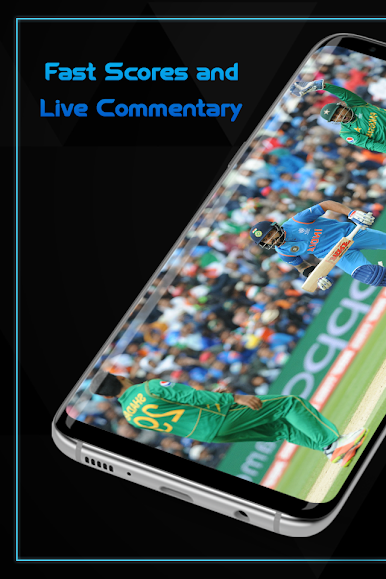
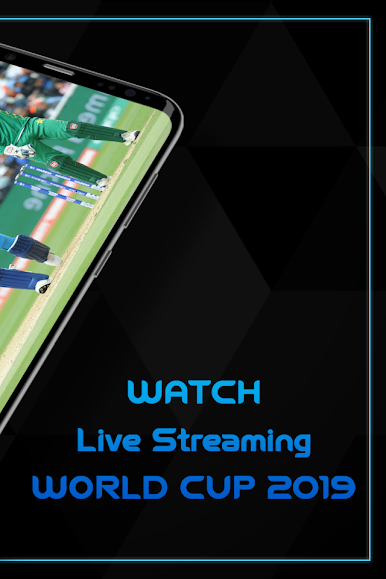
Live Sports HD TV is just the perfect app for cricket lovers as they will be able to enjoy the journey of ICC World Cup, One Day International Matches, ODI, T20, Test Matches, PSL, BPL, IPL, Ashes Series, Big Bash league and T10 matches with ball by ball commentary. Nothing can beat the joy of Stable HD Reliable Streaming, Live scores, quick support and Low quality stream for 3g and slow internet users, It’s the best app for you.
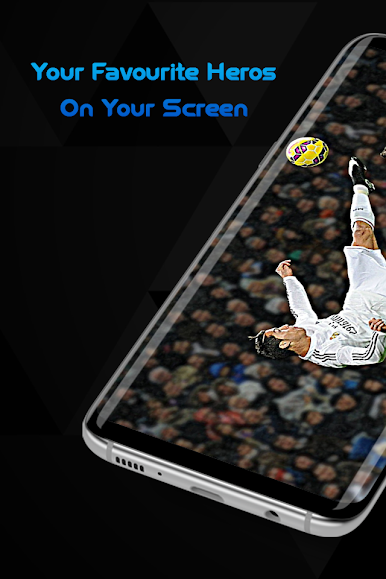
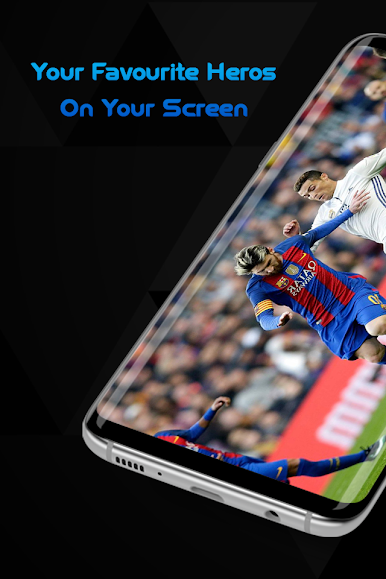
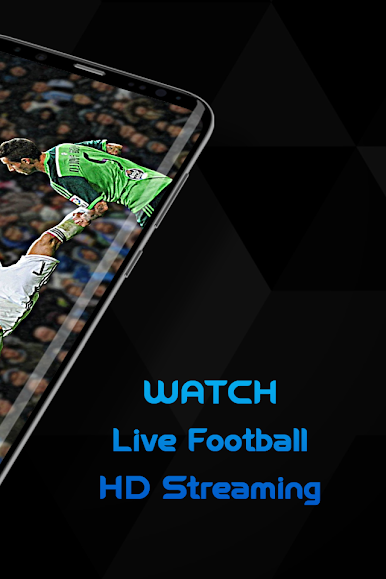
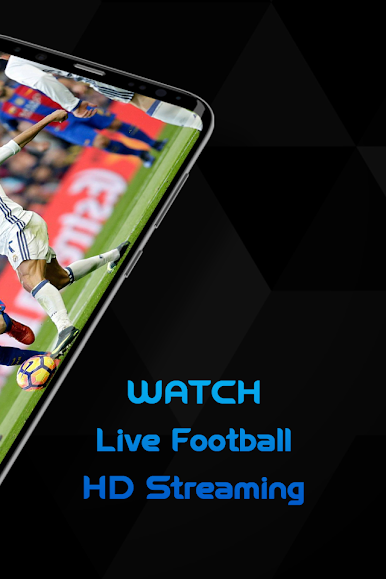
Live Sports HD TV has the best offer for the football lovers as well. Don’t miss any football game. May it be the UEFA Champions Europa League, England Premier League, Australia A League, France-French League 1, 2, 3 , FA Cup, Premier League Two 2 or the exciting Italy-Italian League A, B, C enjoy live football and everything you expect from a good football app. Get a chance to follow global football news.
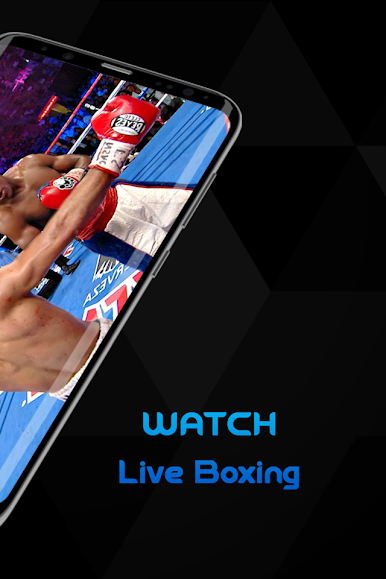
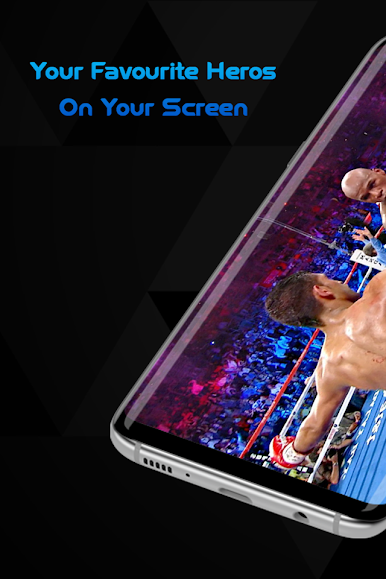
It’s not just providing you the fixtures and video highlights for wrestling, football and boxing but for all the international sports you can think of. It’s so easy to use the application, just an internet connection is required to use.
App Features
• Colourful Display
• User friendly interface
• HD quality stream for high speed Internet and low quality for 3g users.
Play Live Sports HD TV on PC. It’s easy to get started.
-
Download and install BlueStacks on your PC
-
Complete Google sign-in to access the Play Store, or do it later
-
Look for Live Sports HD TV in the search bar at the top right corner
-
Click to install Live Sports HD TV from the search results
-
Complete Google sign-in (if you skipped step 2) to install Live Sports HD TV
-
Click the Live Sports HD TV icon on the home screen to start playing

