


Stress Tap Ease: ASMR Games
Play on PC with BlueStacks – the Android Gaming Platform, trusted by 500M+ gamers.

Page Modified on: Dec 1, 2025
Play Stress Tap Ease: ASMR Games on PC or Mac
Stress Tap Ease: ASMR Games brings the Role Playing genre to life, and throws up exciting challenges for gamers. Developed by Piggy Panda Inc, this Android game is best experienced on BlueStacks, the World’s #1 app player for PC and Mac users.
About the Game
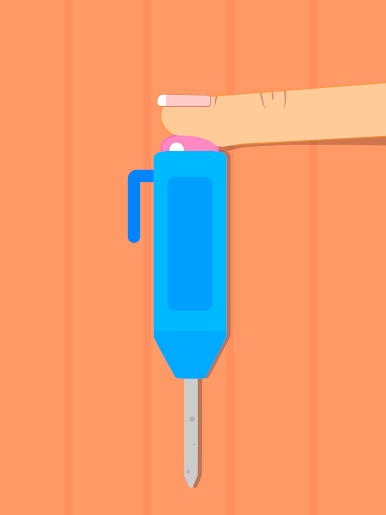
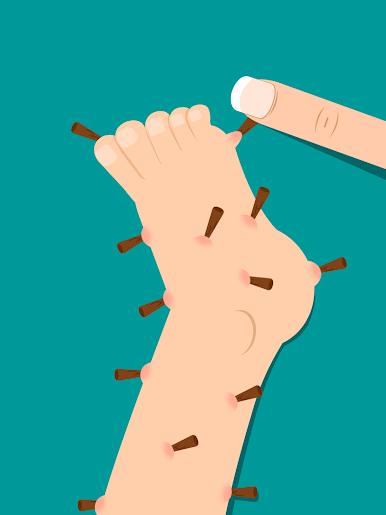
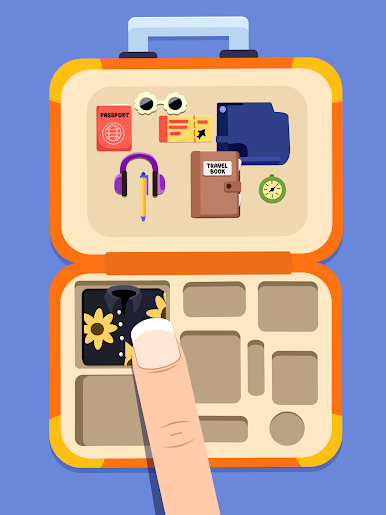
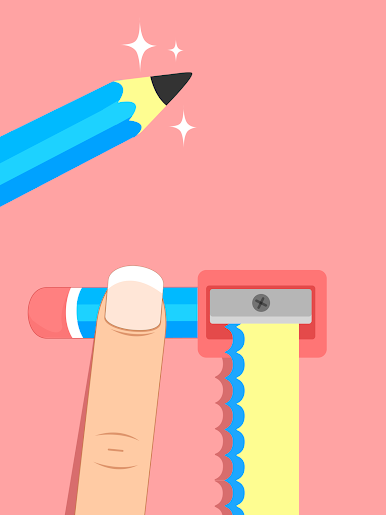
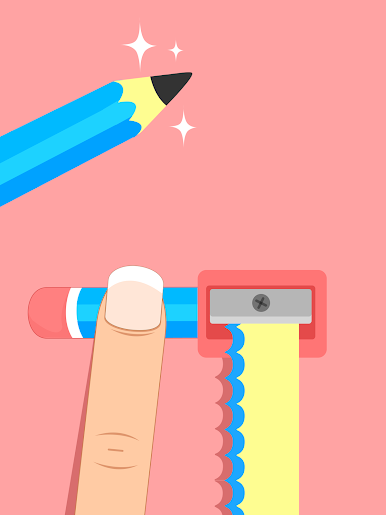
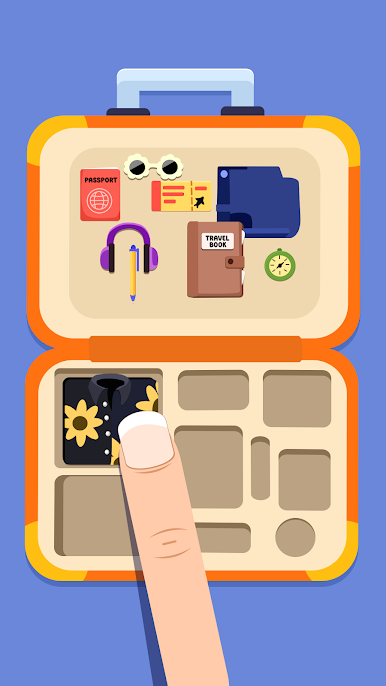
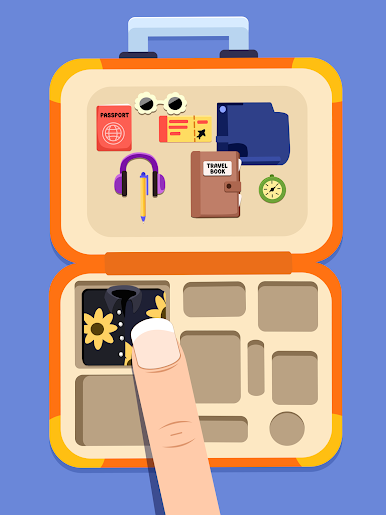
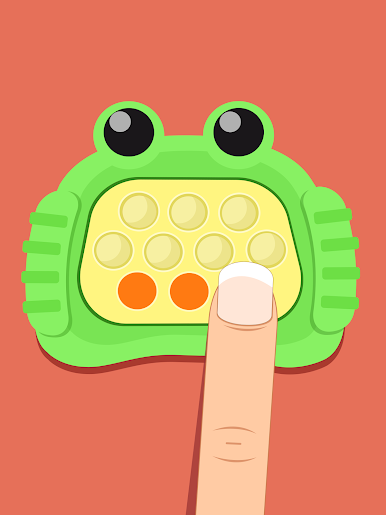
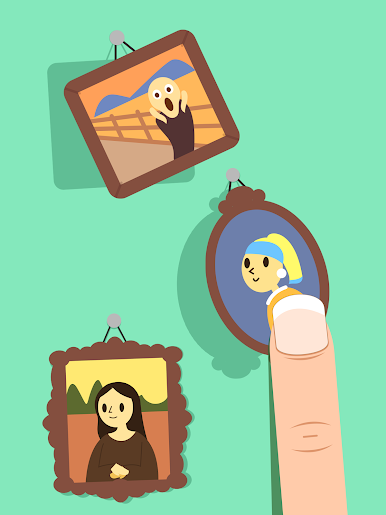
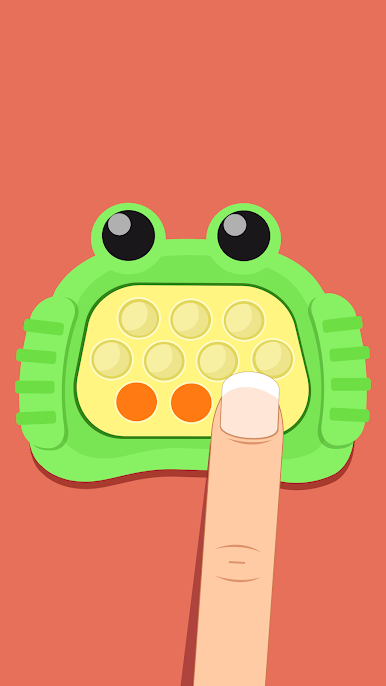
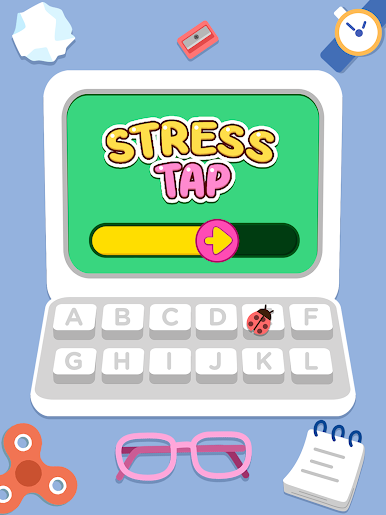
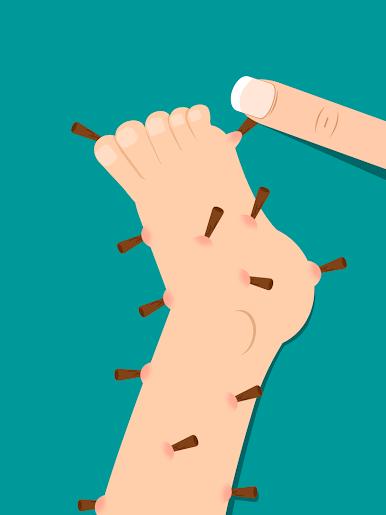
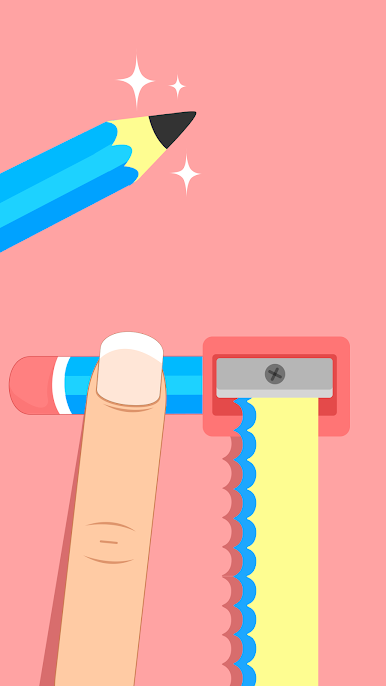
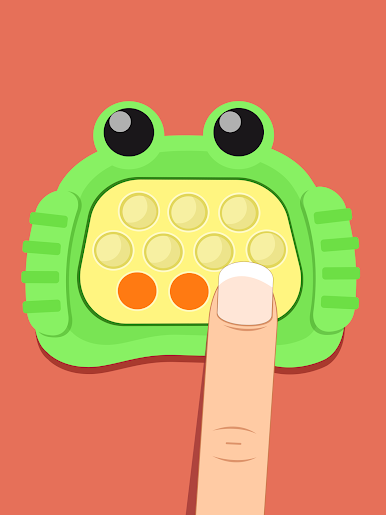
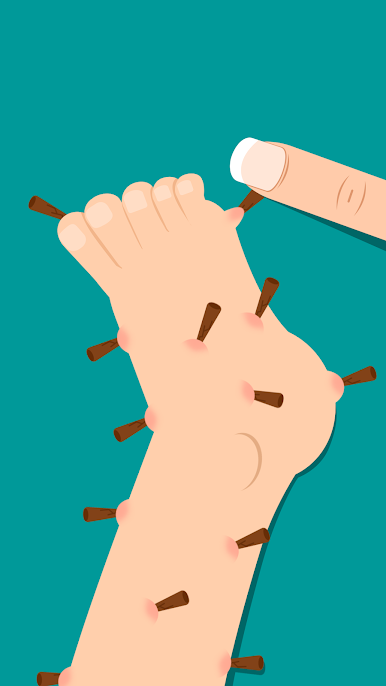
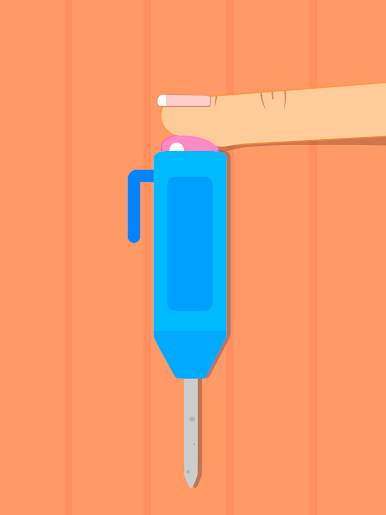
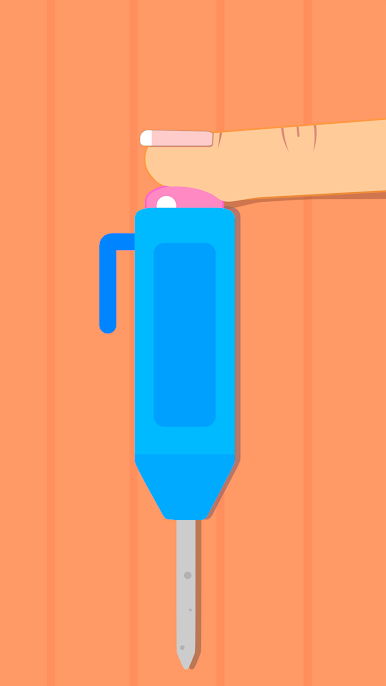
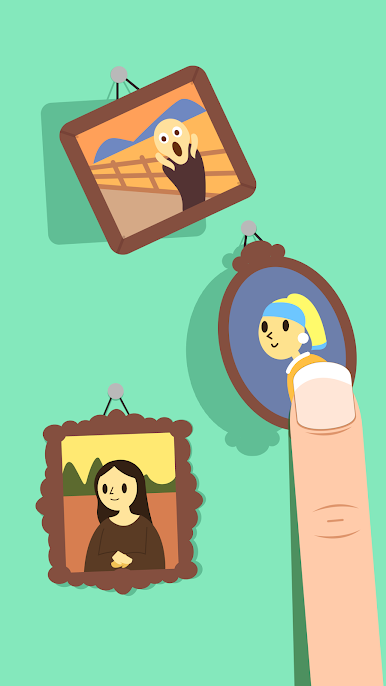
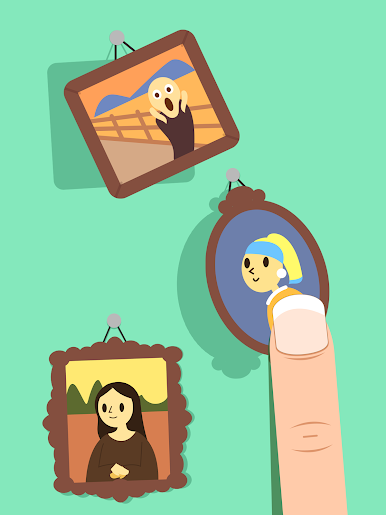
Some days your brain just wants something soothing to tap on. Stress Tap Ease: ASMR Games from Piggy Panda Inc takes the Role Playing genre in a calm, cozy direction—think tiny tasks, soft sounds, and a whole lot of satisfying “ah, nice” moments. Sort, fix, and arrange everyday bits and pieces while gentle audio and clean visuals keep your mind relaxed without switching off completely.
Game Features
- Quick-hit challenges: Bite-sized sort, find, fix, and arrange tasks you can finish in a few taps—perfect for short breaks.
- Sneaky brain teasers: Witty riddles and “looks simple, wait a sec” moments that nudge your logic without piling on pressure.
- ASMR comfort: Crisp taps, soft swishes, and pleasing animations build that oddly satisfying, low-stress rhythm.
- Everyday nostalgia: Familiar, daily-life objects turned into playful, tactile mini-games that feel cozy and approachable.
- Clean, no-fuss design: A straightforward interface that gets out of the way so you can relax, focus, and keep tapping.
- Sound-forward calm: Turn audio on for soothing feedback that rewards neat moves and steady timing.
- Play at your pace: Dip in for a minute or unwind longer; it’s as casual or focused as you want.
- Bigger screen option: Prefer more space to focus? It also plays nicely on PC with BlueStacks.
Make your gaming sessions memorable with precise controls that give you an edge in close combats and visuals that pop up, bringing every character to life.
Play Stress Tap Ease: ASMR Games on PC. It’s easy to get started.
-
Download and install BlueStacks on your PC
-
Complete Google sign-in to access the Play Store, or do it later
-
Look for Stress Tap Ease: ASMR Games in the search bar at the top right corner
-
Click to install Stress Tap Ease: ASMR Games from the search results
-
Complete Google sign-in (if you skipped step 2) to install Stress Tap Ease: ASMR Games
-
Click the Stress Tap Ease: ASMR Games icon on the home screen to start playing

