


3D Launcher Edge Screen 2026
Play on PC with BlueStacks – the Android Gaming Platform, trusted by 500M+ gamers.

Page Modified on: Mar 5, 2026
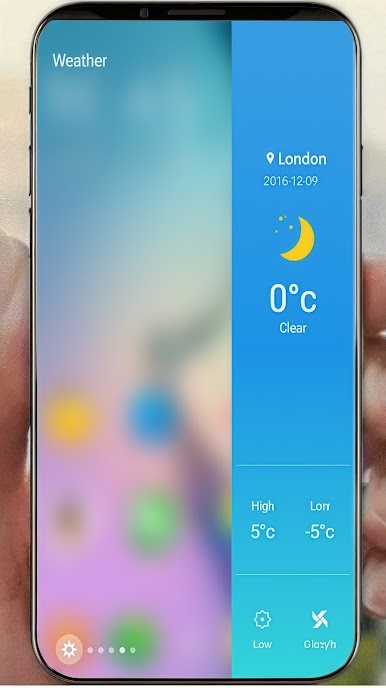
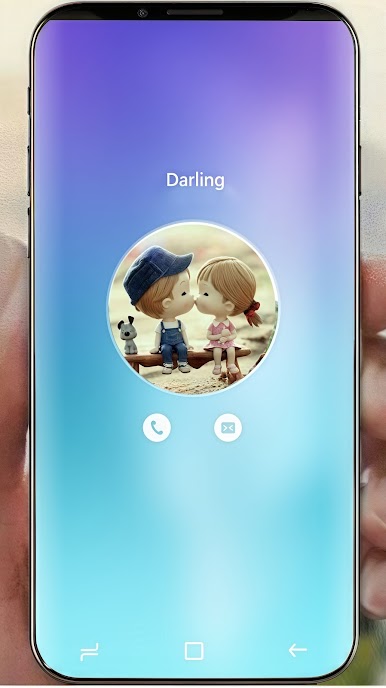
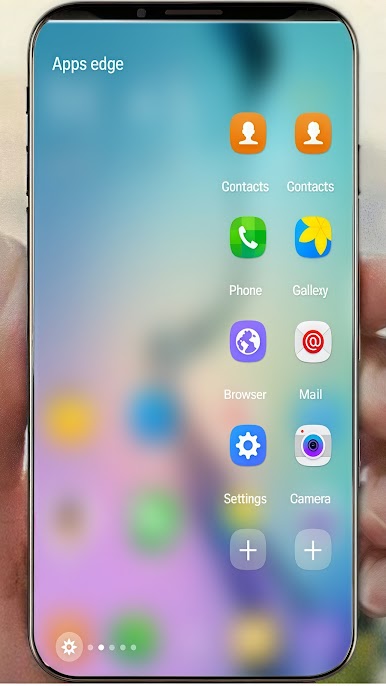
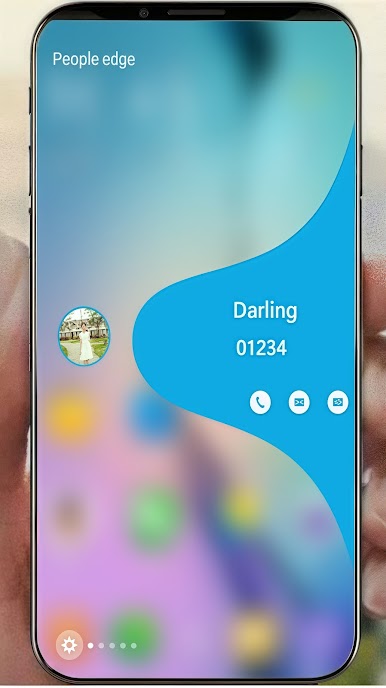
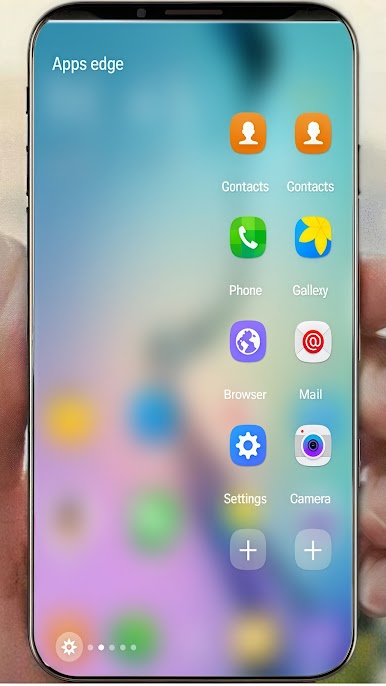
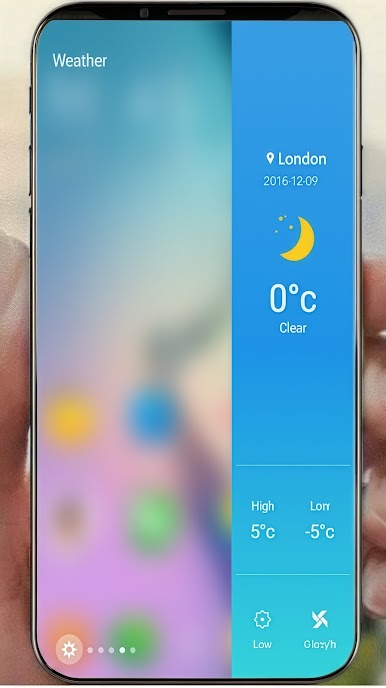
Play 3D Launcher Edge Screen 2026 on PC
Decorate your Christmas with 3D Snowmen, Cozy Fireplaces, and Festive Cottages! 🎄✨
Experience the holiday magic on your home screen with our latest high-fidelity 3D widgets. Optimized for 120Hz displays for a silky-smooth festive glow. ❄️
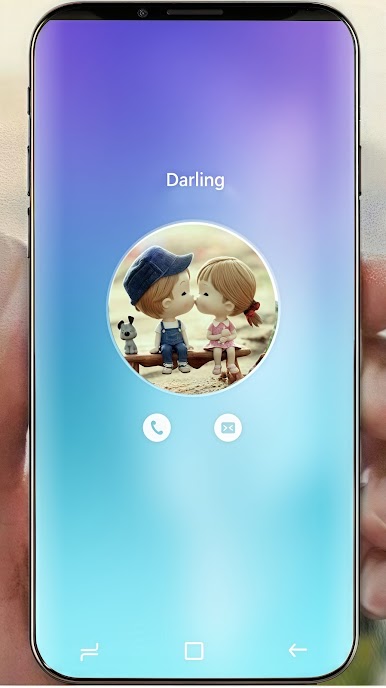
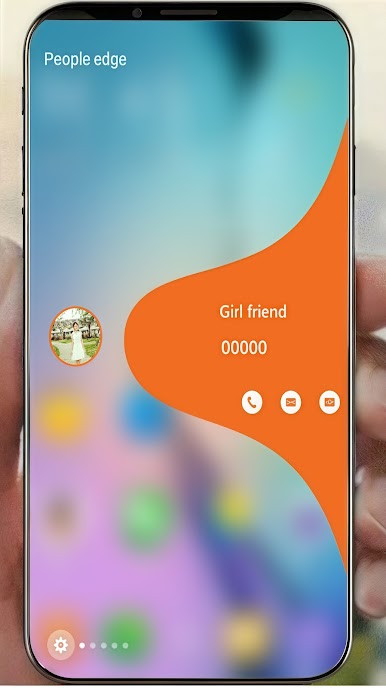
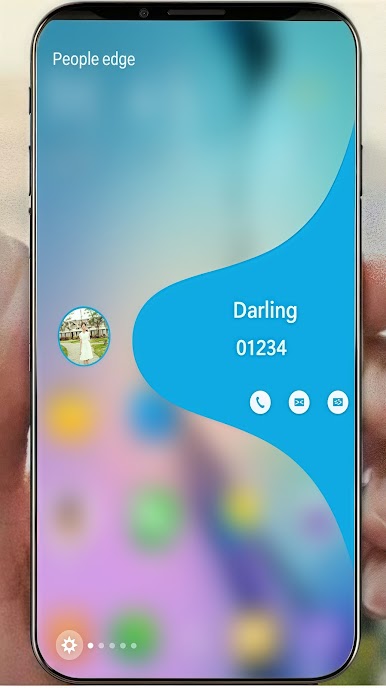
Experience the ultimate customization with our powerful 3D Launcher !
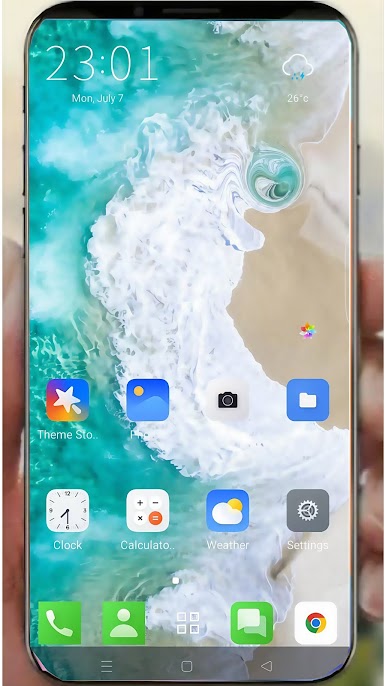
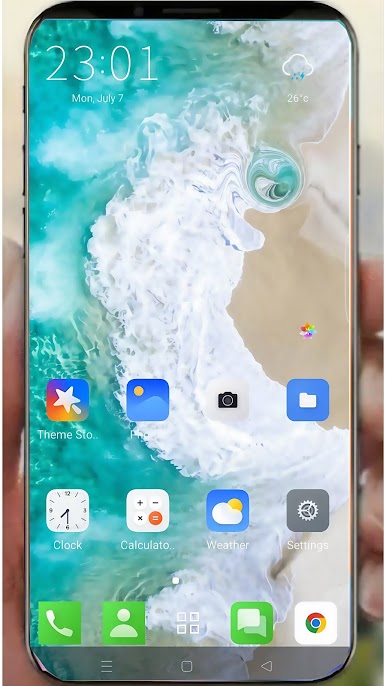
✨ Amazing 3D Visual Effects
• Beautiful 3D water animations that respond to your touch
• Smooth particle effects and dynamic backgrounds
• Realistic physics-based interactions
🎯 Massive Content Library
• 10,000+ professionally designed themes
• 10,000+ high-quality wallpapers in 4K resolution
• Custom ringtones and notification sounds
• New content added weekly
🚀 Optimized Performance
• Lightweight design for smooth operation
• Minimal battery consumption
• Fast loading times
🎨 Easy Customization
• One-tap theme application
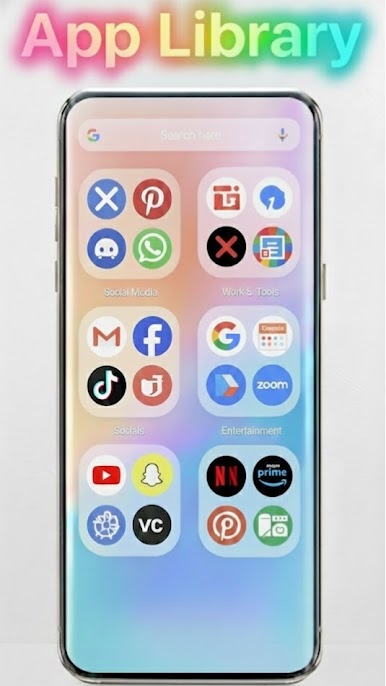
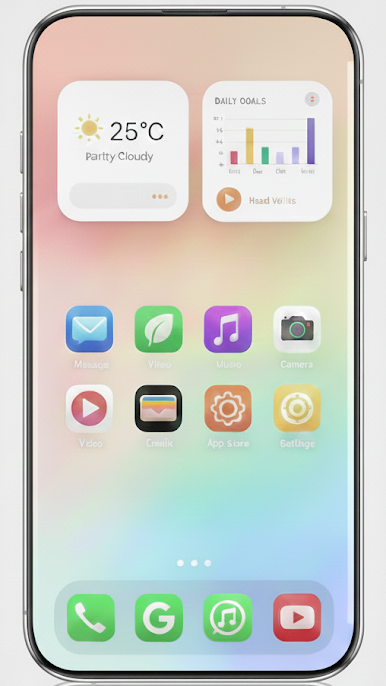
• Personalized home screen layouts
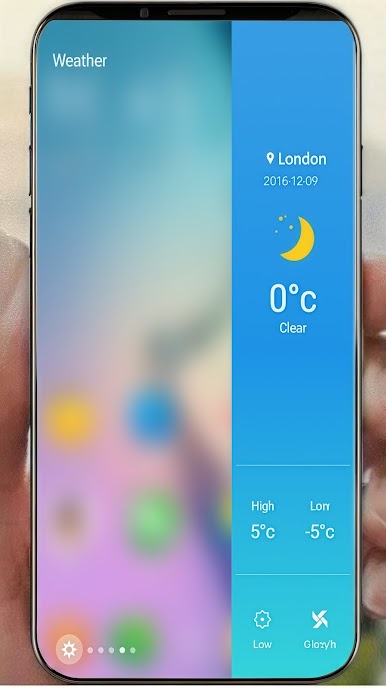
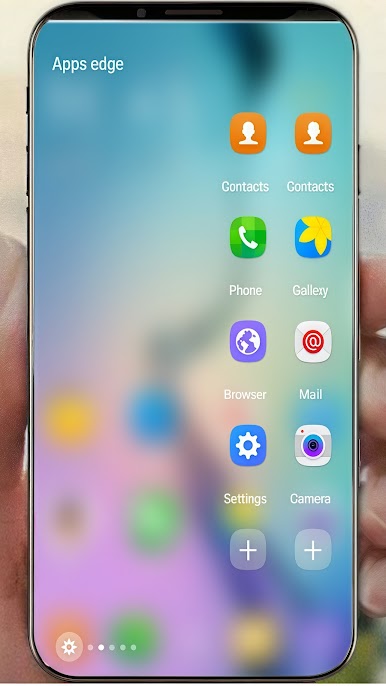
• Customizable widgets and shortcuts
• Intuitive drag-and-drop interface
Premium Features
• Ad-free experience
• Exclusive premium themes
• Advanced customization options
• Priority customer support
Download now and give your phone a stunning 3D makeover!
⭐ If you love our app, please give us a 5-star rating and share your experience in a review. Your feedback helps us improve and create even better features!
3D Launcher - 10K+ Themes & Wallpapers
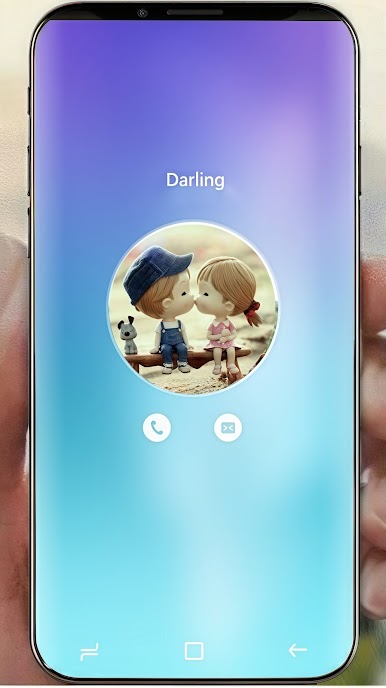
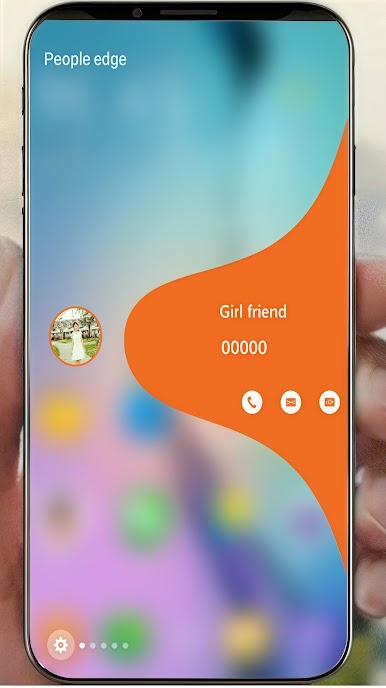
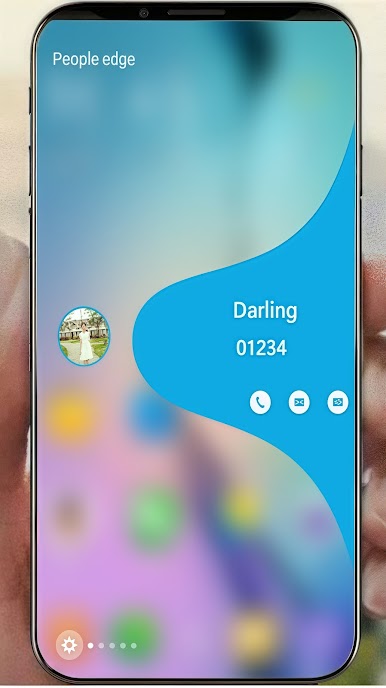
Transform your phone with stunning 3D effects, beautiful themes, and smooth animations!
3D Launcher, Custom Themes, HD Wallpapers, Android Customization, 3D Effects, Phone Personalization, Beautiful Themes, Smooth Animations, Custom Ringtones

Play 3D Launcher Edge Screen 2026 on PC. It’s easy to get started.
-
Download and install BlueStacks on your PC
-
Complete Google sign-in to access the Play Store, or do it later
-
Look for 3D Launcher Edge Screen 2026 in the search bar at the top right corner
-
Click to install 3D Launcher Edge Screen 2026 from the search results
-
Complete Google sign-in (if you skipped step 2) to install 3D Launcher Edge Screen 2026
-
Click the 3D Launcher Edge Screen 2026 icon on the home screen to start playing

