


Idle CPU
Play on PC with BlueStacks – the Android Gaming Platform, trusted by 500M+ gamers.

Page Modified on: Oct 21, 2026
Play Idle CPU on PC
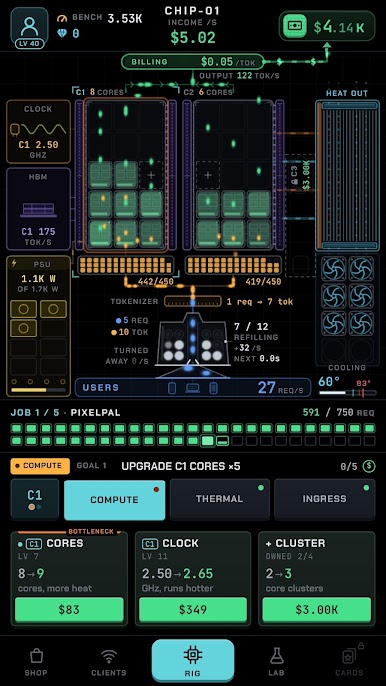
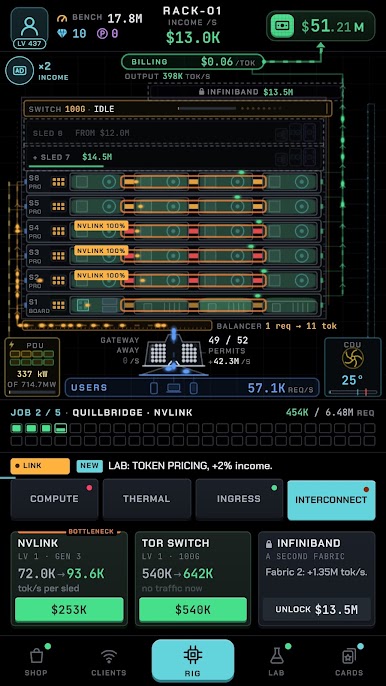
Add cores, raise the clock, beat the heat, feed in more power, finish jobs for quirky clients, and grow from a one-chip tinkerer into a true data center tycoon. Spot the bottleneck, fix it with the right upgrade, and watch the glowing stream of requests speed up. Whether you play for a few minutes or keep checking back throughout the day, there is always something more to build, upgrade, or unlock. This idle data center sim keeps working even when you are not.
Features:
• Simple and satisfying idle tycoon gameplay
• Serve AI requests and turn every finished token into cash
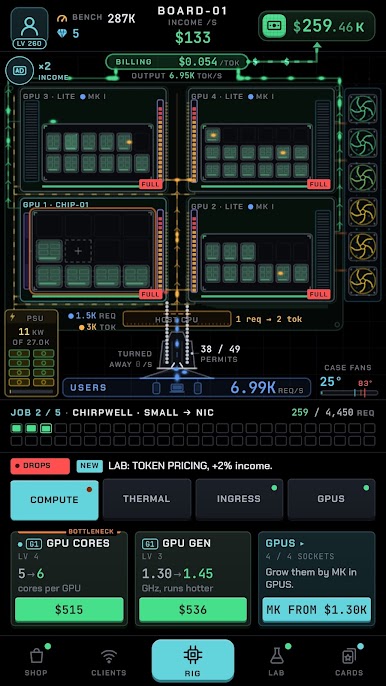
• Upgrade cores, clock, memory, cooling, power, and uplink
• Find the bottleneck and keep your rig balanced and cool
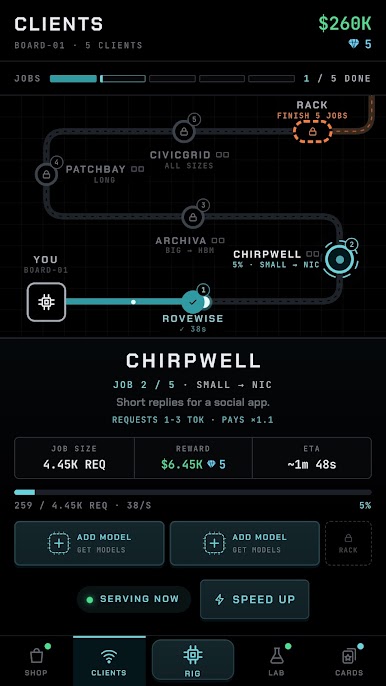
• Finish jobs for 25 clients and move up from chip to board, rack, row, and data hall
• Every site after the chip adds its own twist, from network links to solar power
• Research lasting boosts in the Lab
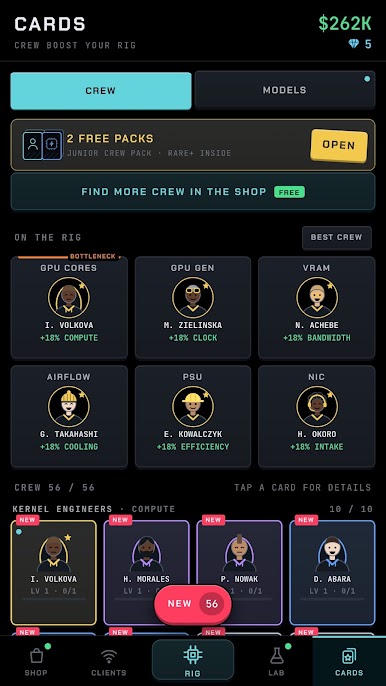
• Collect crew and AI model cards that speed up your rig and raise your pay
• Train the next model, restart stronger, and push further every run
• Daily rewards and quick goals that keep you moving
• Progress while idle and collect offline earnings
• Calm neon visuals and casual game feel
• Easy to play, hard to put down
• Perfect for fans of idle games, tycoon games, clicker games, simulation games, and casual upgrade games
Boot up your first chip, keep your cool, and build an AI data center of your own.
Play Idle CPU on PC. It’s easy to get started.
-
Download and install BlueStacks on your PC
-
Complete Google sign-in to access the Play Store, or do it later
-
Look for Idle CPU in the search bar at the top right corner
-
Click to install Idle CPU from the search results
-
Complete Google sign-in (if you skipped step 2) to install Idle CPU
-
Click the Idle CPU icon on the home screen to start playing

