

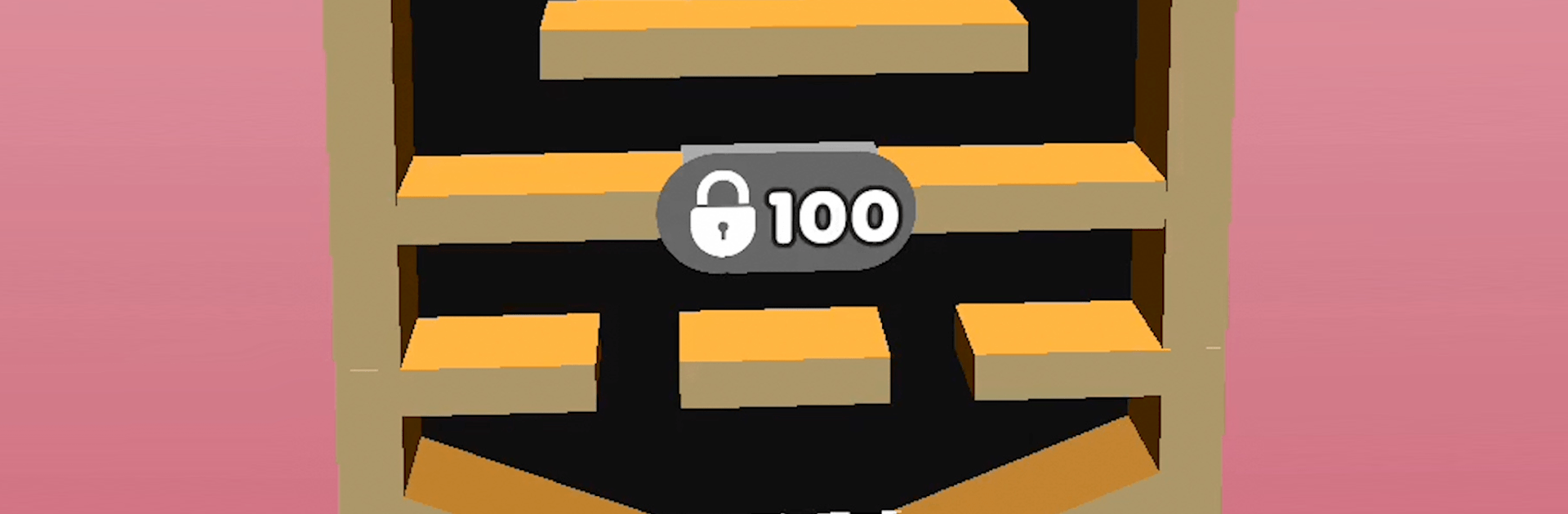
Split Balls 3D
Play on PC with BlueStacks – the Android Gaming Platform, trusted by 500M+ gamers.

Page Modified on: Dec 01, 2025
Play Split Balls 3D on PC or Mac
Play Split Balls 3D by Homa Games on PC or Mac with BlueStacks. Use a bigger screen, mouse and keyboard controls, and smoother performance while you play.
About the Game
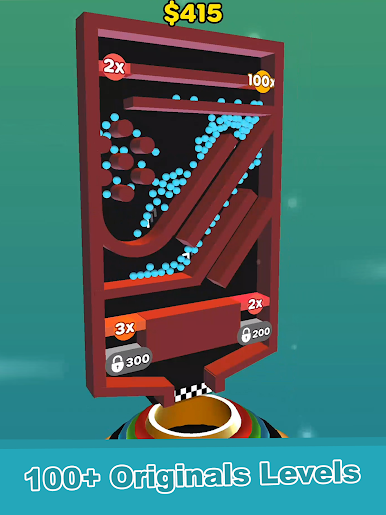
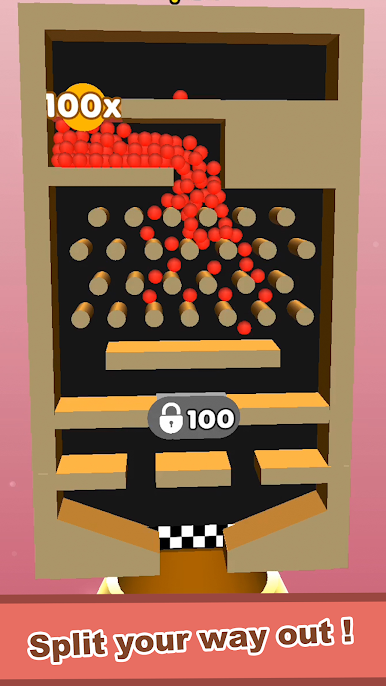
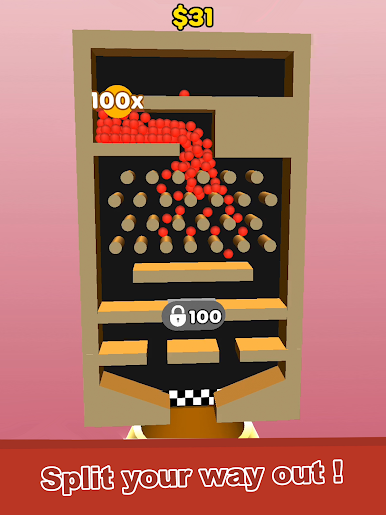
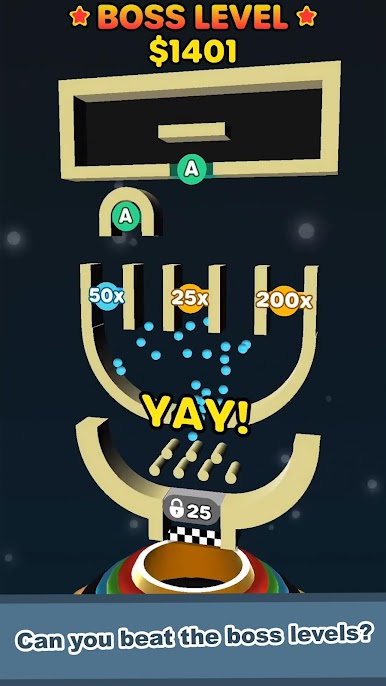
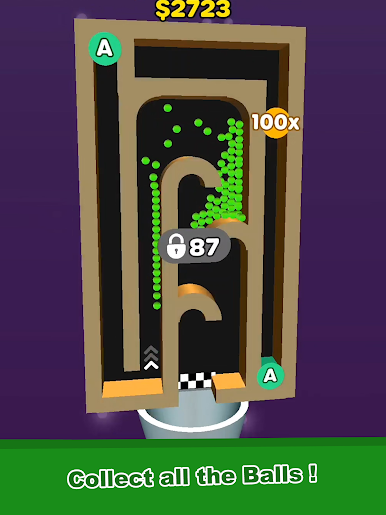
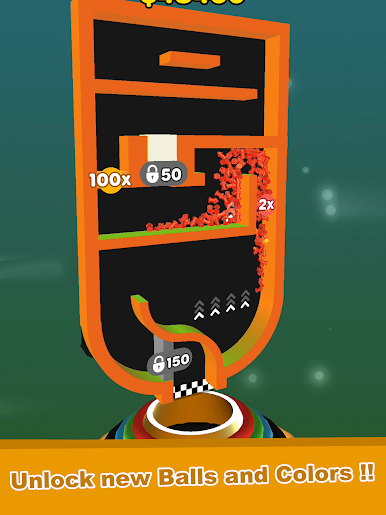
Split Balls 3D is a Puzzle game where you steer a flood of tiny balls through crafty 3D mazes by swiping to shift the whole stage. Your job? Guide as many as you can into the goal while gravity, tight corners, and quirky layouts try to trip you up. It’s easy to get the hang of, but nailing a clean run takes focus and a bit of finesse.
Game Features
- Swipe-and-Tilt Controls: Move the entire maze with simple swipes and watch the balls tumble, bounce, and cascade toward the finish. It feels intuitive right away.
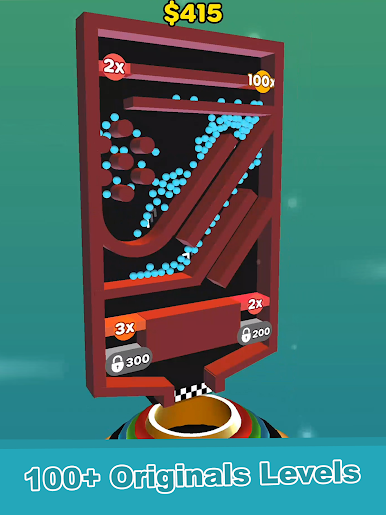
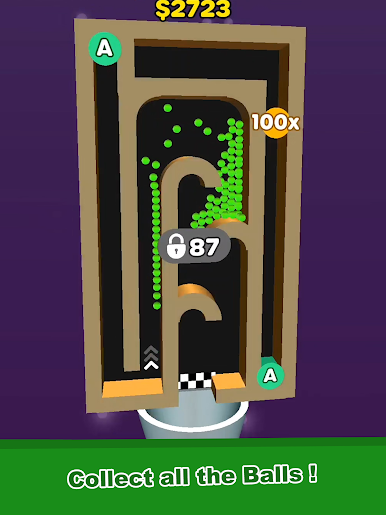
- Fresh 3D Mazes: Each level brings a new layout with ramps, funnels, narrow passages, and clever twists that change how you plan your route.
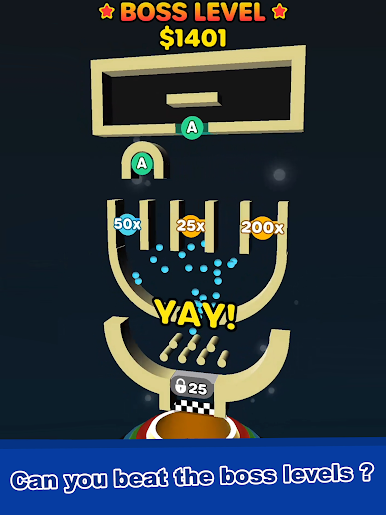
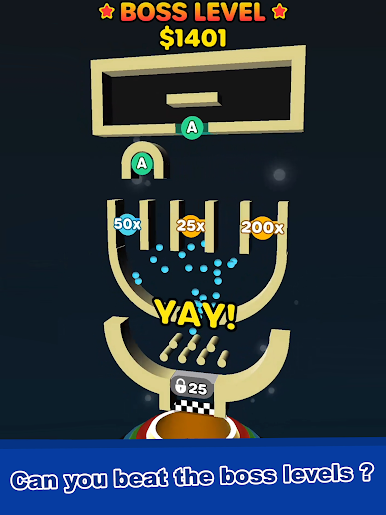
- Boss Challenges: Special stages crank up the pressure with trickier designs that beg for a perfect, single-try clear. Think fast or start over.
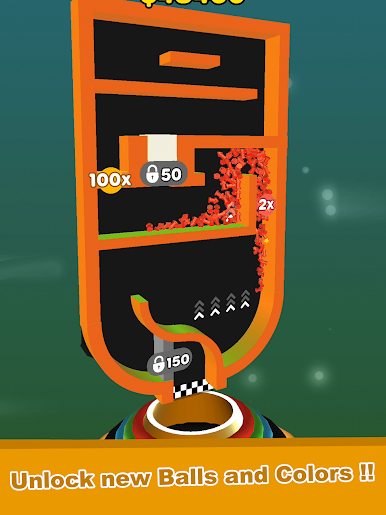
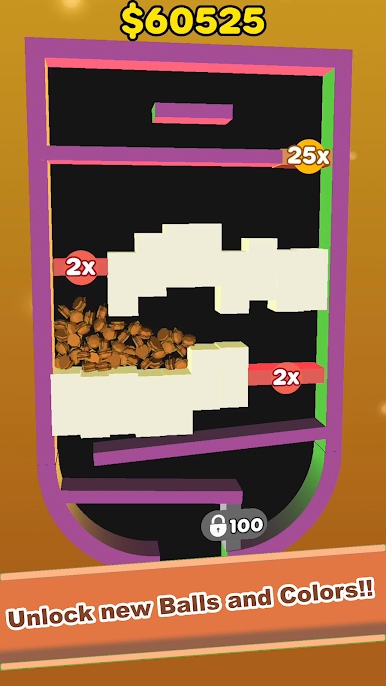
- Collectible Styles: Unlock new ball designs and color themes as you play, so your runs look as good as they feel.
- Score Chasing: Save more balls, finish faster, and try to top your personal best. Can you squeeze a few extra into the goal this time?
- Quick, Snackable Sessions: Levels are short and satisfying—great for a quick break or a long streak if you’re on a roll.
- Smooth on BlueStacks: Prefer a bigger screen? Split Balls 3D also runs great on BlueStacks, with crisp visuals that make each bounce easy to track.
Start your journey now. Download the game on BlueStacks, invite your friends, and march on a new adventure.

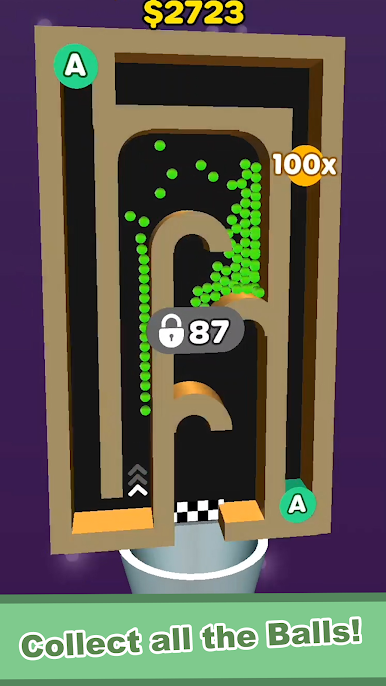
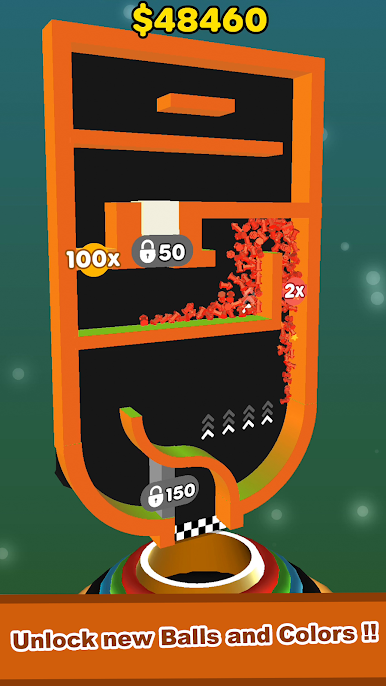
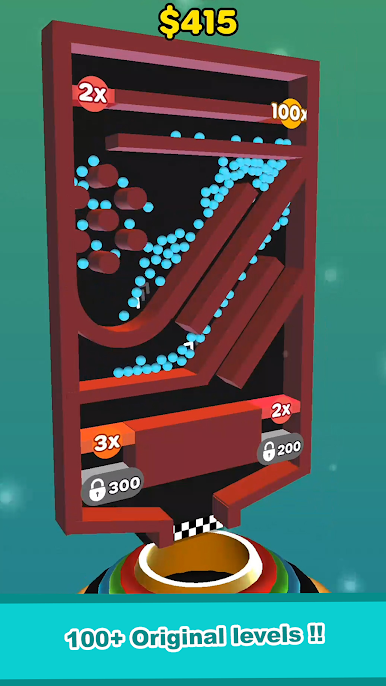

Play Split Balls 3D on PC. It’s easy to get started.
-
Download and install BlueStacks on your PC
-
Complete Google sign-in to access the Play Store, or do it later
-
Look for Split Balls 3D in the search bar at the top right corner
-
Click to install Split Balls 3D from the search results
-
Complete Google sign-in (if you skipped step 2) to install Split Balls 3D
-
Click the Split Balls 3D icon on the home screen to start playing

