


Subway®
Play on PC with BlueStacks – the Android Gaming Platform, trusted by 500M+ gamers.

Page Modified on: Sep 18, 2026
Play Subway® on PC
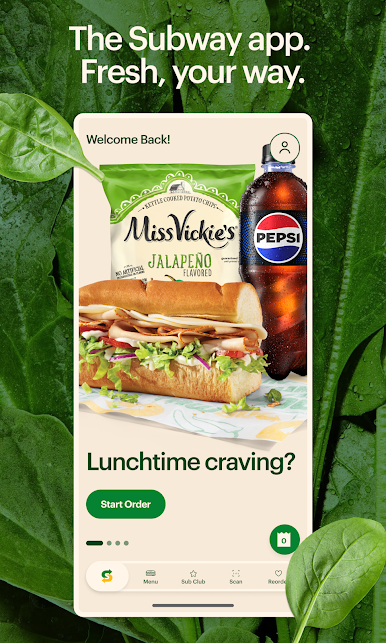
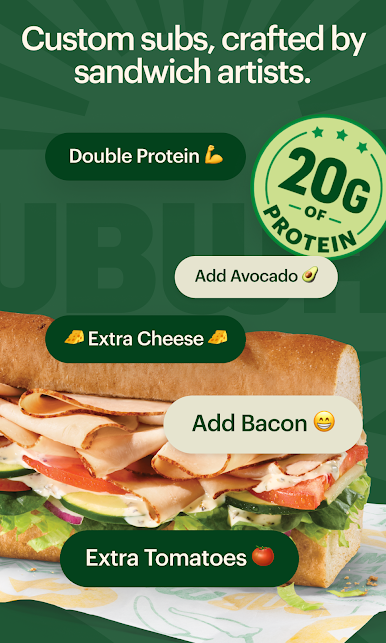
• Make It Your Own or Keep It Classic: Double the meat. Extra cheese. All the veggies. Build your Footlong just the way you would in the restaurant — choose your toppings, toast your bread, and add two cookies and drink to craft your perfect Footlong meal.
• Subway® Rewards: Join Sub Club! Redeem points for Subway® Cash plus get access to exclusive offers and member-only rewards.
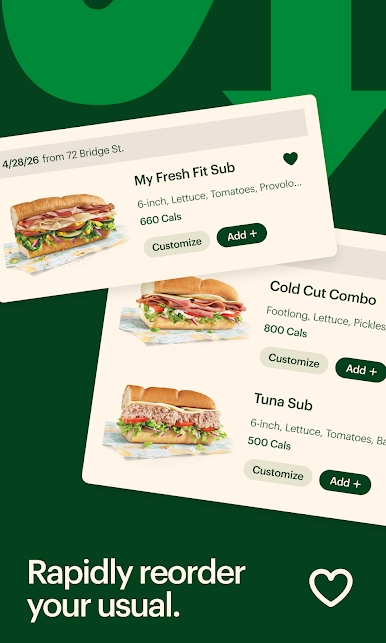
• Rapid Reorder: Find your favorites in a snap. Your favs or past orders in a single tap, right from the menu bar.
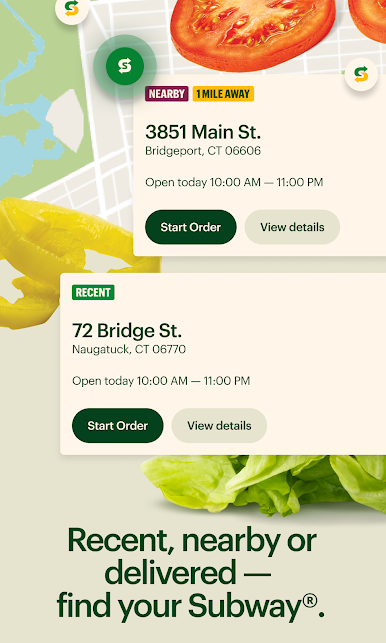
• Get it fast: Choose Pick Up or Delivery. What are you waiting for?

Play Subway® on PC. It’s easy to get started.
-
Download and install BlueStacks on your PC
-
Complete Google sign-in to access the Play Store, or do it later
-
Look for Subway® in the search bar at the top right corner
-
Click to install Subway® from the search results
-
Complete Google sign-in (if you skipped step 2) to install Subway®
-
Click the Subway® icon on the home screen to start playing

