

Color Link Puzzle
Play on PC with BlueStacks – the Android Gaming Platform, trusted by 500M+ gamers.

Page Modified on: Oct 15, 2025
Play Color Link Puzzle on PC or Mac
Bring your A-game to Color Link Puzzle, the Casual game sensation from SUPERBOX Inc. Give your gameplay the much-needed boost with precise game controls, high FPS graphics, and top-tier features on your PC or Mac with BlueStacks.
About the Game
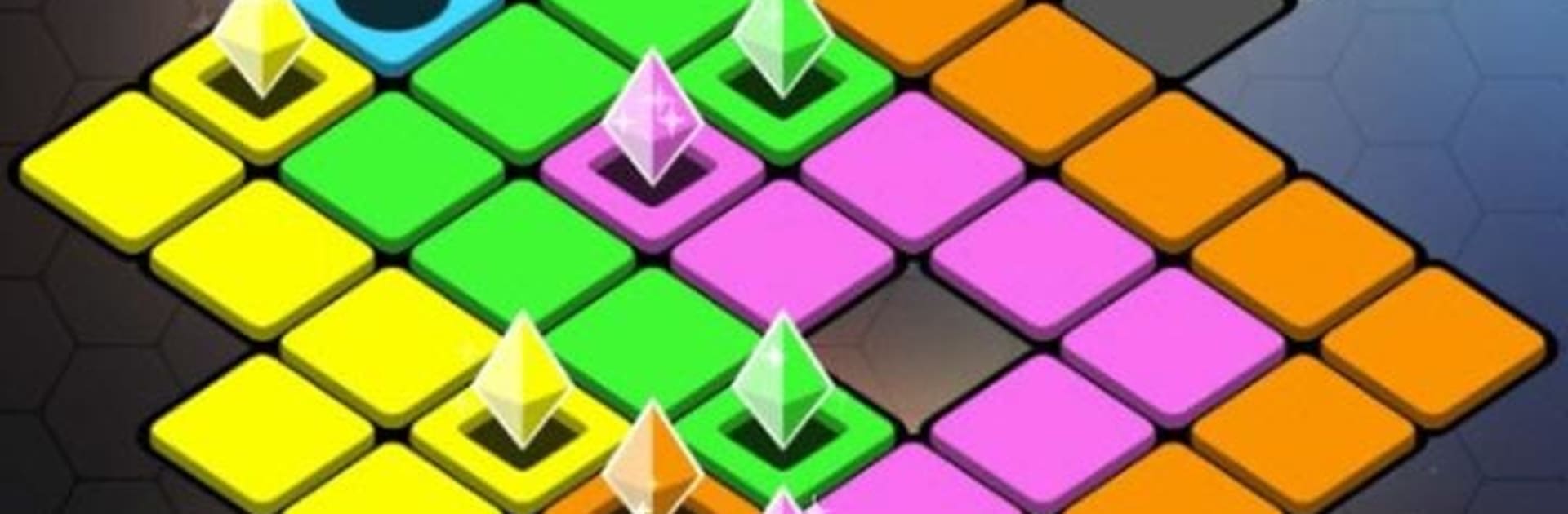
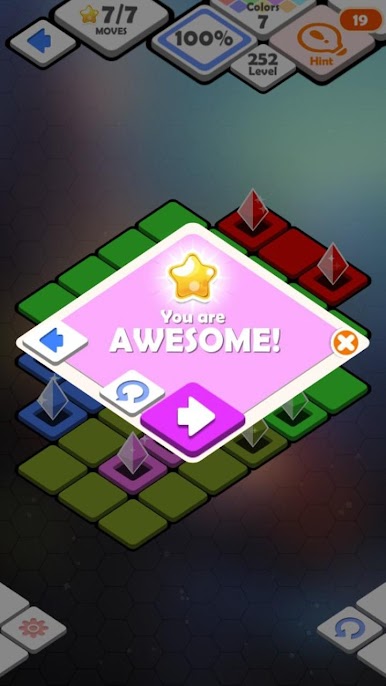
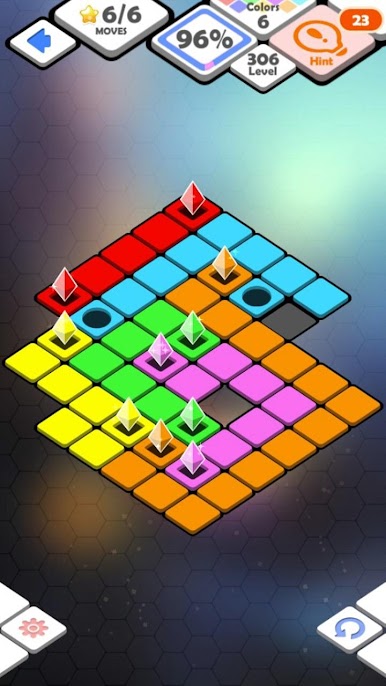
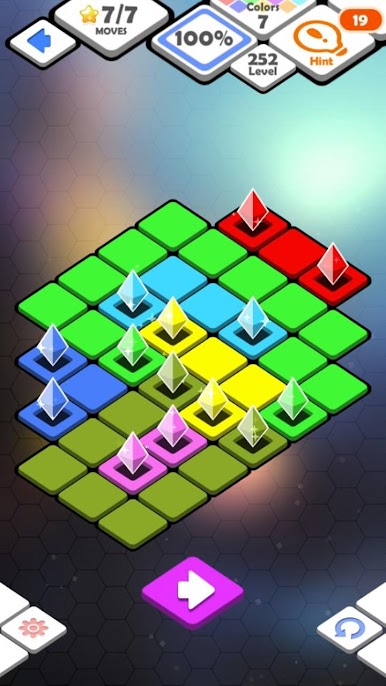
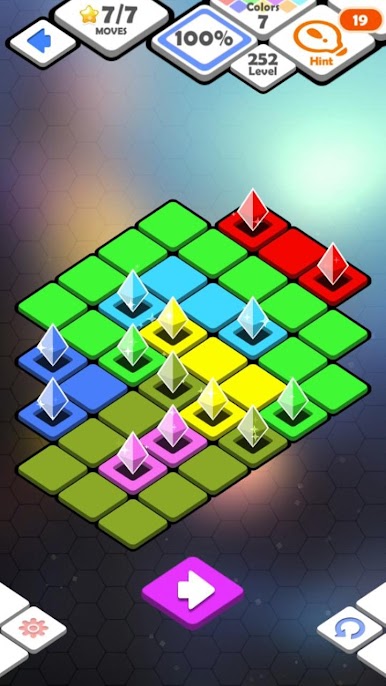
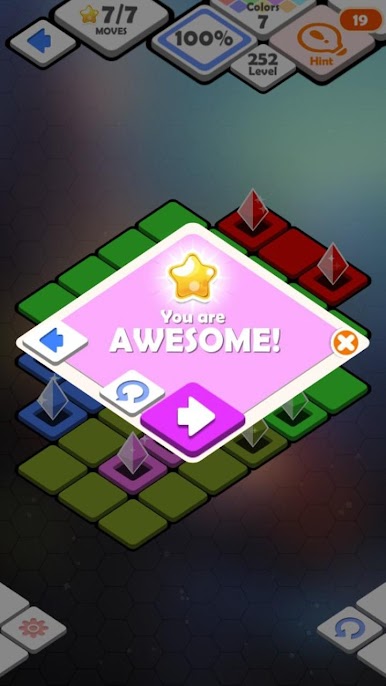
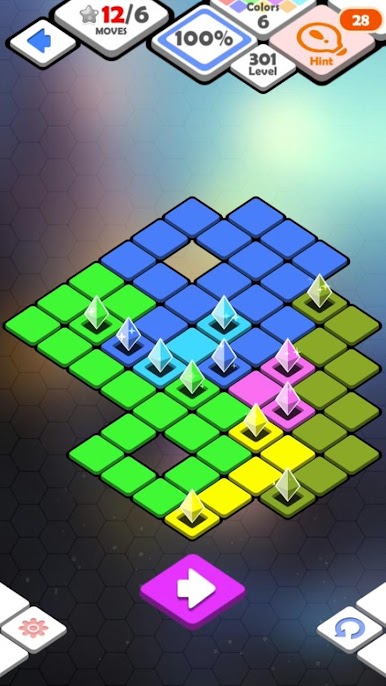
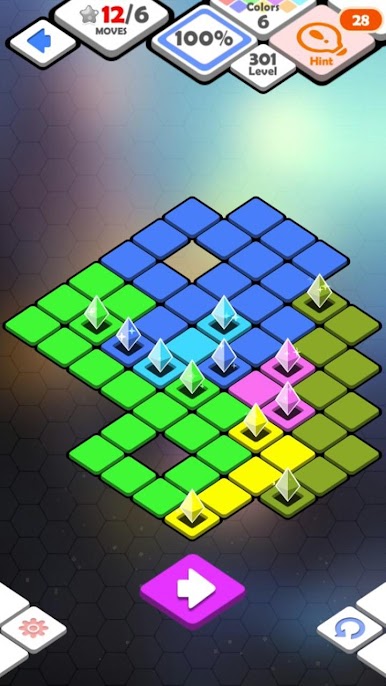
Color Link Puzzle is a Casual brain teaser from SUPERBOX Inc where you connect matching colors and cover the board without crossing lines. It looks easy at first, then sneaks up with clever layouts that make you pause, plan, and feel great when it clicks. If you like playing on a bigger screen, it runs smoothly on BlueStacks too.
Game Features
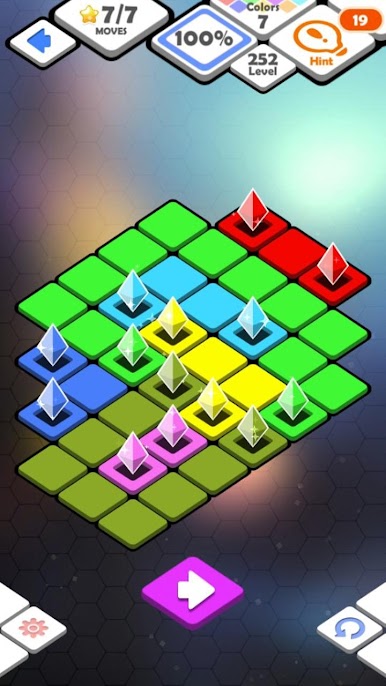
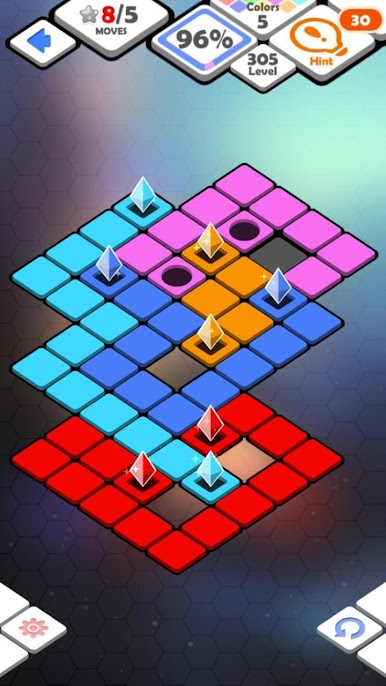
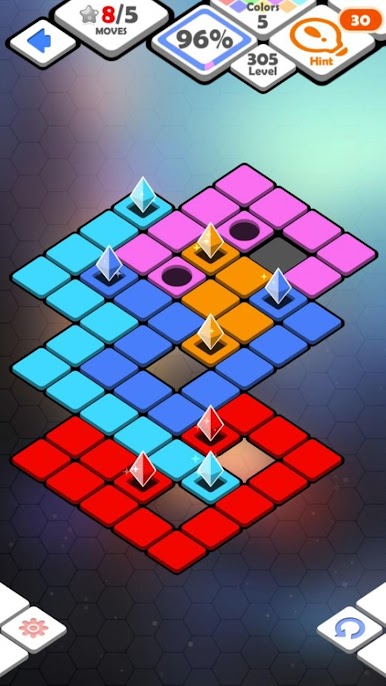
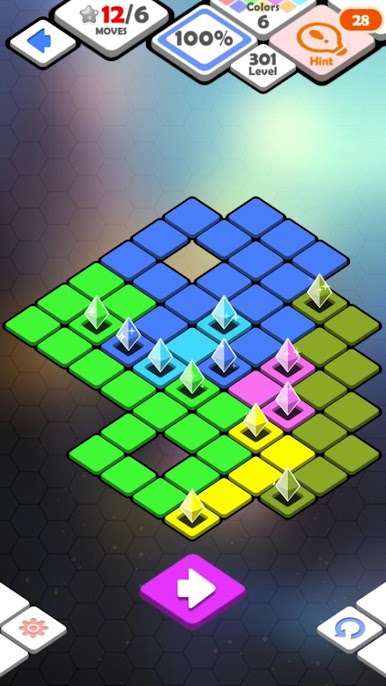
- Connect-and-solve gameplay: Draw paths between identical colors and fill every space. Lines can’t overlap, so each route has to fit perfectly.
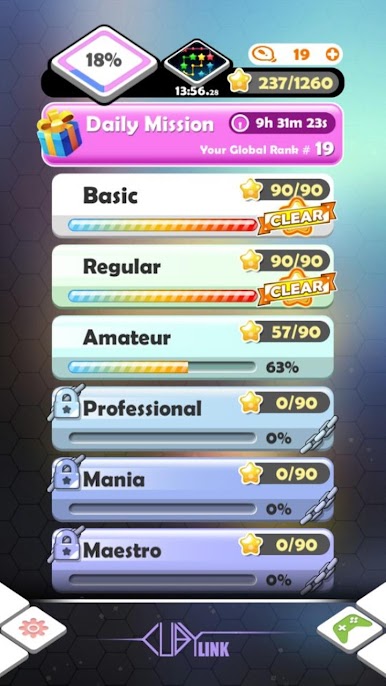
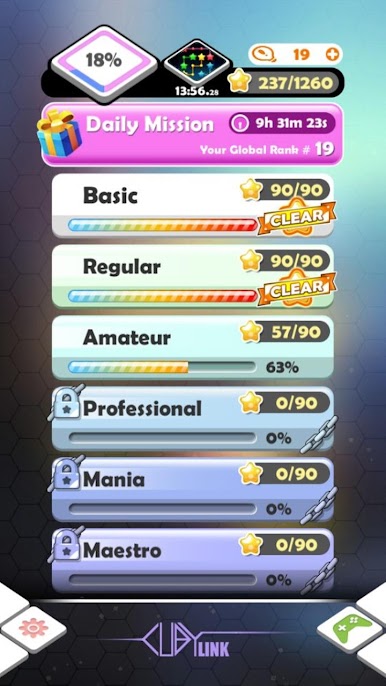
- 1,200+ handcrafted stages: Work through a huge mix of puzzles with sets like Basic, Regular, Amateur, and Professional that steadily ramp up the challenge.
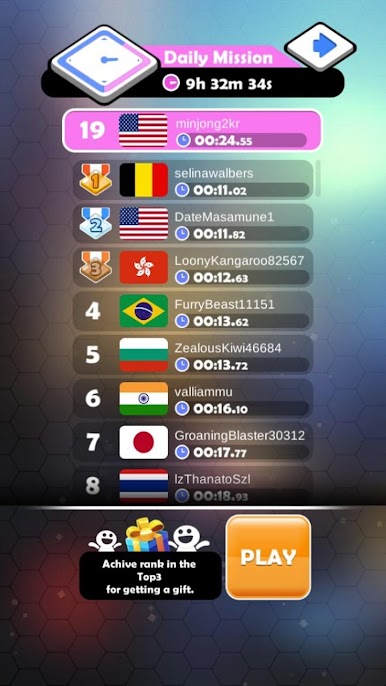
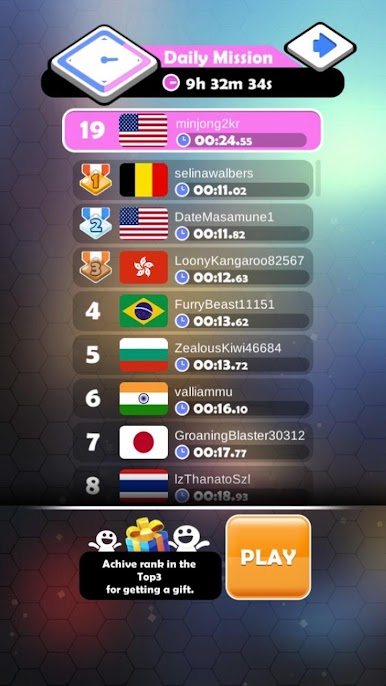
- Daily missions and competition: Pick up quick daily goals and see how your results stack up against players around the world.
- Clean, quick, satisfying: Snappy controls and a clear look make it easy to jump in for a minute—or keep going for “just one more” puzzle.
- Smart retries: Changed your plan midway? Tap back to your starting point and redraw the path without fuss.
- Lots of variety: Boards shift in size and shape, pushing you to think ahead and find tidy solutions.
- Multilingual support: Play comfortably in your preferred language with broad localization options.
- Optional boosts: Need a little help on a tough stage? Helpful items are available through in-app purchases.
Get ready for a buttery smooth, high-performance gaming action only on BlueStacks.
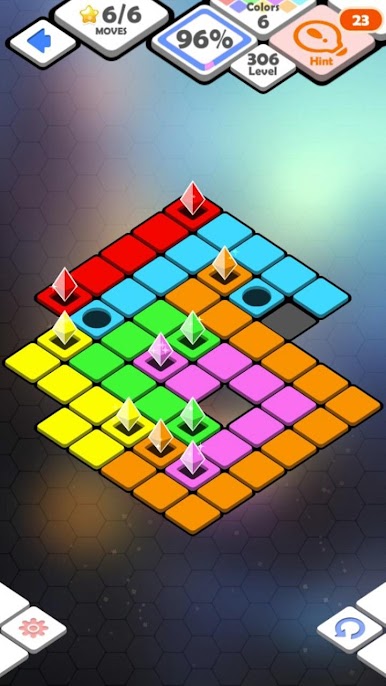
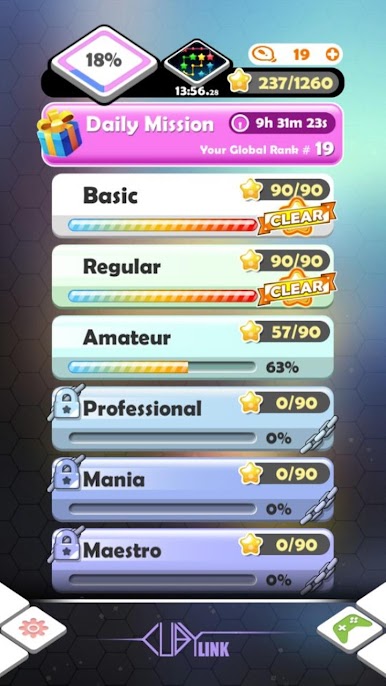
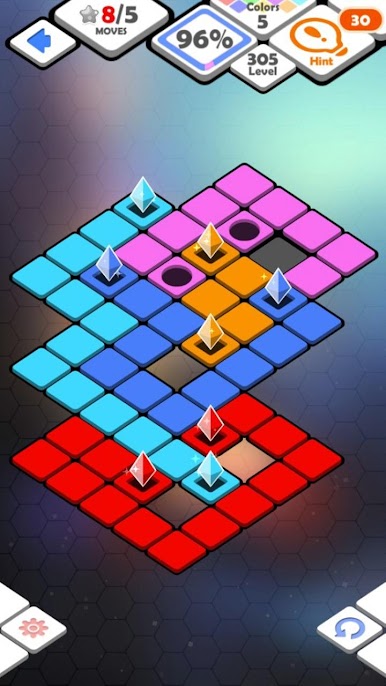
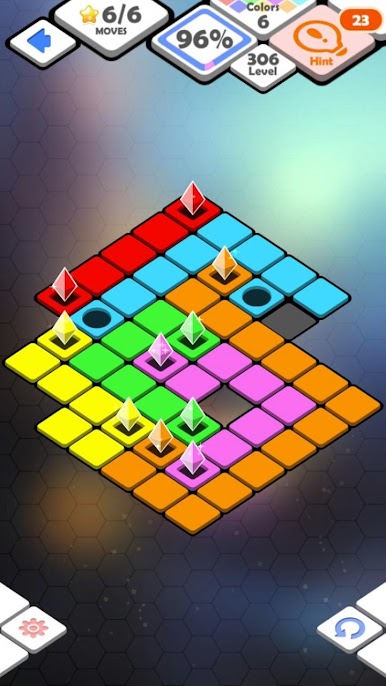
Play Color Link Puzzle on PC. It’s easy to get started.
-
Download and install BlueStacks on your PC
-
Complete Google sign-in to access the Play Store, or do it later
-
Look for Color Link Puzzle in the search bar at the top right corner
-
Click to install Color Link Puzzle from the search results
-
Complete Google sign-in (if you skipped step 2) to install Color Link Puzzle
-
Click the Color Link Puzzle icon on the home screen to start playing

