


SuperFaktúra
Play on PC with BlueStacks – the Android Gaming Platform, trusted by 500M+ gamers.

Page Modified on: Oct 15, 2025
Play SuperFaktúra on PC
You can create a SuperFaktura account directly from the app or at www.superfaktura.sk.
After signing up, you will receive a Premium Package for 30 days free of charge. If you are satisfied with SuperFaktura, you can order it for the next period in the web version.
What you can find in Mobile SuperFact:
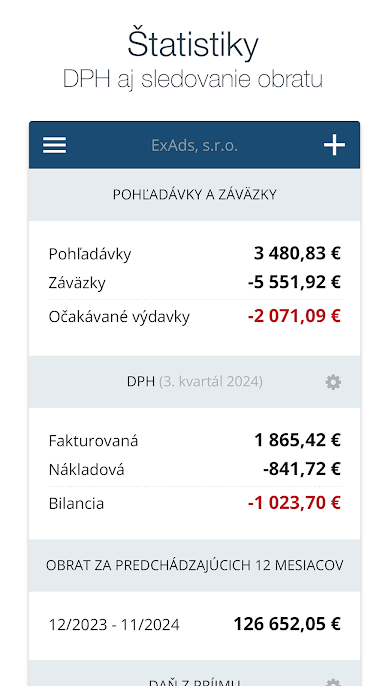
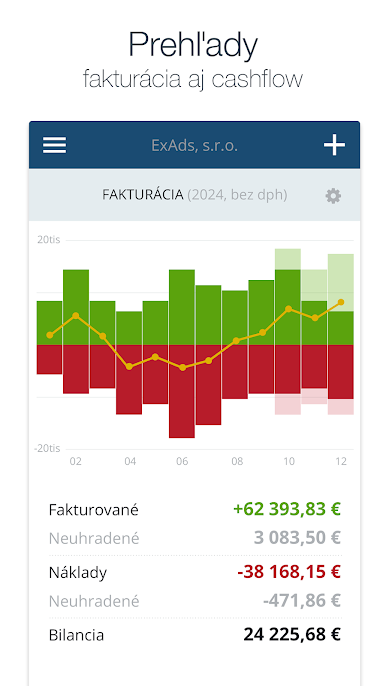
- Billing and cash flow reports
- Invoices, advance invoices, regular invoices
- Credit Memos
- Delivery notes
- Quotations and Received Orders
- Concepts
- Costs and orders issued
- Contact list
- Logo and signature upload
You won't find all the features you're used to from the web in the mobile app. However, we will regularly expand it and gradually add the most important ones. If you have any comments or suggestions, please feel free to send them to info@superfaktura.sk
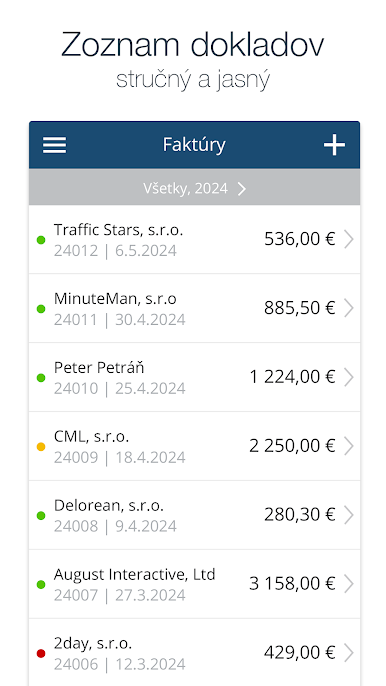
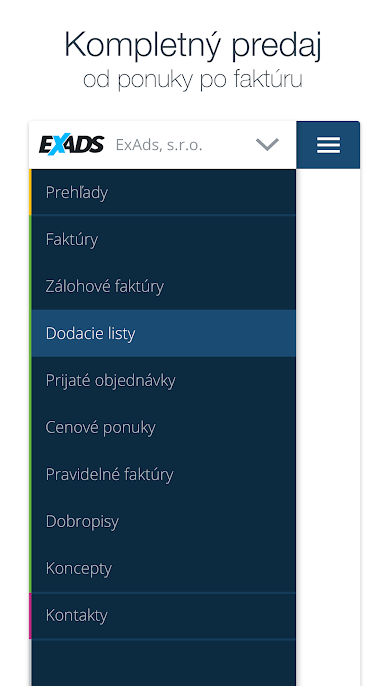
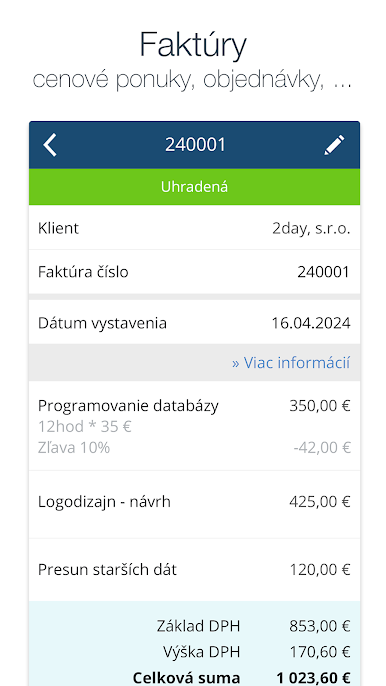
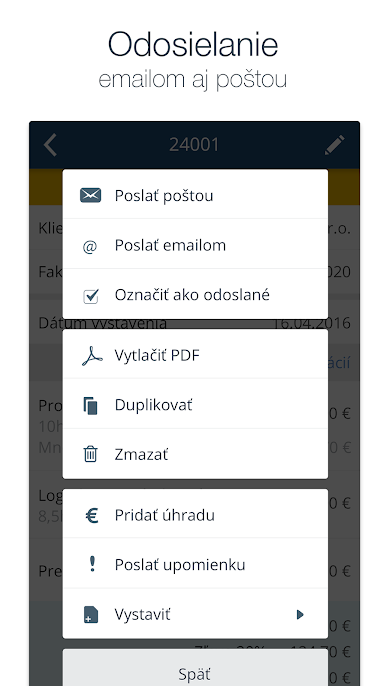
Play SuperFaktúra on PC. It’s easy to get started.
-
Download and install BlueStacks on your PC
-
Complete Google sign-in to access the Play Store, or do it later
-
Look for SuperFaktúra in the search bar at the top right corner
-
Click to install SuperFaktúra from the search results
-
Complete Google sign-in (if you skipped step 2) to install SuperFaktúra
-
Click the SuperFaktúra icon on the home screen to start playing

