


Mystic Realms
Play on PC with BlueStacks – the Android Gaming Platform, trusted by 500M+ gamers.

Page Modified on: Jan 31, 2026
Play Mystic Realms on PC
BATTLES ACROSS THE REALMS
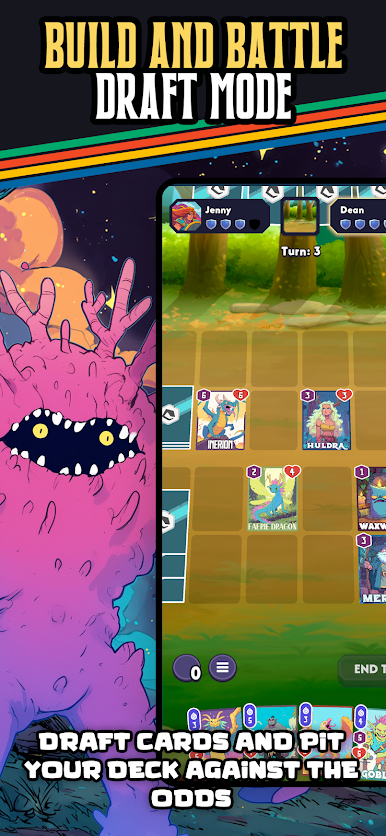
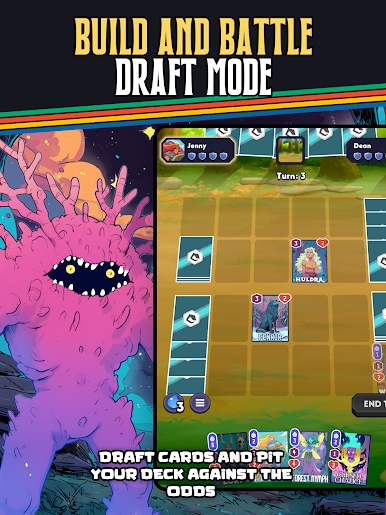
Fight through shifting realms as portals open mid-battle, changing the battlefield and the rules with every turn.
COLLECT MYTHIC HEROES AND VILLAINS
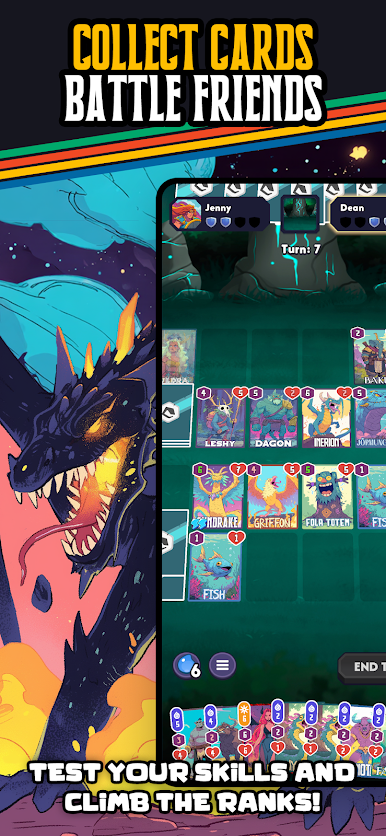
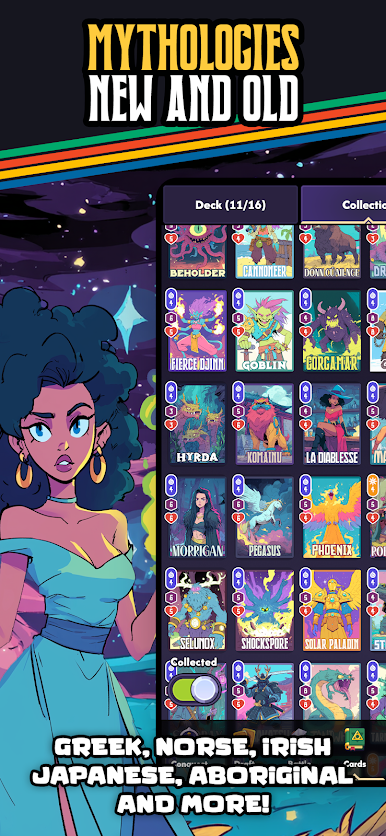
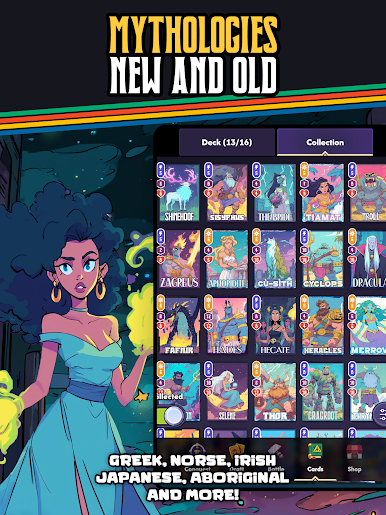
Collect cards inspired by legends from every corner of the world. From gods and beasts to warriors and spirits. Craft the ultimate deck.
PLAY ANYWHERE
One account, one collection. Jump between any platform and take your decks with you.
EASY TO LEARN, HARD TO MASTER
Designed for mobile with intuitive controls, fast matches, and deep strategy for players who crave mastery.
FAST PACED BATTLES
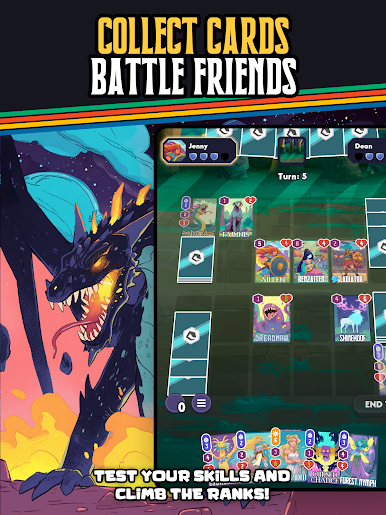
Jump in, battle, and get rewards in minutes. Perfect for gaming on the go.
MONTHLY SEASONS AND REWARDS
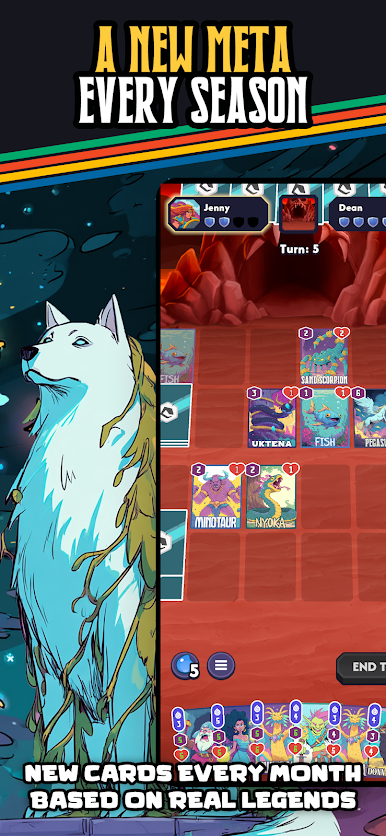
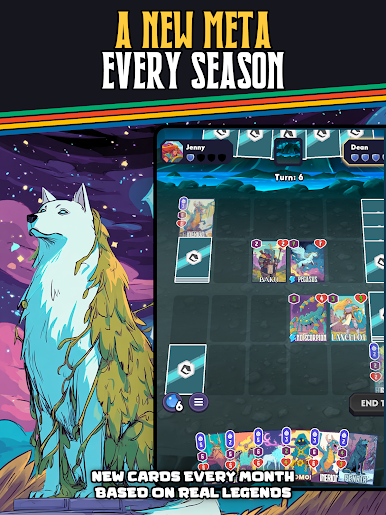
New cards, new realms, new challenges. Each month brings fresh content and rewards to keep the game evolving.



Play Mystic Realms on PC. It’s easy to get started.
-
Download and install BlueStacks on your PC
-
Complete Google sign-in to access the Play Store, or do it later
-
Look for Mystic Realms in the search bar at the top right corner
-
Click to install Mystic Realms from the search results
-
Complete Google sign-in (if you skipped step 2) to install Mystic Realms
-
Click the Mystic Realms icon on the home screen to start playing

