


Bowling Jam
Play on PC with BlueStacks – the Android Gaming Platform, trusted by 500M+ gamers.

Page Modified on: Nov 18, 2026
Play Bowling Jam on PC
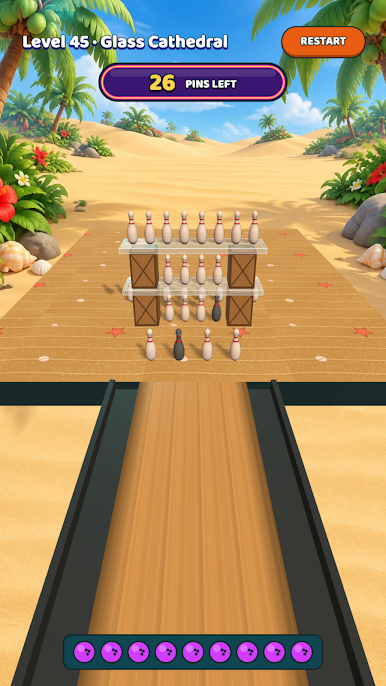
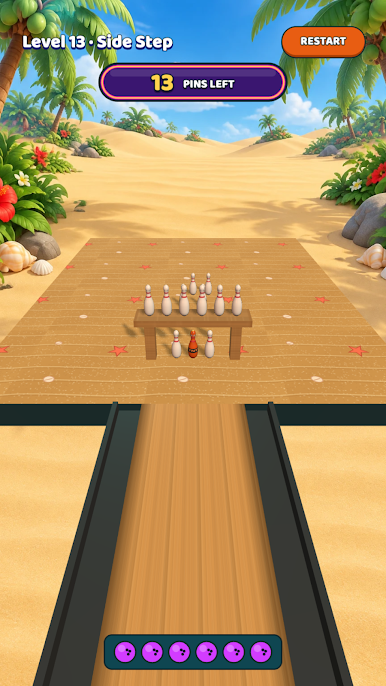
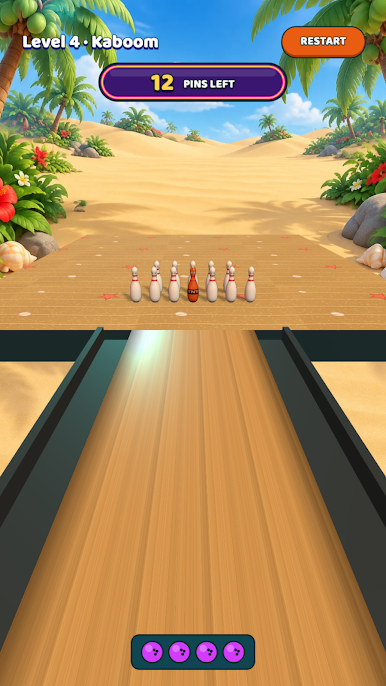
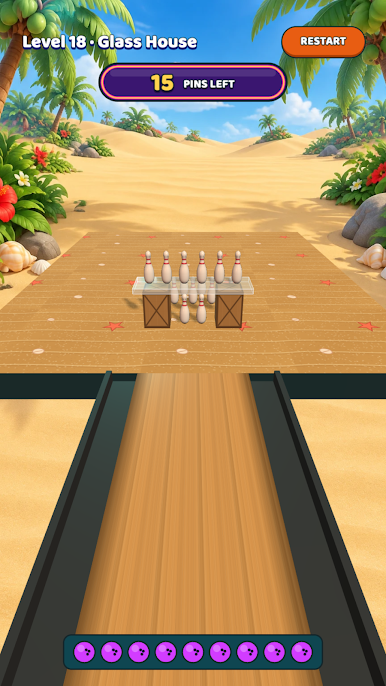
Bowling Jam is bowling with a twist: every lane is a puzzle of pins, shelves, TNT and glass, and you only get a few balls to clear it.
HOW IT PLAYS
• Swipe up to bowl — the faster the swipe, the harder the throw
• Bend your swipe to curve the ball around posts and pits
• TNT pins blow up their neighbours — one hit can clear a whole rack
• Glass breaks when you hit it hard; knock out a shelf's legs and its pins come down
• Iron pins are heavy — aim at the plank in front of them
• Moving platforms carry their pins along, and bumpers bank the ball into the corners
100 hand-made lanes on a sunny beach, from your first strike to racks that take every ball you have — and new lanes keep coming after that.
Can you clear them all?
Play Bowling Jam on PC. It’s easy to get started.
-
Download and install BlueStacks on your PC
-
Complete Google sign-in to access the Play Store, or do it later
-
Look for Bowling Jam in the search bar at the top right corner
-
Click to install Bowling Jam from the search results
-
Complete Google sign-in (if you skipped step 2) to install Bowling Jam
-
Click the Bowling Jam icon on the home screen to start playing

