


Duboku TV - Asian Dramas
Play on PC with BlueStacks – the Android Gaming Platform, trusted by 500M+ gamers.

Page Modified on: Jun 23, 2024
Overview
[Function Highlights]
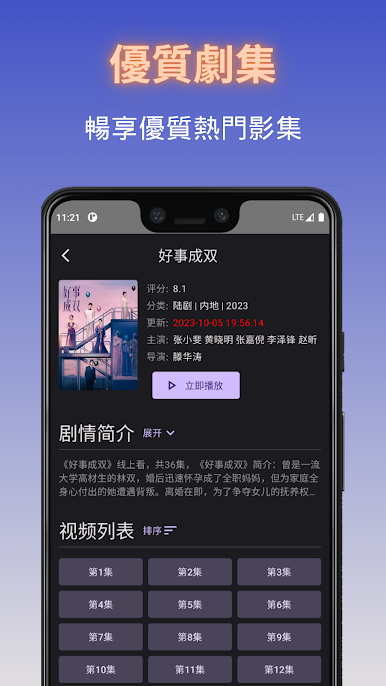
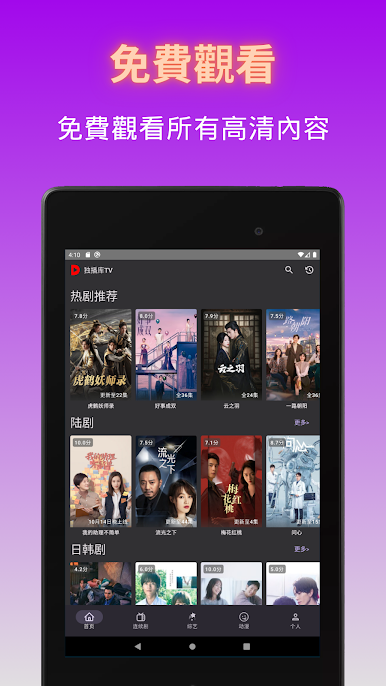
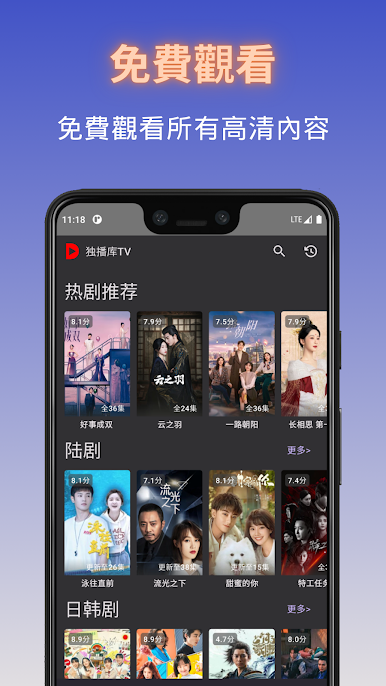
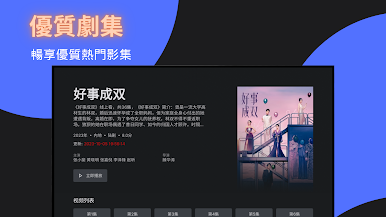
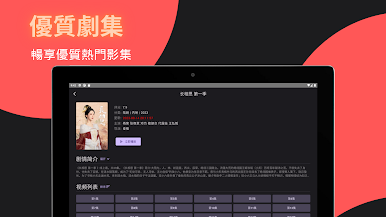
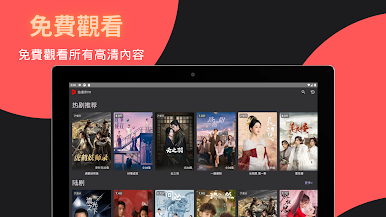
1. Completely free: Free high-quality TV shows are provided, just download the App to watch.
2. No registration: Enjoy high-definition TV shows for free without registration or subscription.
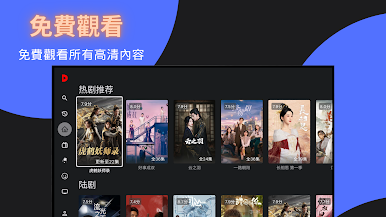
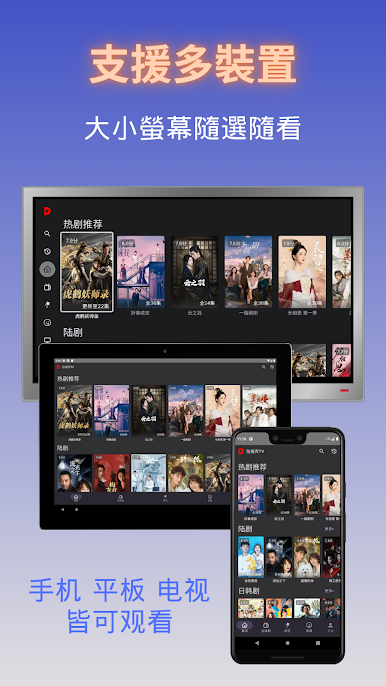
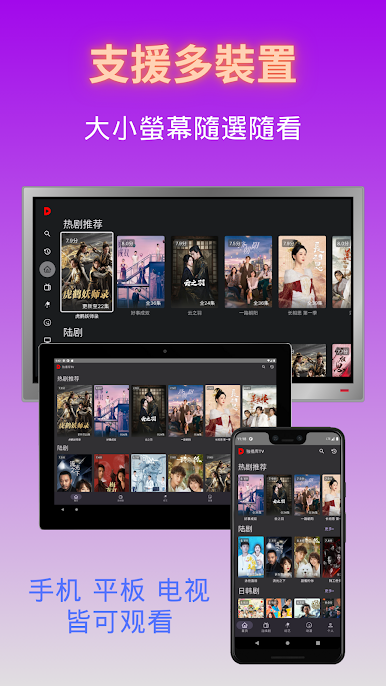
3. Support Multi-device: Supports mobile phones, tablets, TVs, large and small screens for you to choose freely.
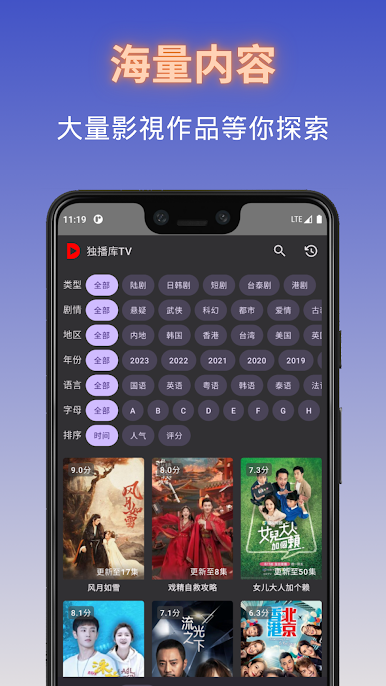
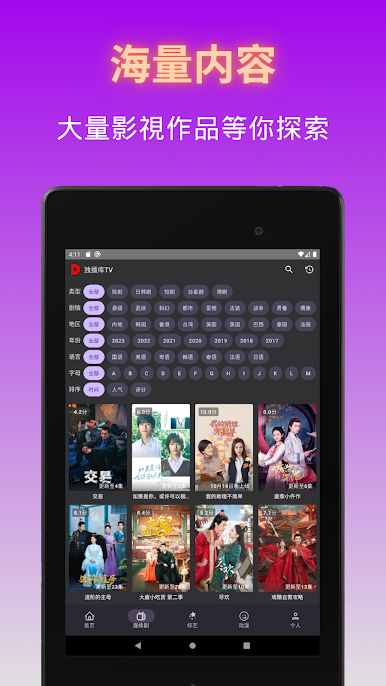
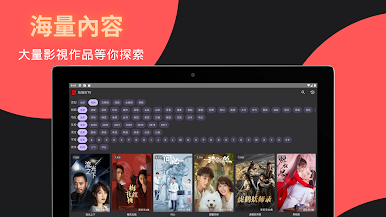
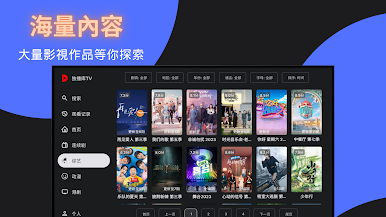
4. Simple interface: An unprecedented simple interface makes it easier for you to find the content you want.
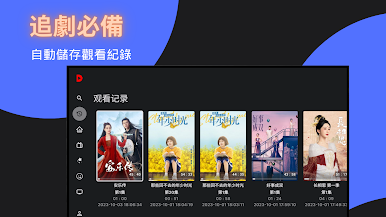
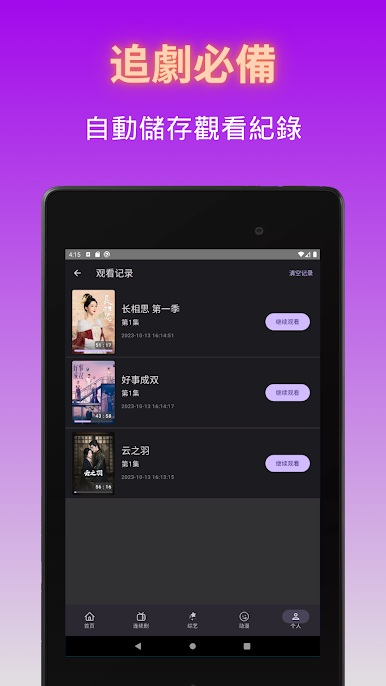
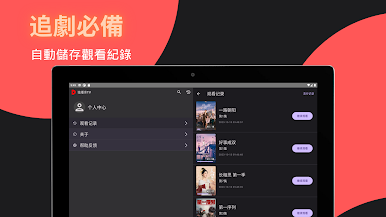
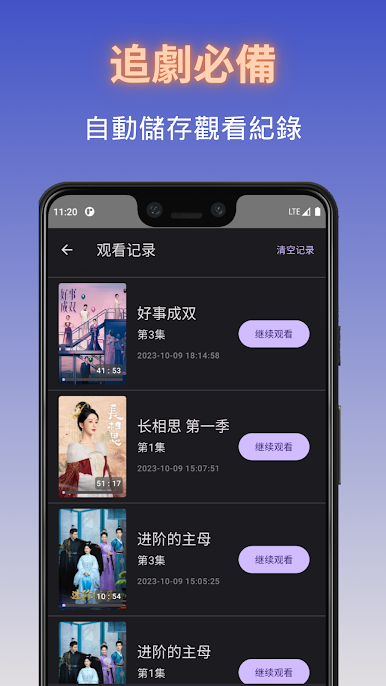
5. Viewing history: Save viewing history so that you can continue watching unfinished videos.
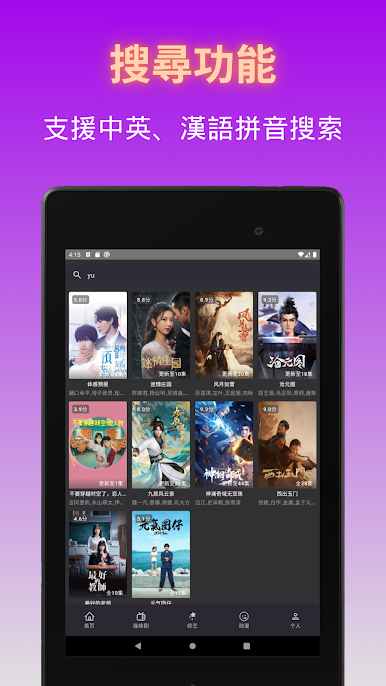
6. Intelligent search: Supports Chinese, English, and Chinese Pinyin searches to find the TV shows you want to watch quickly.
[Contact]
If you have any questions or comments about Duboku TV, please feel free to contact us at email: contact@dwtik.app
If you like Duboku TV, you are also welcome to give Duboku TV a full rating, and we will definitely provide better services!


Play Duboku TV - Asian Dramas on PC. It’s easy to get started.
-
Download and install BlueStacks on your PC
-
Complete Google sign-in to access the Play Store, or do it later
-
Look for Duboku TV - Asian Dramas in the search bar at the top right corner
-
Click to install Duboku TV - Asian Dramas from the search results
-
Complete Google sign-in (if you skipped step 2) to install Duboku TV - Asian Dramas
-
Click the Duboku TV - Asian Dramas icon on the home screen to start playing

