

Order Up!! To Go
Play on PC with BlueStacks – the Android Gaming Platform, trusted by 500M+ gamers.

Page Modified on: Dec 20, 2025
Overview
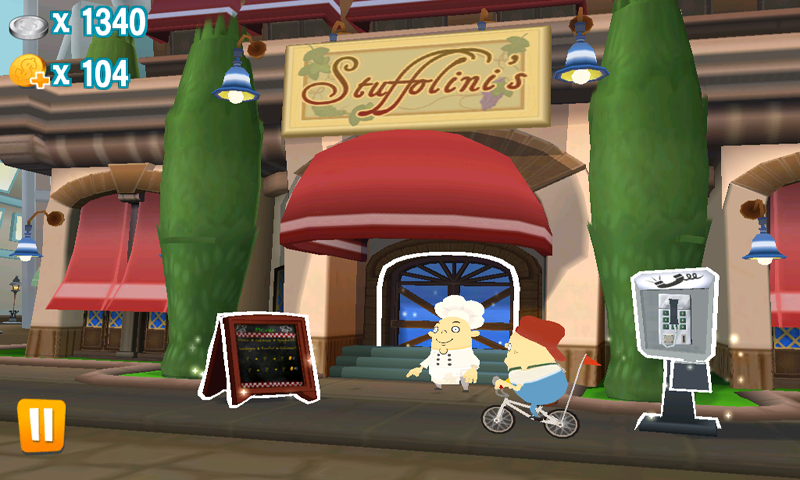
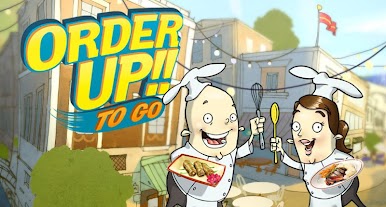
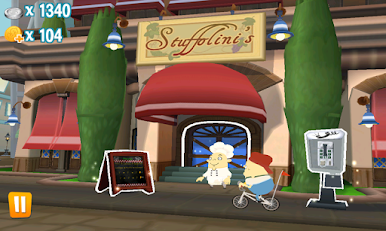
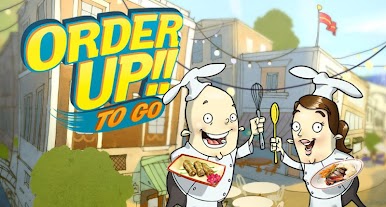
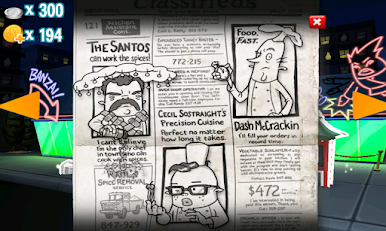
Order Up!! To Go is a delicious blend of frantic kitchen cooking and restaurant empire building. Chop, roll, slice, and dice your way to culinary stardom. Optimized specially for Android, featuring perfect controls and comic kitchen action, this is one time management game that will keep you busy for hours.
• RESTAURANT EMPIRE
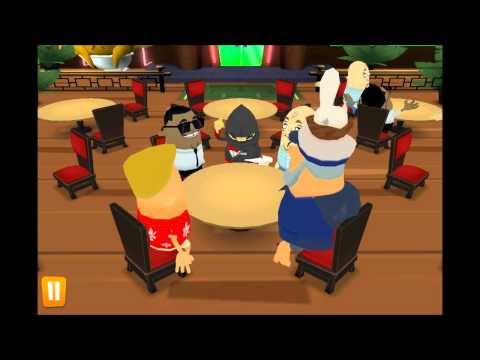
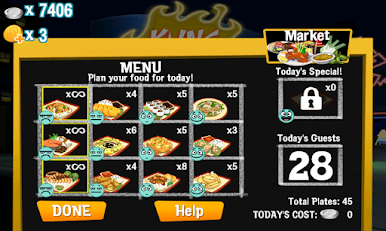
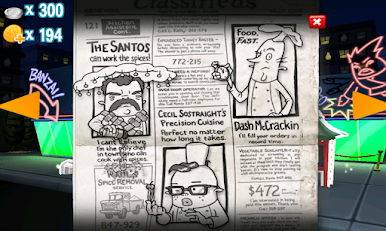
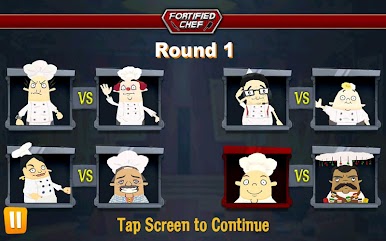
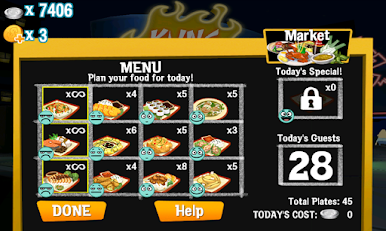
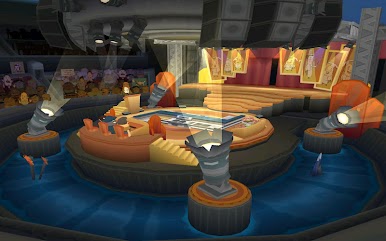
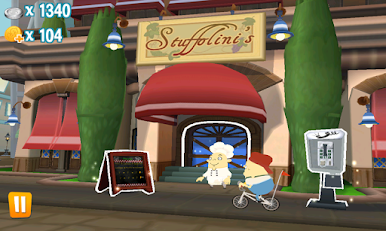
Cook your way across a variety of restaurants, each with their own menus to unlock and master. Put your culinary skills to the test as the challenge ramps up!
• ARE YOU A NATURAL IN THE KITCHEN?
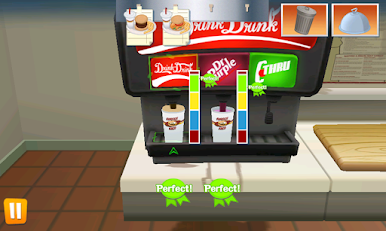
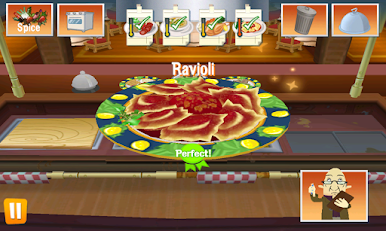
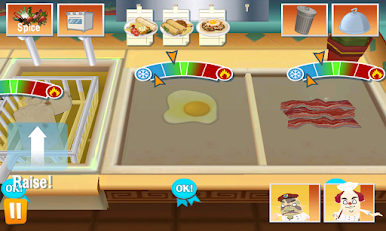
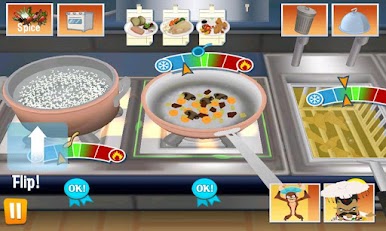
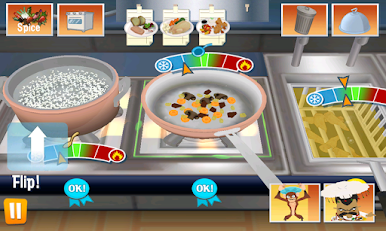
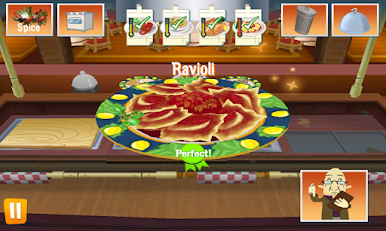
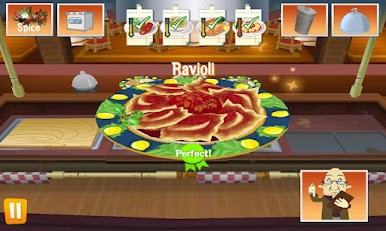
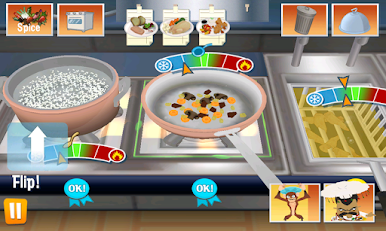
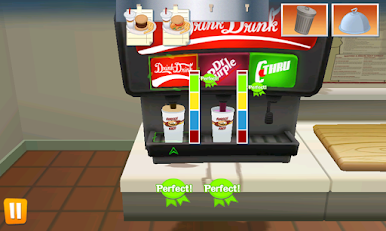
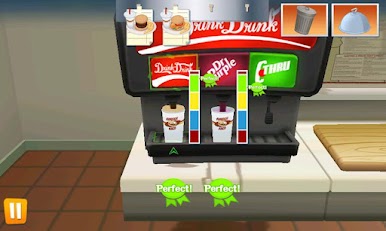
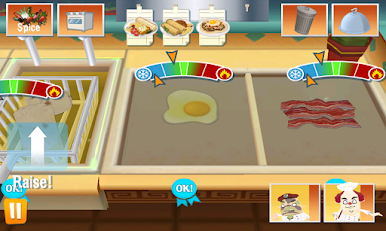
Use the perfectly designed gesture controls to prepare and cook your recipes. Flick burgers in the air, carefully chop your veg and drop fries into the fryer all with the touch of a finger!
• PERFECT GAMING RECIPE
As well as chopping, slicing, flipping and frying you will also have to keep your kitchen in ship shape. Fight off fires, rat invasions and even health inspectors.
• A WORKER IS ONLY AS GOOD AS HIS TOOLS
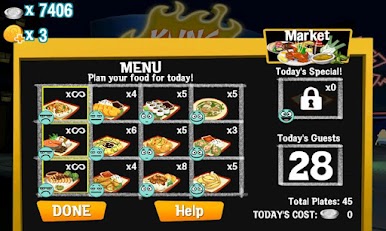
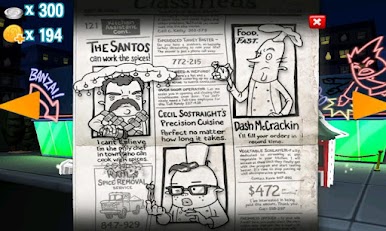
As you play through the game, upgrade your restaurants with new, better equipment. Purchase up to 6 restaurants in game, each with its own unique cuisine!

Play Order Up!! To Go on PC. It’s easy to get started.
-
Download and install BlueStacks on your PC
-
Complete Google sign-in to access the Play Store, or do it later
-
Look for Order Up!! To Go in the search bar at the top right corner
-
Click to install Order Up!! To Go from the search results
-
Complete Google sign-in (if you skipped step 2) to install Order Up!! To Go
-
Click the Order Up!! To Go icon on the home screen to start playing

