


Note Teacher
Play on PC with BlueStacks – the Android Gaming Platform, trusted by 500M+ gamers.

Page Modified on: Jul 23, 2025
Run Note Teacher on PC or Mac
What’s better than using Note Teacher by Mika Suonpää? Well, try it on a big screen, on your PC or Mac, with BlueStacks to see the difference.
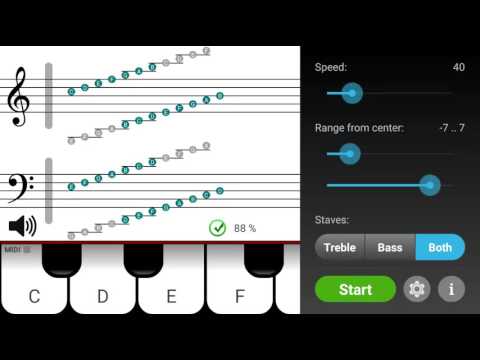
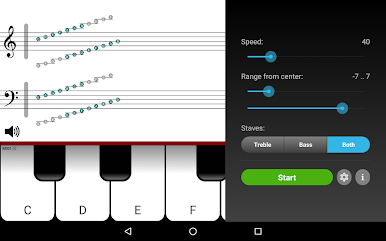
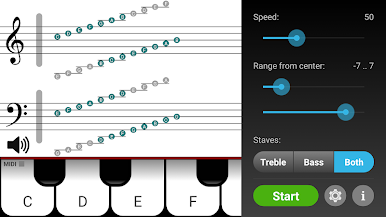
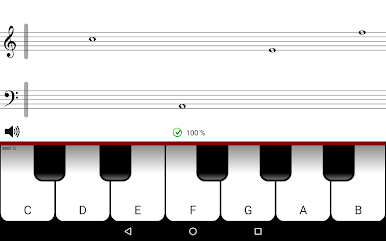
Note Teacher feels like a mix between a music quiz and a little shooting game, just with notes and a piano keyboard instead of targets. On PC, especially using BlueStacks, it’s pretty smooth since you’ve got a bigger screen to actually see those moving notes and the piano keys. Basically, it throws notes at you on a staff, and you have to “shoot” them by picking the right piano key — it’s one of those things that’s straightforward, but can get fast and challenging if you want. There’s options to speed up the notes or change how high or low they go, which keeps it from getting stale.
There’s also a cool bit where you can practice with key signatures, especially if sharps and flats usually trip you up. If you start getting slow with some notes, the app just shows them more, so it sort of teaches you until you get better. The stats that track your speed make it fun to improve without it feeling like a test. The treble staff part is free, but to unlock more notes down low (bass staff), there’s a small purchase. For anyone who actually has a MIDI keyboard, it can connect to that, which is a nice touch, but most folks will just use the built-in keyboard on the screen. Overall, it’s simple but does exactly what it sets out to do — helps with sight-reading, makes you quicker, and doesn’t really overcomplicate things. Just a handy little tool for anyone trying to keep up with music reading skills.
Ready to experience Note Teacher on a bigger screen, in all its glory? Download BlueStacks now.
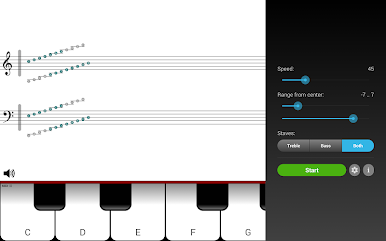
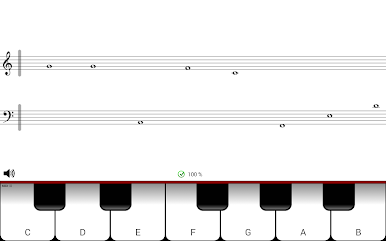
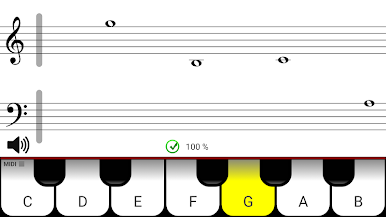
Play Note Teacher on PC. It’s easy to get started.
-
Download and install BlueStacks on your PC
-
Complete Google sign-in to access the Play Store, or do it later
-
Look for Note Teacher in the search bar at the top right corner
-
Click to install Note Teacher from the search results
-
Complete Google sign-in (if you skipped step 2) to install Note Teacher
-
Click the Note Teacher icon on the home screen to start playing

