


Subway Surfers City
Play on PC with BlueStacks – the Android Gaming Platform, trusted by 500M+ gamers.

Page Modified on: Feb 20, 2026
Main Subway Surfers City on PC
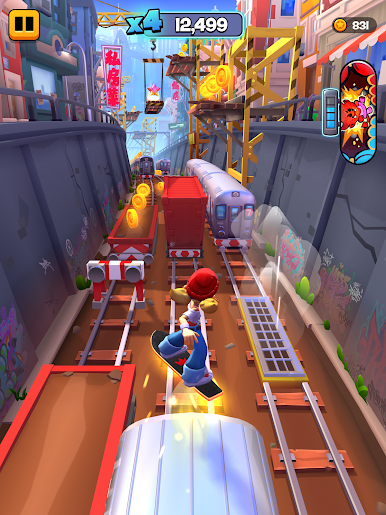
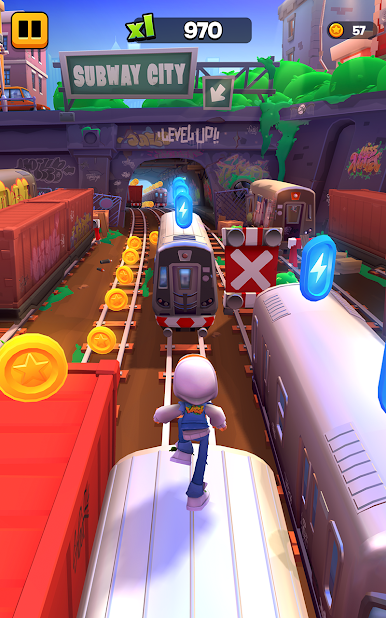
Jake, Tricky, Fresh, and Yutani are ready - are you? Play Subway Surfers City now!
Key features:
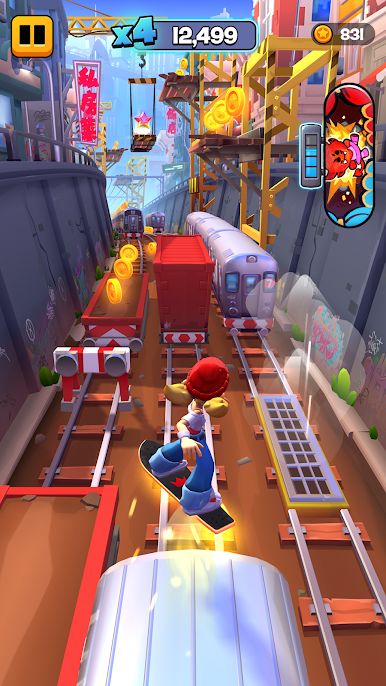
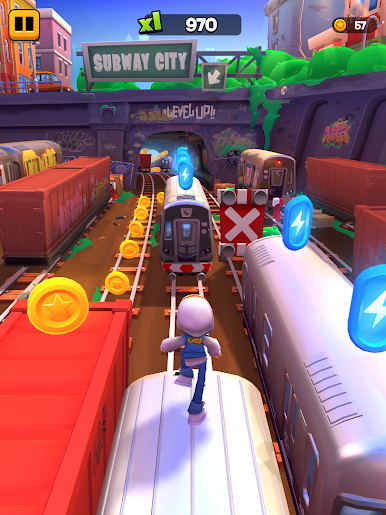
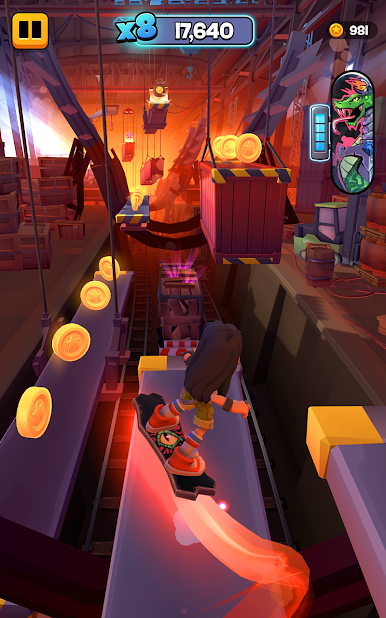
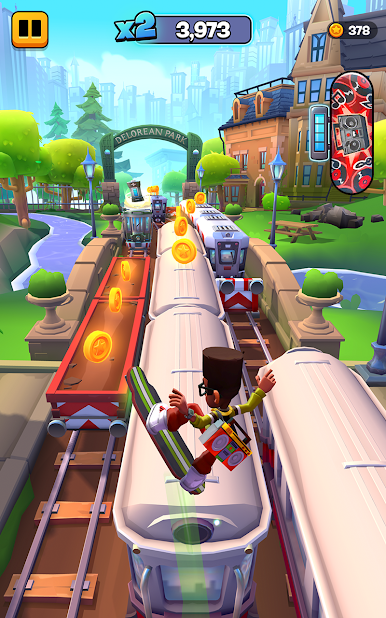
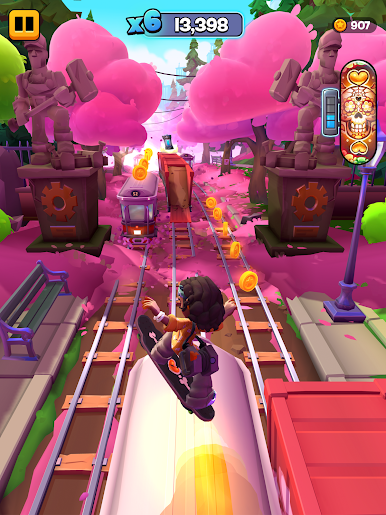
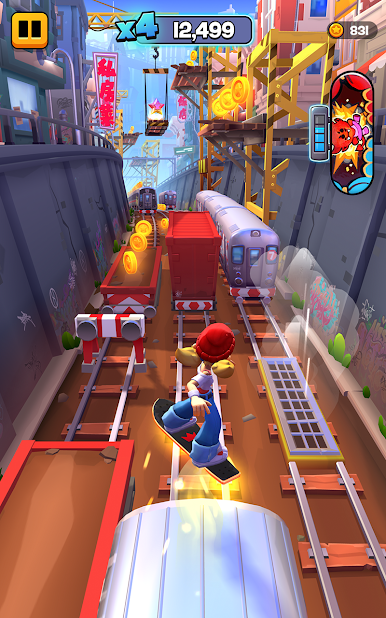
- CHOOSE YOUR ADVENTURE: Switch seamlessly between thrilling endless runs chasing a new high score, or playing the all new City Tour!
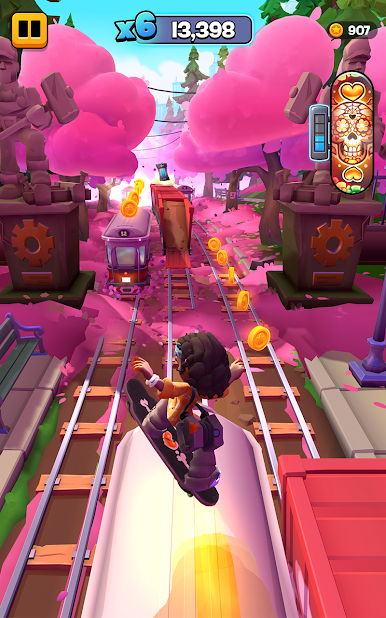
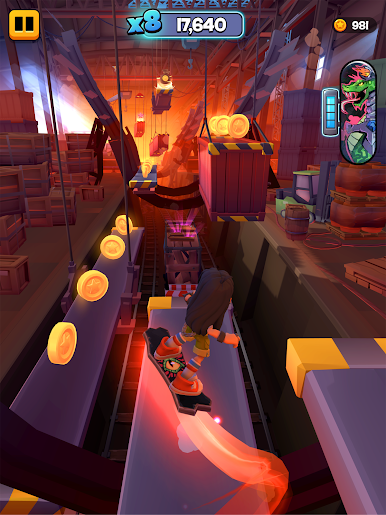
- UNCOVER SECRETS: Stomp and jump for a new way to play this runner game. Reach new depths and heights as you discover hard-to-reach Secret Stars!
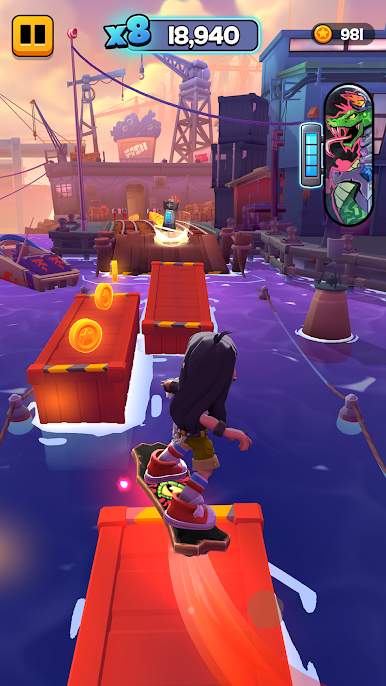
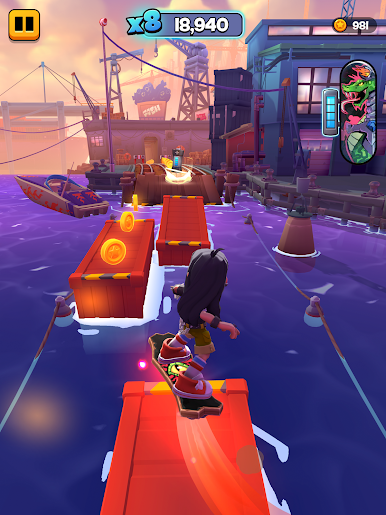
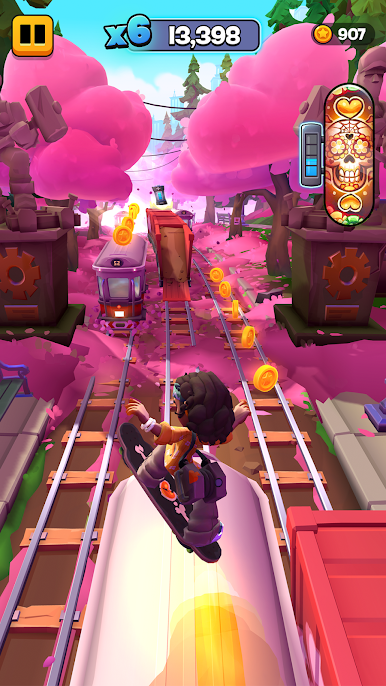
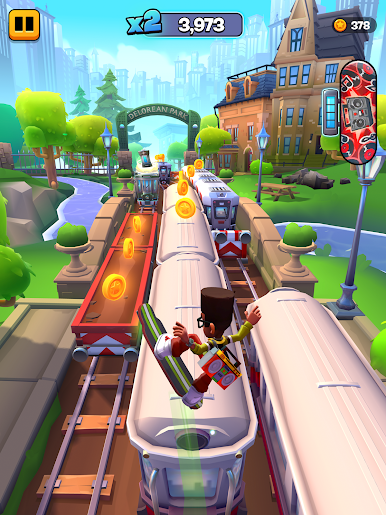
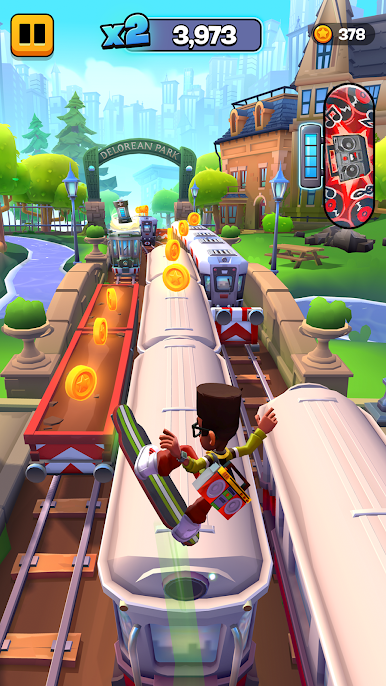
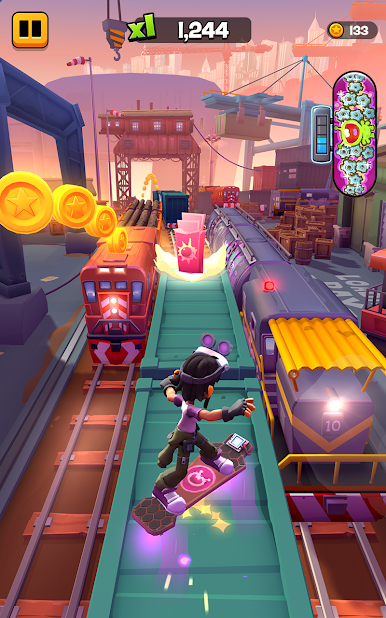
- COLLECT AND UPGRADE SURFERS & BOARDS: Each Surfer and Board has unique abilities, so upgrade and combine runners and boards to play your way! Collect them all, find Surfer and Board tokens to upgrade them all and build the strongest Crew!
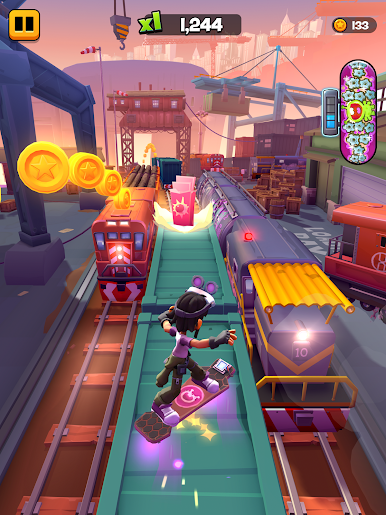
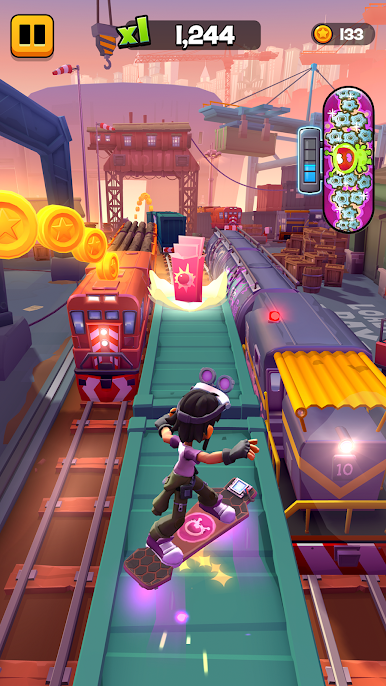
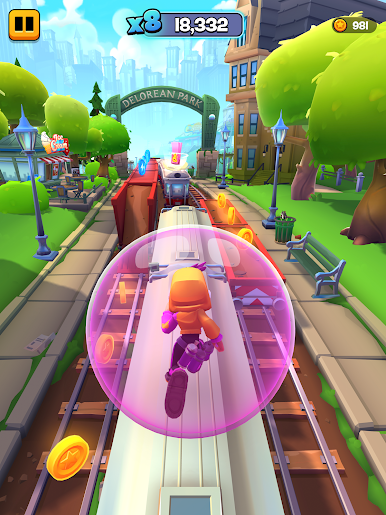
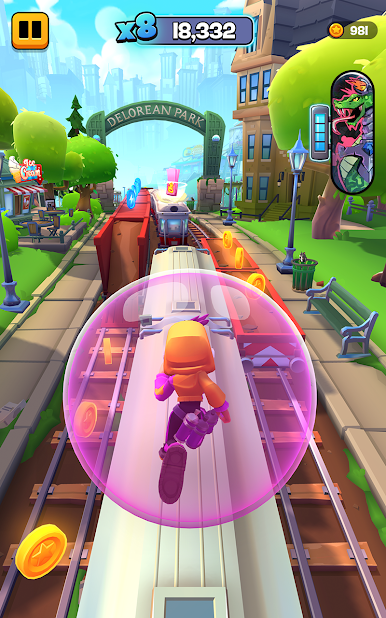
- WIN WITH NEW POWER-UPS & PERKS: Pick up new power-ups for the most powerful runs. Bubblegum shields you, batteries superpower your hoverboard, and drones get you to the highest points of Subway City!
- UNLOCK LIVELY DISTRICTS: Explore all the secret corners of Subway City while running away from Guard and Dog. Earn XP to unlock new Districts!
- COMPLETE MISSIONS AND WIN REWARDS: The crew needs you to run your best! Play smart and finish missions to unlock new items and win big.
- CONQUER TRIALS: Are you ready to have your running skills challenged? Trials are adrenaline-pumping, limited runs that require your best performance to get the best rewards.
- PLAY OFFLINE: Subway Surfers City is available offline! Play without wifi or internet connection. Access to some features will be limited.
Download Subway Surfers City now and play for free! Some in-game items can also be purchased for real money.
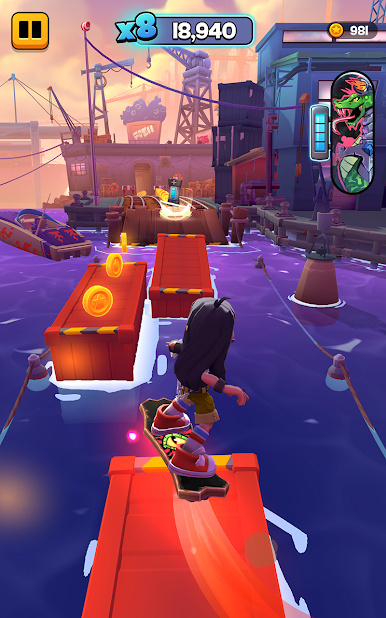
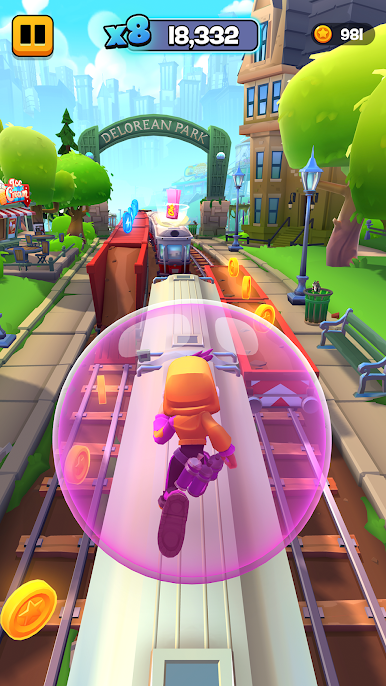
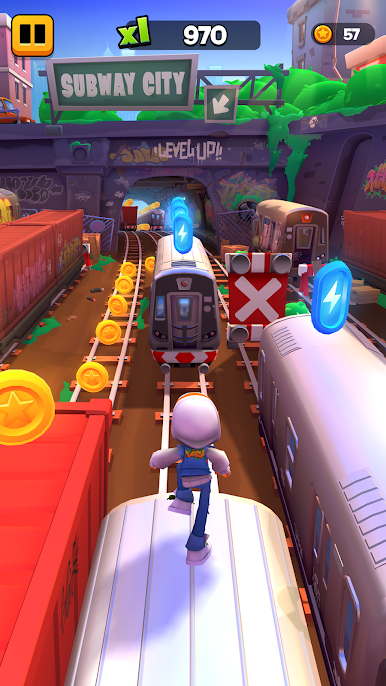
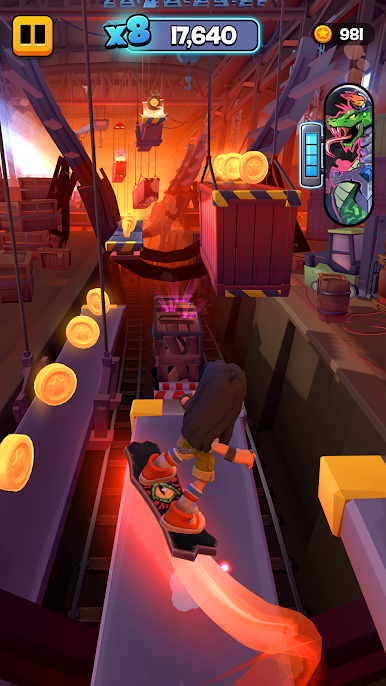
Play Subway Surfers City on PC. It’s easy to get started.
-
Download and install BlueStacks on your PC
-
Complete Google sign-in to access the Play Store, or do it later
-
Look for Subway Surfers City in the search bar at the top right corner
-
Click to install Subway Surfers City from the search results
-
Complete Google sign-in (if you skipped step 2) to install Subway Surfers City
-
Click the Subway Surfers City icon on the home screen to start playing

