


Blox Symbiote: City Fight
Play on PC with BlueStacks – the Android Gaming Platform, trusted by 500M+ gamers.

Page Modified on: Feb 3, 2026
Main Blox Symbiote: City Fight on PC
Are you tired of being the nice guy? The city doesn't need another savior... it needs a monster!
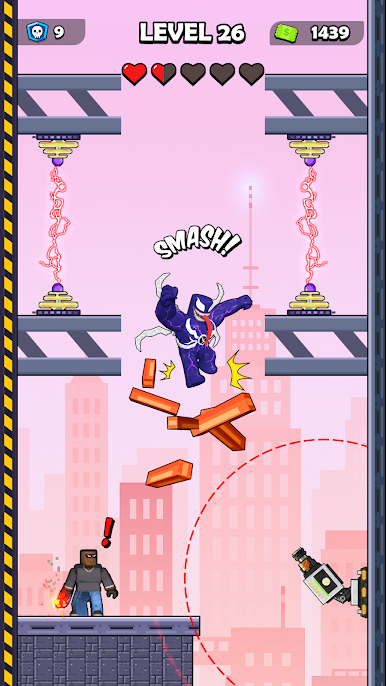
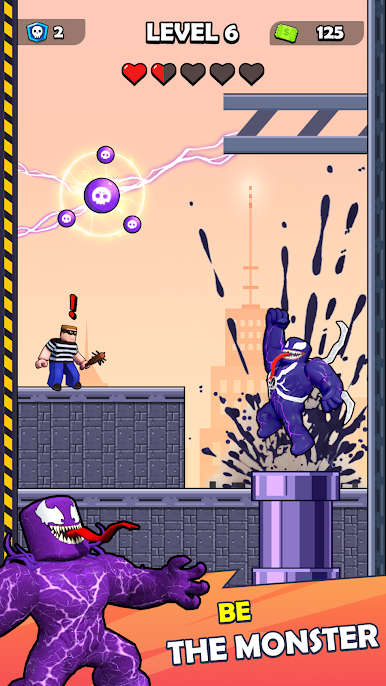
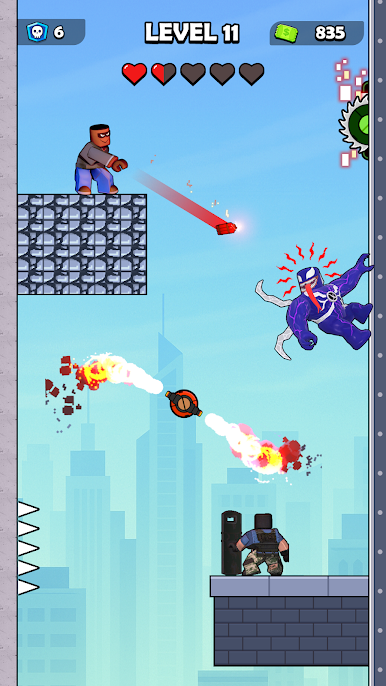
Welcome to Symbiote Fighting, the ultimate action game where you bond with the alien Symbiote to become the fearless Black Spider.
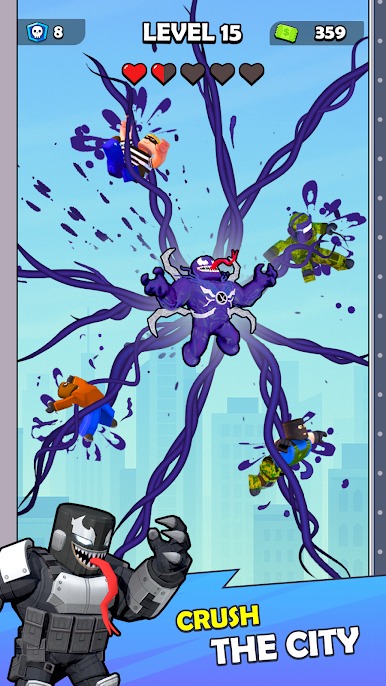
⚫ Become the Black Spider (Anti-Hero Power) Why just shoot webs when you can smash? Transform into the powerful Symbiote form! Use your alien superpowers to dominate the streets. You are not just a hero; you are a force of nature.
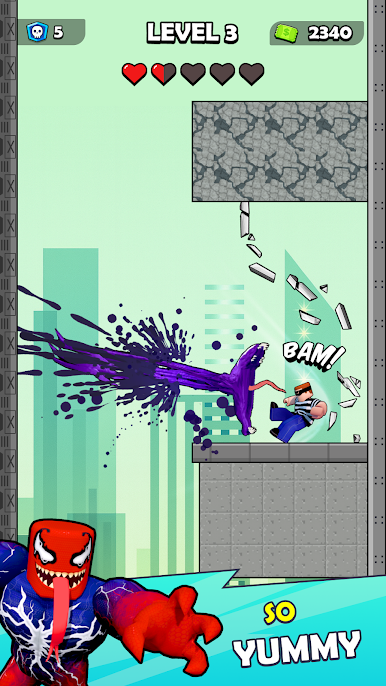
📦 Epic 3D Blox Art: Experience the Symbiote action in a stunning Voxel/Blox art style. You will love smashing through this blocky world with your super strength.
🕸️ Swing, Shoot & Destroy Master the skills of the Rope Hero:
- Symbiote Strike: Use black tentacles to crush enemies instantly.
- Web Teleport: Move fast like a shadow spider to dodge attacks.
- Chaos Mode: Unleash the beast and destroy everything in your path.
🏙️ Rule the Open World Chaos Explore a massive city filled with secrets, loot, and enemies. Fight mafia gangs, battle evil robots, or just cause absolute mayhem. As an Anti-Hero, the only rules are the ones you make!
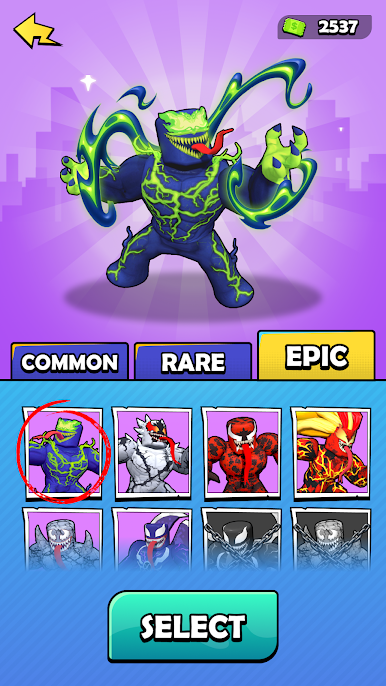
⚡ Unlock Super Skins Collect and upgrade your character! Start as a simple hero and evolve into the legendary Black Spider, Alien Hero, or the monstrous Symbiote Giant.
The Symbiote is calling you. Play and Unleash the Black Spider.
Play Blox Symbiote: City Fight on PC. It’s easy to get started.
-
Download and install BlueStacks on your PC
-
Complete Google sign-in to access the Play Store, or do it later
-
Look for Blox Symbiote: City Fight in the search bar at the top right corner
-
Click to install Blox Symbiote: City Fight from the search results
-
Complete Google sign-in (if you skipped step 2) to install Blox Symbiote: City Fight
-
Click the Blox Symbiote: City Fight icon on the home screen to start playing

