


The Lost Treasure 2
Play on PC with BlueStacks – the Android Gaming Platform, trusted by 500M+ gamers.

Page Modified on: Dec 10, 2025
Play Hunt for the Lost Treasure 2 on PC or Mac
From the innovators and creators at Syntaxity, Hunt for the Lost Treasure 2 is another fun addition to the World of Puzzle games. Go beyond your mobile screen and play it bigger and better on your PC or Mac. An immersive experience awaits you.
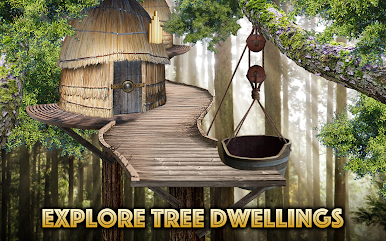
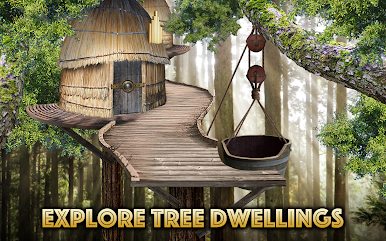
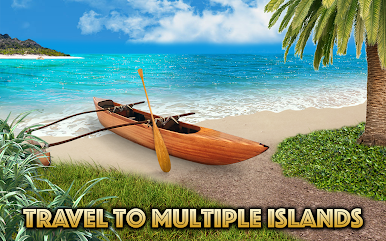
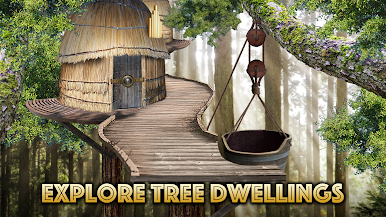
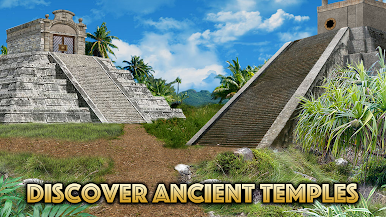
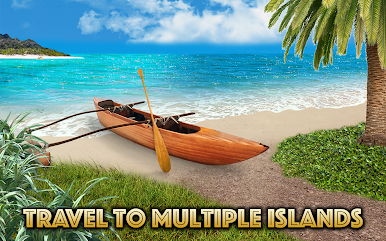
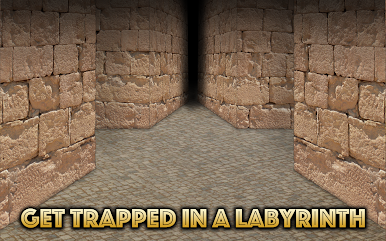
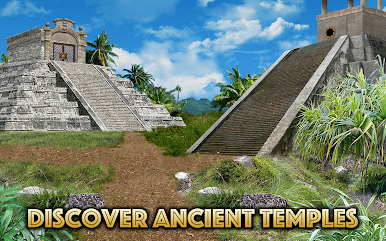
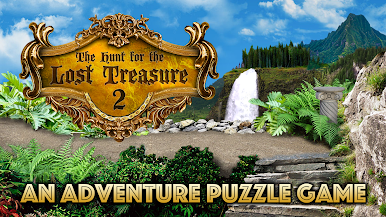
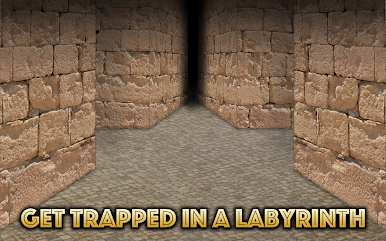
Hunt for the Lost Treasure 2 feels like a relaxed point and click treasure hunt set across a Pacific island chain not far from the Galapagos. Players bounce between islands poking around old temples, weathered ruins, a harsh desert, and a creepy underground labyrinth, picking up odd tools and decoding symbols to open the next locked thing. It is puzzle first, story second. The Uncle Henry angle is there to give a reason to keep chasing clues, and it stays out of the way so the focus stays on solving.
The structure is a web of nearly ninety static scenes, and the built in map marks everywhere that has been visited and where the character stands now. Fast travel trims the backtracking, which is nice because some solutions send players two or three areas away. There is a camera to snap photos of runes or patterns, a gentle hint system that nudges without spoiling, and optional full video walkthroughs if someone wants them. It saves automatically so stopping mid trail is no problem.
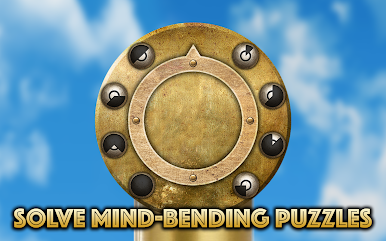
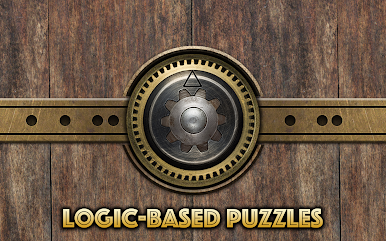
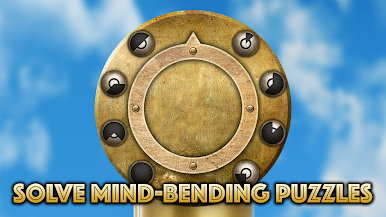
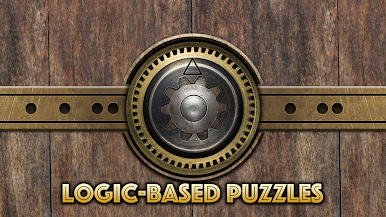
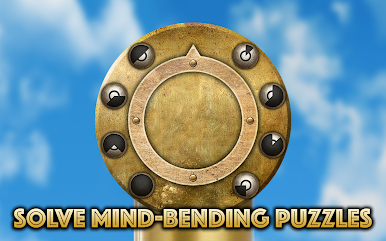
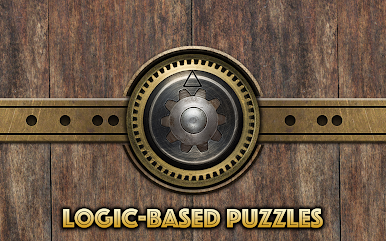
The art is clean HD with a classic adventure vibe, and the soundtrack leans into ocean air, old wood, and the occasional pirate cannon. On PC through BlueStacks, mouse pointing is very natural and the bigger screen makes tiny details pop, so finding that one switch in the shadows feels less frustrating. Puzzles swing from simple pattern matching to layered contraptions that take a few steps, and they are fair once the clue clicks. No timers, no combat, just steady exploration and that nice little rush when a door finally slides open.
Make your gaming sessions memorable with precise controls that give you an edge in close combats and visuals that pop up, bringing every character to life.






Play The Lost Treasure 2 on PC. It’s easy to get started.
-
Download and install BlueStacks on your PC
-
Complete Google sign-in to access the Play Store, or do it later
-
Look for The Lost Treasure 2 in the search bar at the top right corner
-
Click to install The Lost Treasure 2 from the search results
-
Complete Google sign-in (if you skipped step 2) to install The Lost Treasure 2
-
Click the The Lost Treasure 2 icon on the home screen to start playing

