


League Match Football Game
Play on PC with BlueStacks – the Android Gaming Platform, trusted by 500M+ gamers.

Page Modified on: Aug 18, 2026
Play League Match Football Game on PC or Mac
League Match Football Game by Simulation Zone has plenty to keep you busy. BlueStacks lets you play it on PC or Mac with more screen space, better control, and fewer mobile limits.
About the Game
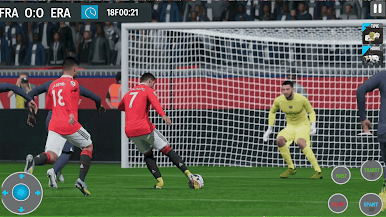
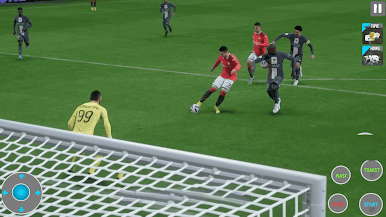
League Match Football Game is all about that matchday buzz—quick one-twos, big saves, and the thrill of lifting trophies with a squad you built from scratch. It blends smooth, realistic play on the field with smart team management off it, so every decision matters. Want bite-sized matches or a full career to sink into? It’s got both, and it feels great on touch controls or on a bigger screen with BlueStacks.
Game Features
- Build Your Club: Scout talent, sign stars, and shape a roster that fits your style. Tinker with formations, roles, and chemistry to turn a good team into a nightmare to play against.
- On-Point Controls: Zip passes through tight lanes, curl shots into the corner, and pull off slick dribbles with responsive controls and believable ball physics.
- Smarter Match AI: Opponents read your patterns, press high, or sit deep. Teammates make sharper runs and find space, rewarding good tactics.
- Career and Tournaments: Climb domestic leagues, chase international cups, and handle pressure moments like shootouts and late-game winners.
- Offline or Online: Play anywhere with offline career matches and focused drills, or jump online for competitive fixtures against real players.
- Training That Matters: Run set-piece practice, master skill moves, and develop players with targeted upgrades that show up on the pitch.
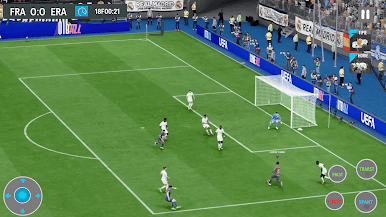
- Big-Game Atmosphere: Step into detailed 3D stadiums with lively crowds, broadcast-style angles, and punchy commentary that sells every moment.
- Make It Yours: Customize kits, numbers, boots, and even stadium details to give your club a look that stands out in every match.
Start your journey now. Download the game on BlueStacks, invite your friends, and march on a new adventure.
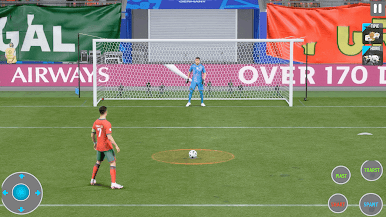
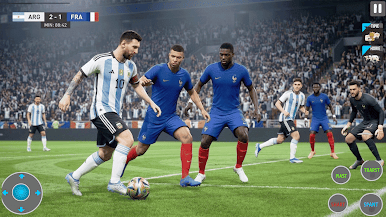
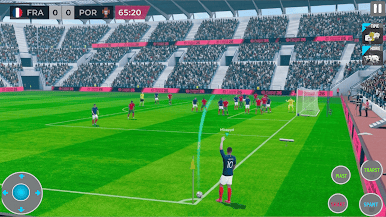

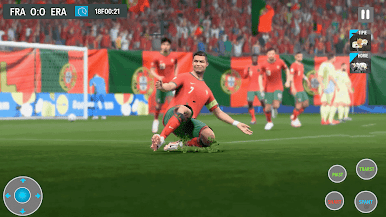
Play League Match Football Game on PC. It’s easy to get started.
-
Download and install BlueStacks on your PC
-
Complete Google sign-in to access the Play Store, or do it later
-
Look for League Match Football Game in the search bar at the top right corner
-
Click to install League Match Football Game from the search results
-
Complete Google sign-in (if you skipped step 2) to install League Match Football Game
-
Click the League Match Football Game icon on the home screen to start playing

