

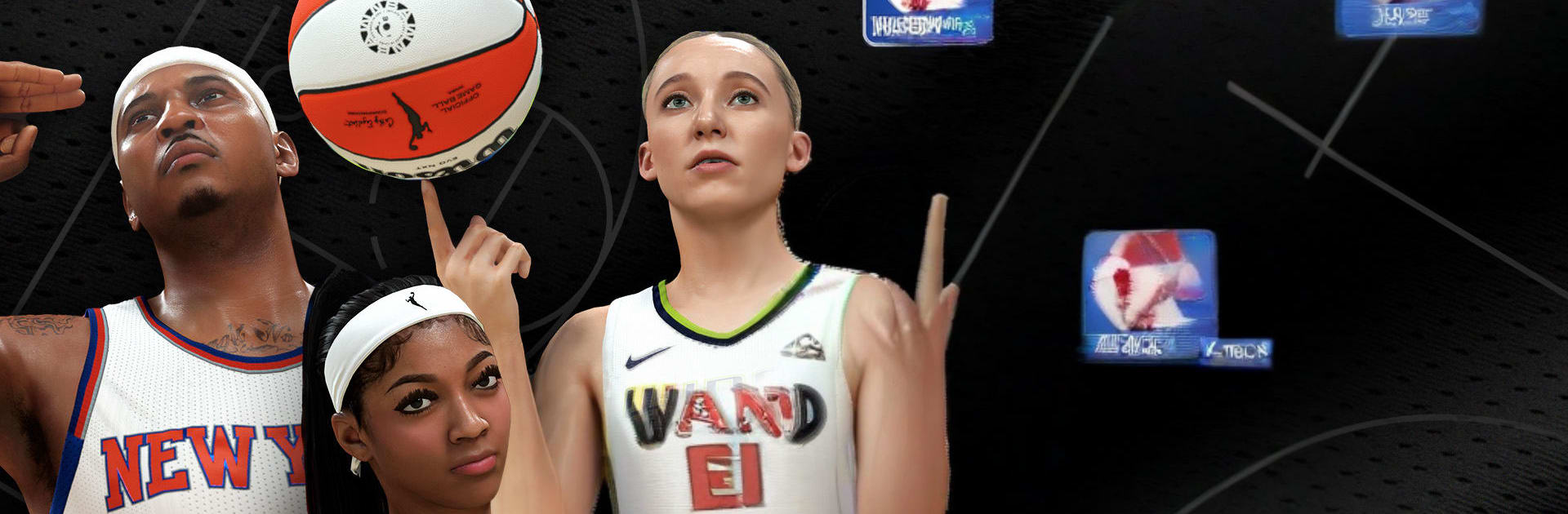
NBA 2K26 MyTEAM Mobile
Play on PC with BlueStacks – the Android Gaming Platform, trusted by 500M+ gamers.

Page Modified on: Jun 15, 2026
Play NBA 2K26 MyTEAM Mobile on PC or Mac
NBA 2K26 MyTEAM Mobile brings the Sports genre to life, and throws up exciting challenges for gamers. Developed by 2K, Inc. – a Take-Two Interactive affiliate, this Android game is best experienced on BlueStacks, the World’s #1 app player for PC and Mac users.
About the Game
NBA 2K26 MyTEAM Mobile keeps your squad just a tap away. Build a roster packed with NBA icons and WNBA stars, test lineups in quick bursts or longer sessions, and keep your collection growing wherever you are. Want your progress to count on console too? Link accounts and your grind moves with you.
Game Features
-
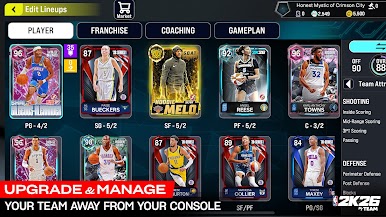
Build Your Ultimate Lineup: Collect player cards from past and present, then mix and match to create the kind of team you’ve always wanted—power scorers, lockdown defenders, or a balanced five that can do it all.
-
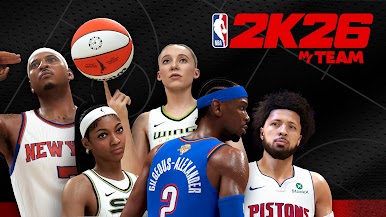
WNBA Player Cards: WNBA talent joins the action. Blend NBA and WNBA players for creative combos, or roll out an all-WNBA squad and see how it stacks up.
-
Game Changer Cards: Flip the script with special cards that let you tweak your run. Auto-evolve a player, rescue a win streak, reduce Domination difficulty, and more—use them smartly and they really live up to the name.
-
Modes You Know (And New Favorites): Put your team through its paces in Breakout, Domination, Clutch Time, Triple Threat, and other modes. Jump in solo or face real players when you’re ready to compete.
-
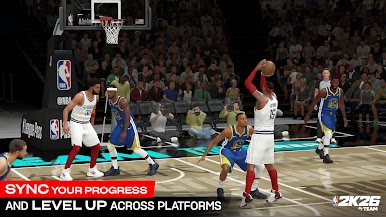
Cross-Progression Made Easy: Link your PlayStation or Xbox account to sync progress, so the lineup you build on the couch is the same one you manage on the go.
-
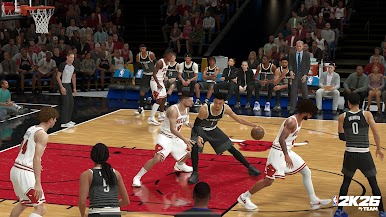
Smooth, Responsive Play: Snappy controls, sharp presentation, and support for Bluetooth controllers help each possession feel clean and precise.
-
Manage Anywhere, Play Anytime: Queue up a quick game, tweak your rotation, or chase that next card while you’re out—short sessions still move your team forward.
-
Optional Purchases: The game includes optional in-game purchases, including random items, for players who want to expand faster.
-
A Bigger Screen When You Want It: Prefer playing on a computer? NBA 2K26 MyTEAM Mobile also runs on BlueStacks, giving you another way to manage and hoop with your collection.
Start playing NBA 2K26 MyTEAM Mobile on BlueStacks and get a smoother, more comfortable PC or Mac setup.
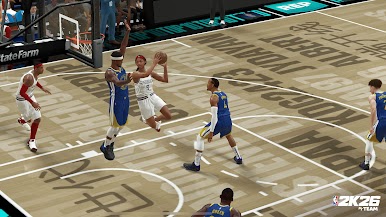
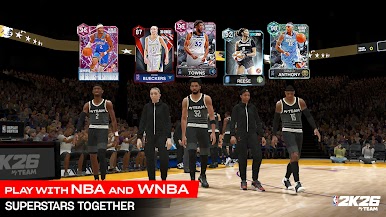
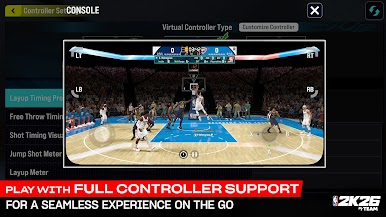

Play NBA 2K26 MyTEAM Mobile on PC. It’s easy to get started.
-
Download and install BlueStacks on your PC
-
Complete Google sign-in to access the Play Store, or do it later
-
Look for NBA 2K26 MyTEAM Mobile in the search bar at the top right corner
-
Click to install NBA 2K26 MyTEAM Mobile from the search results
-
Complete Google sign-in (if you skipped step 2) to install NBA 2K26 MyTEAM Mobile
-
Click the NBA 2K26 MyTEAM Mobile icon on the home screen to start playing

