

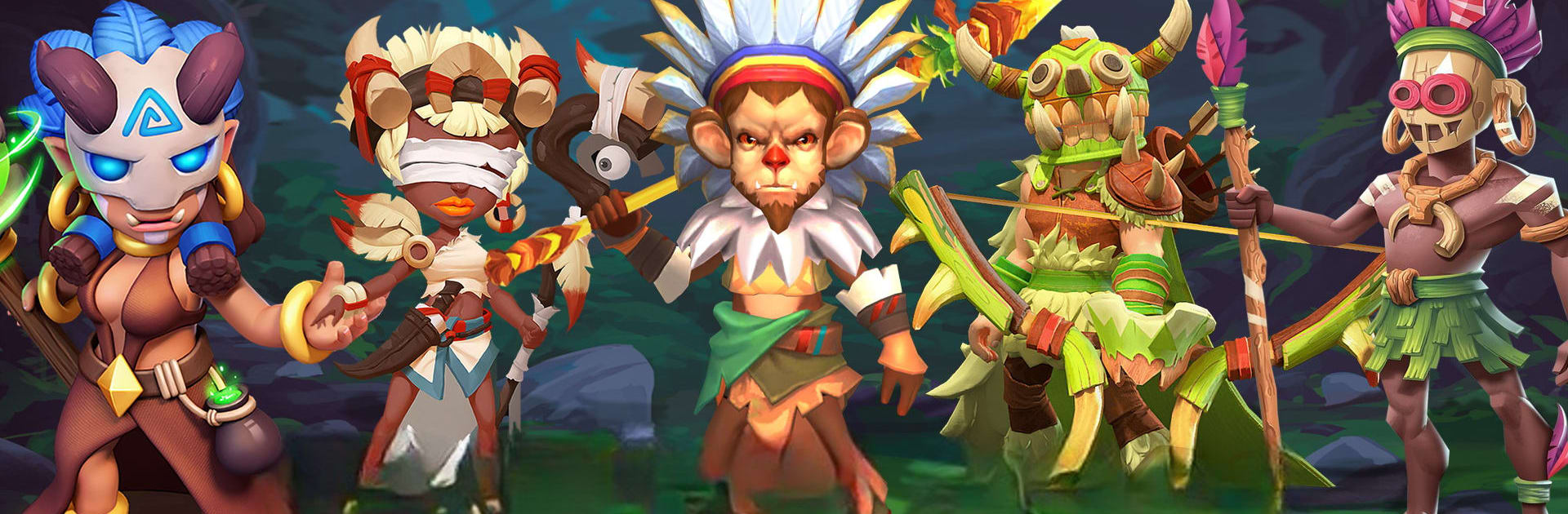
Archaya - Mayan Archero
Play on PC with BlueStacks – the Android Gaming Platform, trusted by 500M+ gamers.

Page Modified on: Oct 17, 2024
Play Archaya - Mayan Archero on PC or Mac
Explore a whole new adventure with Archaya – Mayan Archero, a Adventure game created by FPS Shooter & Action Game. Experience great gameplay with BlueStacks, the most popular gaming platform to play Android games on your PC or Mac.
About the Game
Step into an ancient world full of secrets, danger, and a whole lot of action in Archaya – Mayan Archero. This adventure throws you into the shoes of a lone Maya warrior, holding the last line against mysterious and relentless enemies. It’s fast-paced, seriously challenging, and every run feels different—so no two plays are ever quite the same. If you’re the type who loves unpredictable action or just wants to see how far your skills can take you, you’ll fit right in.
Game Features
-
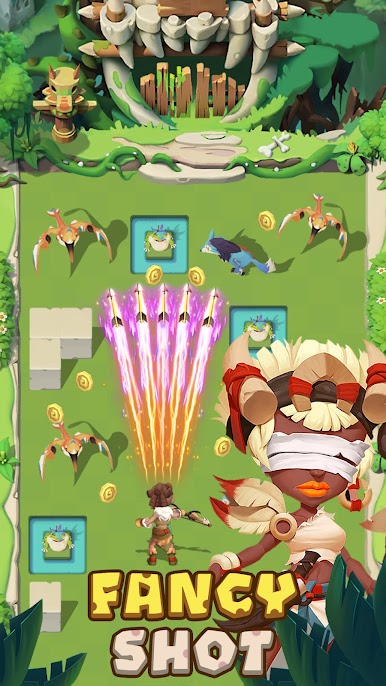
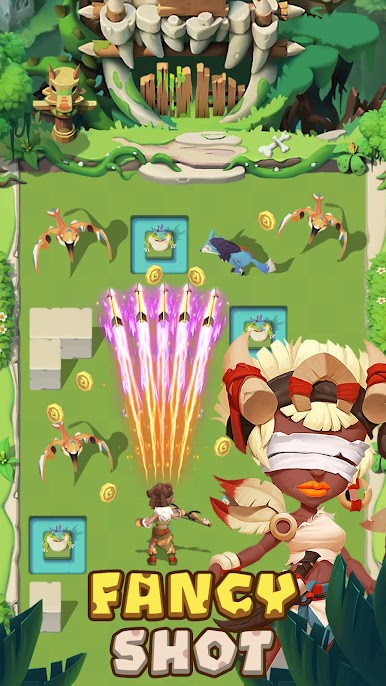
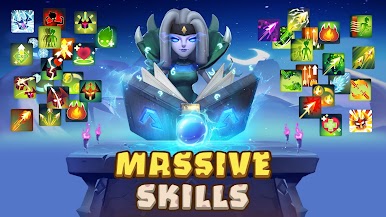
Ever-Changing Powers: Every time you tackle a dungeon, you’ll get access to a random mix of special skills. Some runs might load you up with powerful shots, other times you’ll get speed or defense—so you can’t just pick one favorite trick and coast.
-
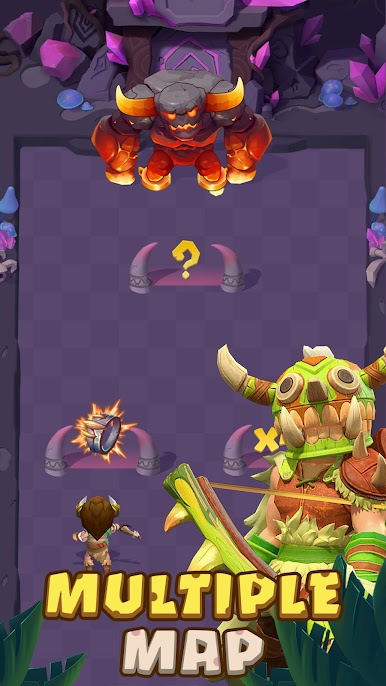
Unforgettable Worlds: You’re not just running through the same scenery over and over. The game’s packed with hundreds of different maps, each with its own look, twists, and hidden threats around every corner.
-
Unique Monsters & Wild Obstacles: You’ll face down a wild assortment of monsters—most you’ve never seen before—and plenty of obstacles that’ll keep your reflexes on edge.
-
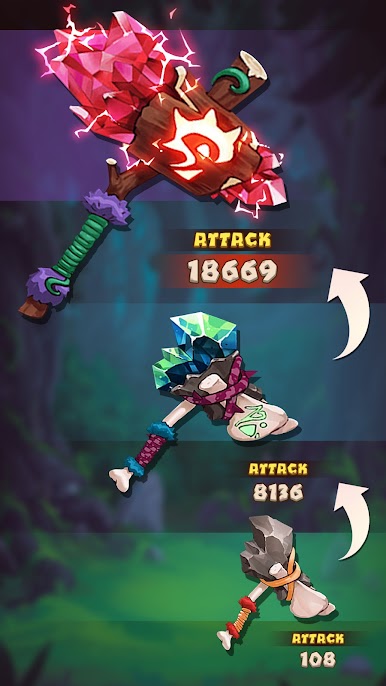
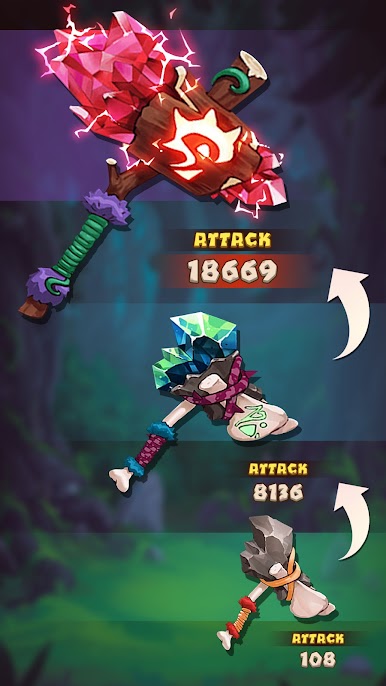
Gear Up for Battle: Equipment really matters here. Snag new weapons and gear to bump up your stats, so you’re able to make it a little further each time—or, okay, sometimes a LOT further.
-
High Stakes Challenge: Die, and it’s all the way back to square one! Survival’s all about your skills, clever thinking, and a bit of luck.
And if you ever feel the urge to swap out your thumbs for a mouse and keyboard, giving Archaya – Mayan Archero a spin with BlueStacks offers a different kind of edge.
Get ready for a buttery smooth, high-performance gaming action only on BlueStacks.



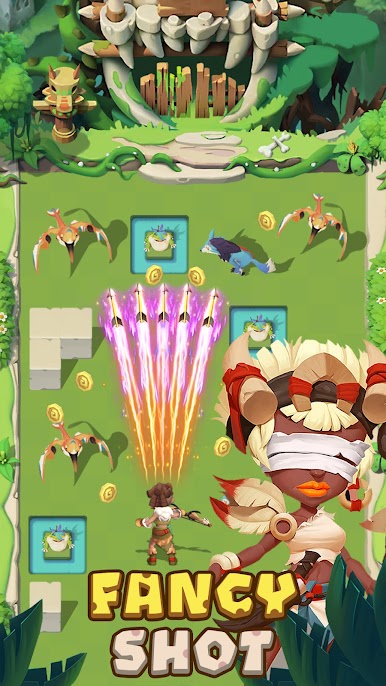

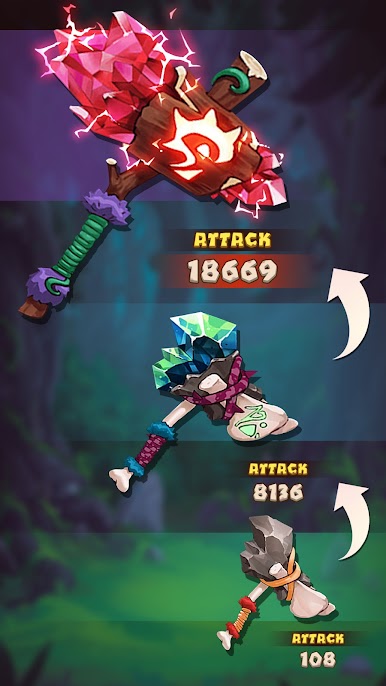
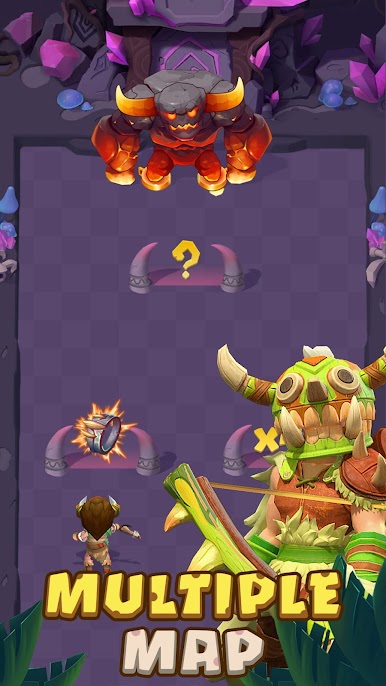











Play Archaya - Mayan Archero on PC. It’s easy to get started.
-
Download and install BlueStacks on your PC
-
Complete Google sign-in to access the Play Store, or do it later
-
Look for Archaya - Mayan Archero in the search bar at the top right corner
-
Click to install Archaya - Mayan Archero from the search results
-
Complete Google sign-in (if you skipped step 2) to install Archaya - Mayan Archero
-
Click the Archaya - Mayan Archero icon on the home screen to start playing

