


Bouncie
Play on PC with BlueStacks – the Android Gaming Platform, trusted by 500M+ gamers.

Page Modified on: Dec 11, 2025
Play Bouncie on PC
GPS Location ›
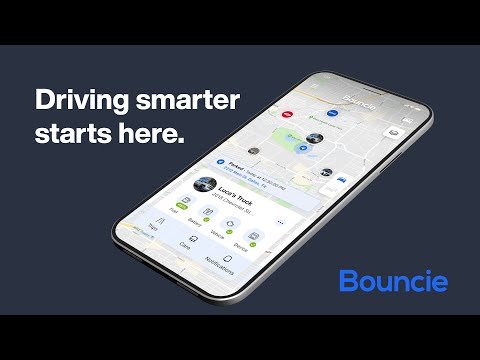
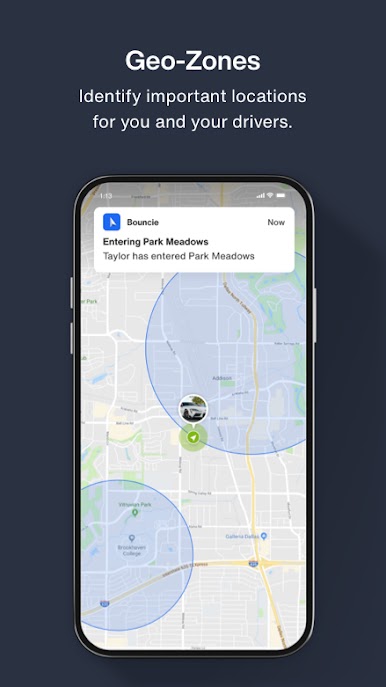
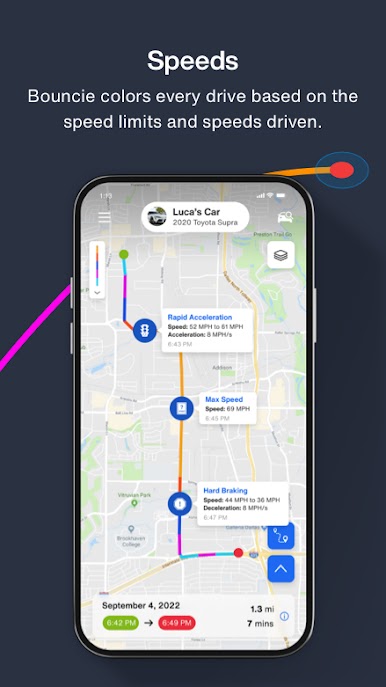
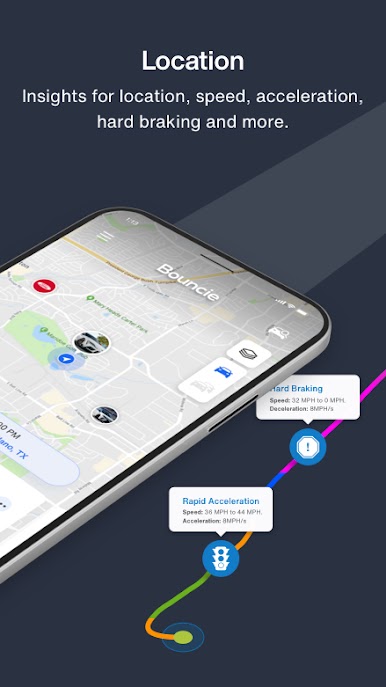
One vehicle or an entire fleet, see them all on one map. Bouncie captures each second of the trip, refreshing your map instantly as the vehicle drives. Enjoy the view!
Accident Notification ›
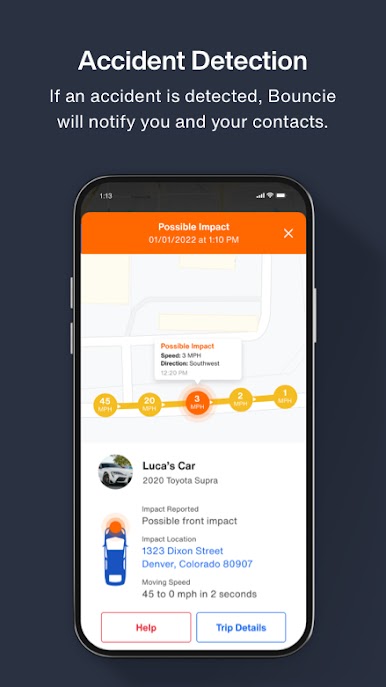
Advanced sensors and software immediately detect vehicle accidents. Bouncie will automatically send an SMS message to your notification contacts. Just breathe!
Driving Insights ›
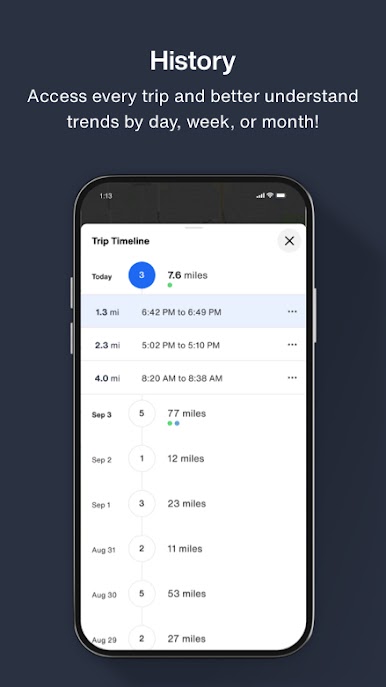
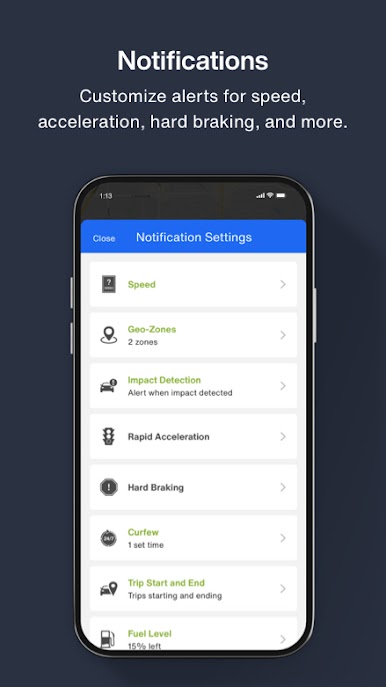
Bouncie provides timely insights on speed, acceleration, braking, and more. Steer towards excellence!
Vehicle Health ›
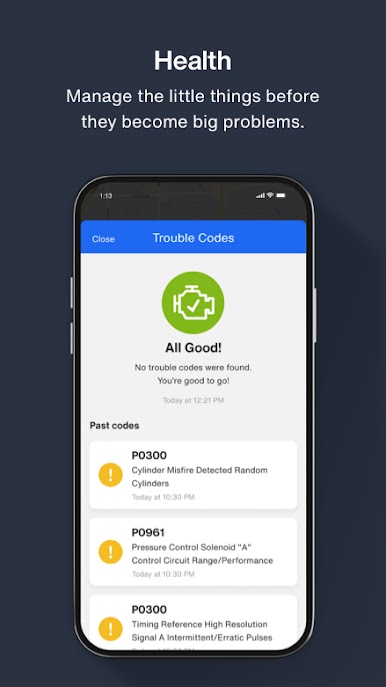
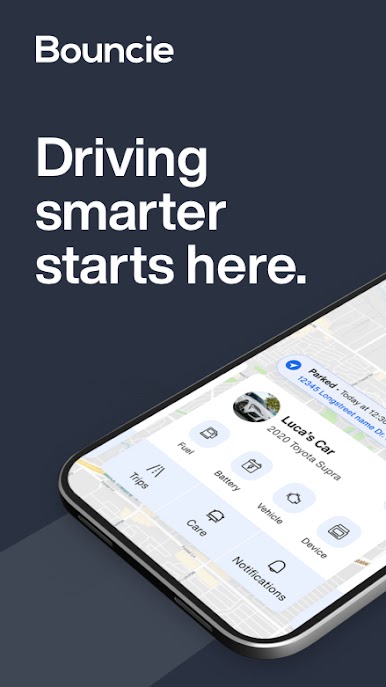
Bouncie continually monitors your vehicle's health and alerts you when something needs your attention. Manage the little things before they become big problems!
Bouncie OBD Device Required ›
Bouncie is the smallest cellular OBD device anywhere and is completely self-contained!
Play Bouncie on PC. It’s easy to get started.
-
Download and install BlueStacks on your PC
-
Complete Google sign-in to access the Play Store, or do it later
-
Look for Bouncie in the search bar at the top right corner
-
Click to install Bouncie from the search results
-
Complete Google sign-in (if you skipped step 2) to install Bouncie
-
Click the Bouncie icon on the home screen to start playing

