


Tales RPG
Play on PC with BlueStacks – the Android Gaming Platform, trusted by 500M+ gamers.

Page Modified on: Feb 9, 2026
Play Tales RPG on PC
FEATURES:
**Advanced AI Memory & Consistency**
The AI remembers past events, characters, and decisions with advanced long-term memory and consistency adjustments—ensuring your story remains coherent, reactive, and true to its established world.
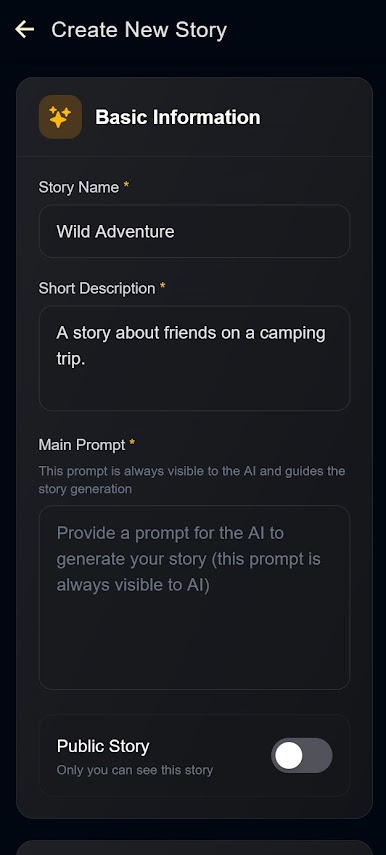
**Create and Customize**
Create your own stories and define how they are told before the adventure begins. Decide how directed each chapter should be by adding detailed instructions—or let the AI take full creative control. Fine-tune characters, settings, and story structure while choosing between highly guided narratives or fully AI-driven experiences.
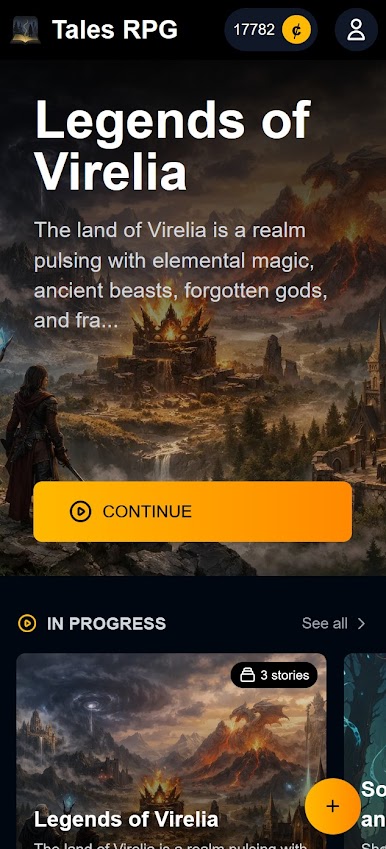
**Choose Your Adventure**
Explore stories created by Tales RPG and our passionate community. Embark on journeys inspired by your favorite TV shows, books, movies, and games.
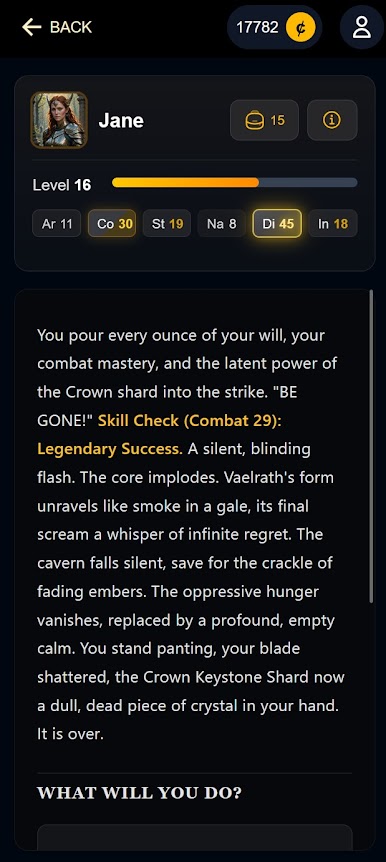
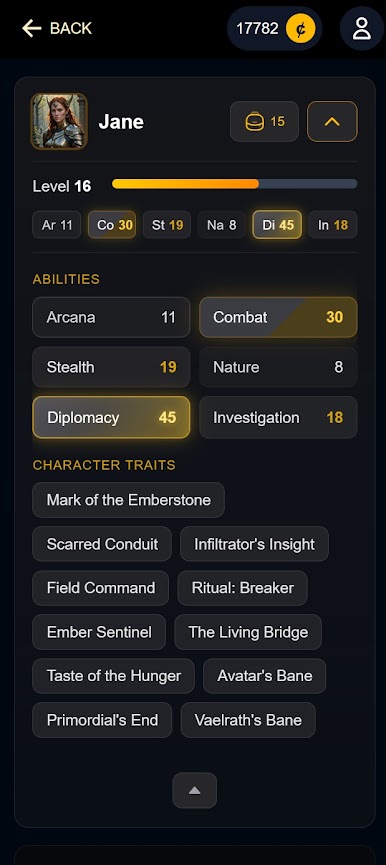
**Skills, Traits & Progression**
Develop skills and traits through your choices, opening new ways to overcome challenges and influence the story.
**Inventory & Equipment**
Manage items and equipment strategically. What you carry—and how you use it—can alter events and determine survival.
**Personalized Attributes**
Customize your character’s appearance, personality, and background to begin your adventure and see how every choice leaves a lasting impact on your story.
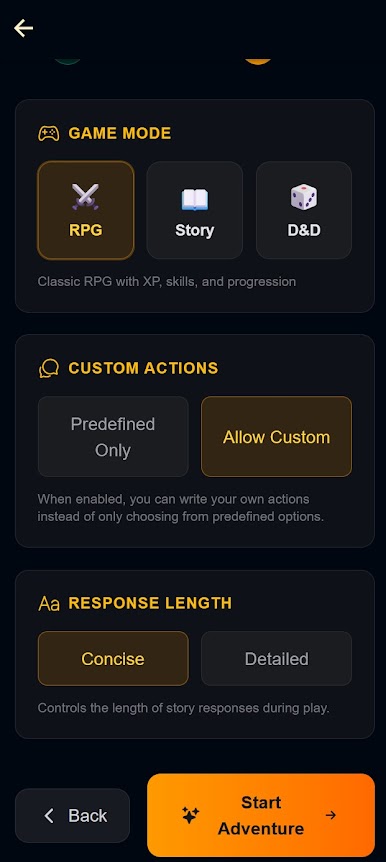
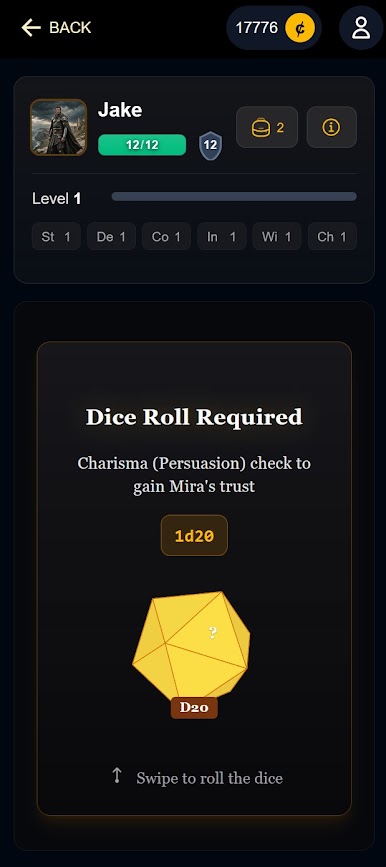
**Different Story Modes**
Choose between "RPG", "Story" or "Dungeons and Dragons (D&D)" story modes depending on your preferences.
Play Tales RPG on PC. It’s easy to get started.
-
Download and install BlueStacks on your PC
-
Complete Google sign-in to access the Play Store, or do it later
-
Look for Tales RPG in the search bar at the top right corner
-
Click to install Tales RPG from the search results
-
Complete Google sign-in (if you skipped step 2) to install Tales RPG
-
Click the Tales RPG icon on the home screen to start playing

