


Word Perfect
Play on PC with BlueStacks – the Android Gaming Platform, trusted by 500M+ gamers.

Page Modified on: Sep 19, 2026
Play Word Perfect on PC
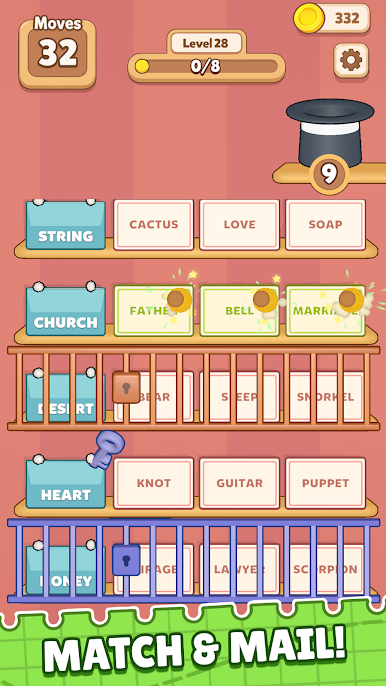
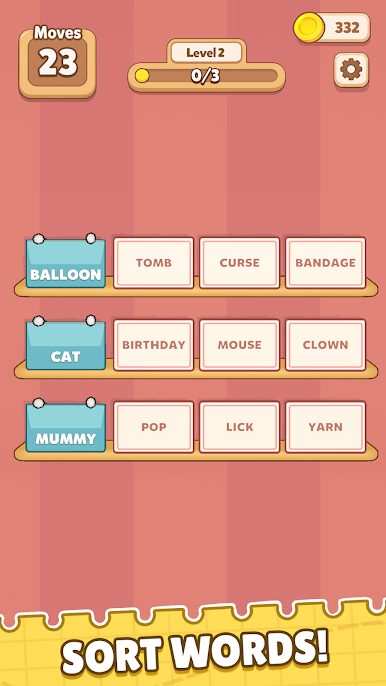
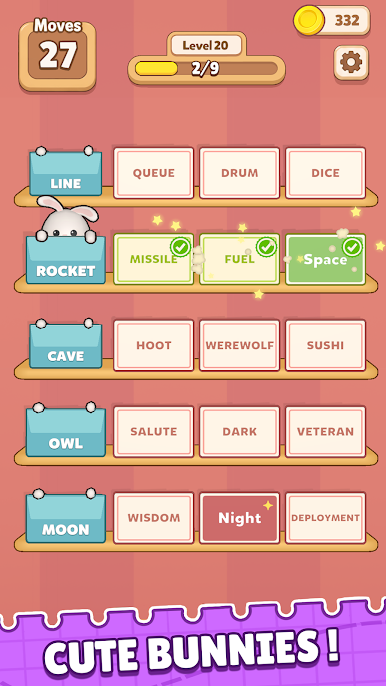
Read what's on the envelope, then find the three cards that go with it. Get it right and the bunny sets off on delivery. The trick is this: stop looking for what the cards have in common. There's nothing there. The envelope is the whole answer.
Some click instantly. Others sit there smugly until it hits you. And every so often a card looks perfectly at home on two different shelves.
But here's the catch: your moves are limited. If you just shuffle cards around and hope, then you'll run out of moves before you run out of cards.
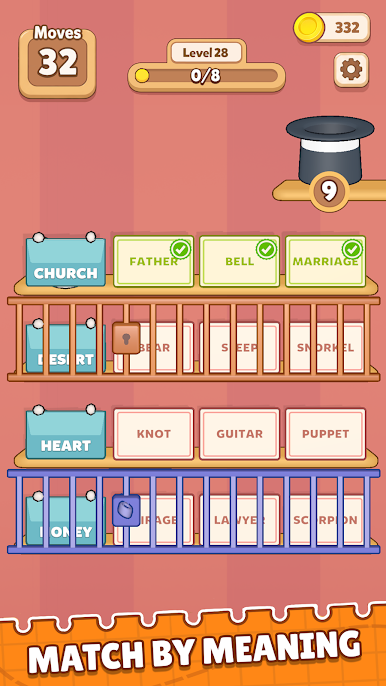
Clear a shelf and fresh cards drop in. Some shelves come locked, with the key sitting on a completely different shelf. Sort out the order or the bunnies stay put.
Easy to pick up. Hard to put down. The shelves fill up, the connections get slipperier, and that little "oh, of course" moment keeps pulling you back for one more.
Read the envelope. Sort the cards. Make it Words Perfect!


Play Word Perfect on PC. It’s easy to get started.
-
Download and install BlueStacks on your PC
-
Complete Google sign-in to access the Play Store, or do it later
-
Look for Word Perfect in the search bar at the top right corner
-
Click to install Word Perfect from the search results
-
Complete Google sign-in (if you skipped step 2) to install Word Perfect
-
Click the Word Perfect icon on the home screen to start playing

