

Rock Block Saga
Play on PC with BlueStacks – the Android Gaming Platform, trusted by 500M+ gamers.

Page Modified on: Aug 27, 2026
Play Rock Block Saga on PC or Mac
Play Rock Block Saga by Tarkin Games on PC or Mac with BlueStacks. Use a bigger screen, mouse and keyboard controls, and smoother performance while you play.
About the Game
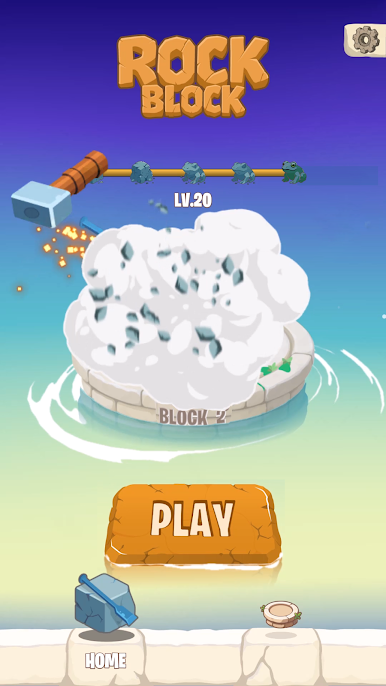
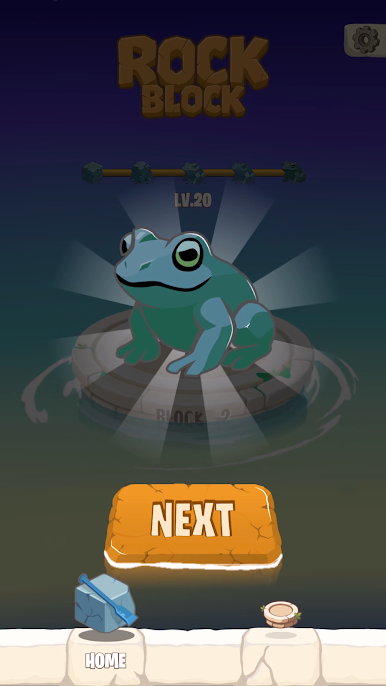
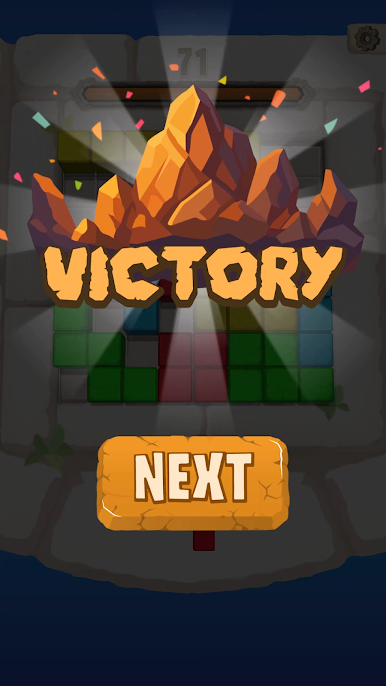
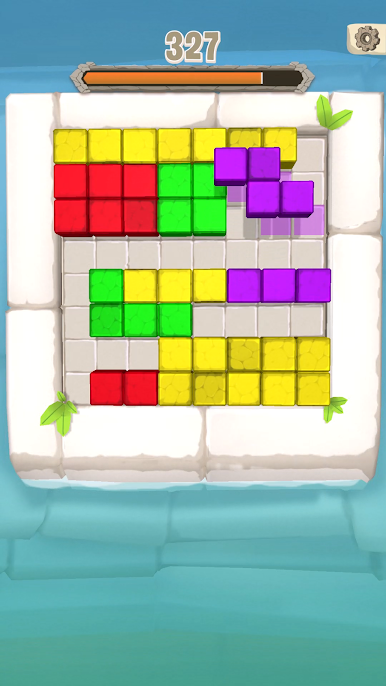
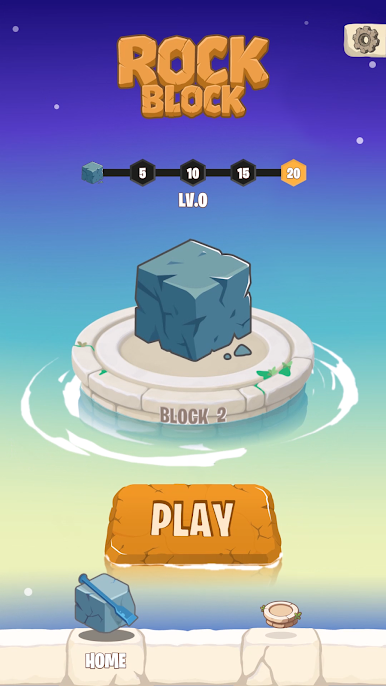
Rock Block Saga is a relaxed, brain-pleasing Casual puzzler where each smart placement reveals a hidden stone sculpture. You’re working a grid, arranging shapes, and slowly breaking away the outer layer to uncover detailed animal art buried inside. Prefer playing on a bigger screen? It also runs nicely on BlueStacks without getting in your way.
Game Features
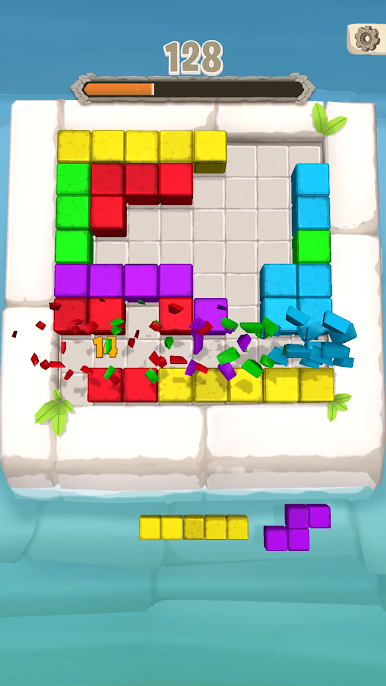
- Sculpting Reveal: Complete rows or columns to crack the stone casing and expose more of the statue piece by piece.
- Drag-and-Place Controls: Pick a shape, set it on the grid, and shuffle your plans on the fly—easy to learn, surprisingly deep.
- Combos and Streaks: Chain clears back-to-back to rack up points and trigger handy boosts that keep the momentum going.
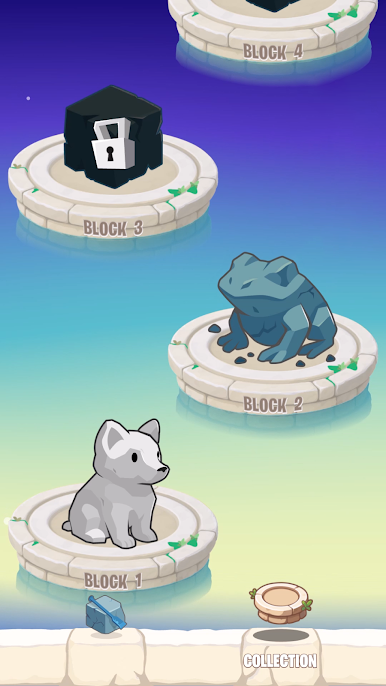
- Collectible Statues: Add finished carvings—think proud lions, swift birds, even mythical beasts—to a growing gallery you’ll want to revisit.
- Play at Your Pace: Squeeze in a quick board during a break or settle in for a longer stretch; the flow feels calm and rewarding either way.
- Smart Space Management: Leave room for bulky pieces, set up multi-line reveals, and turn a tight board into a clean slate.
- Helpful Power-Ups: Unlock tools that clear space or save a run when the next piece just won’t fit.
- Plenty to Solve: Fresh layouts and steadily tougher decisions keep the puzzle loop interesting as you move from one statue to the next.
- Smooth Performance: Snappy loads, responsive taps, and clean visuals keep the focus on planning, not waiting.
Start your journey now. Download the game on BlueStacks, invite your friends, and march on a new adventure.

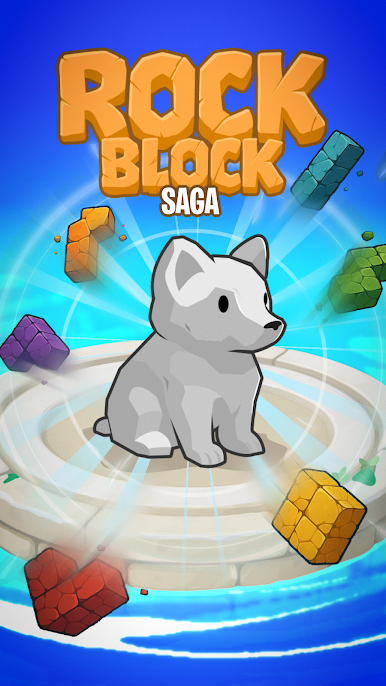
Play Rock Block Saga on PC. It’s easy to get started.
-
Download and install BlueStacks on your PC
-
Complete Google sign-in to access the Play Store, or do it later
-
Look for Rock Block Saga in the search bar at the top right corner
-
Click to install Rock Block Saga from the search results
-
Complete Google sign-in (if you skipped step 2) to install Rock Block Saga
-
Click the Rock Block Saga icon on the home screen to start playing

