


Loklok - Drama, Movie & Anime
Play on PC with BlueStacks – the Android Gaming Platform, trusted by 500M+ gamers.

Page Modified on: May 28, 2025
Overview
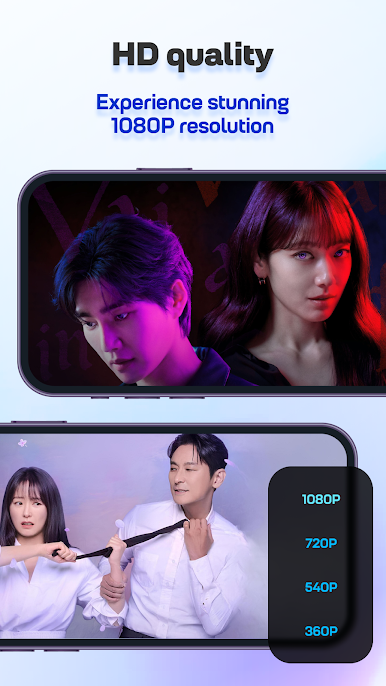
WATCH ANYTHING WITH A HIGH-QUALITY STREAMING SERVICE
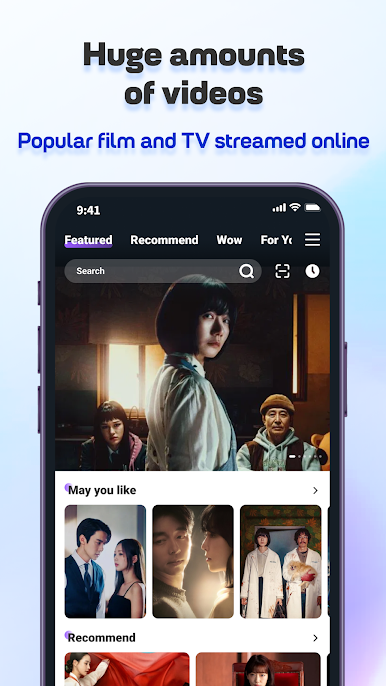
VARIOUS CATEGORIES TO WATCH OR PERSONALIZE
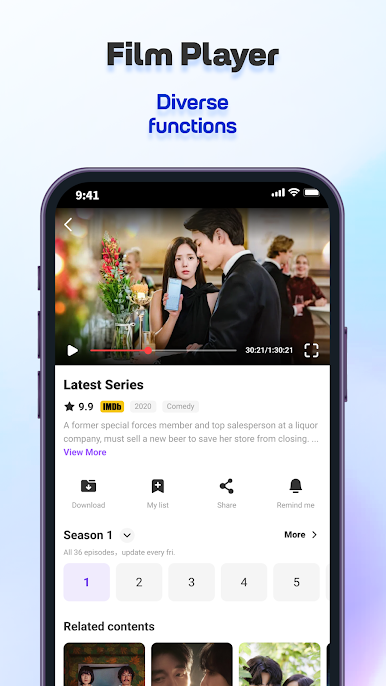
AN INNOVATIVE INTERFACE LAYOUT FOR PROFESSIONAL EXPERIENCE
DOWNLOAD THE FAVORITE MOVIE OR SERIAL TO WATCH OFFLINE
Loklok promises to bring people unique and creative content in various genres or styles to entertain users. Best of all, the variety of genres or features always opens up new possibilities for people and gives them more ideas to customize the app fully.


Play Loklok - Drama, Movie & Anime on PC. It’s easy to get started.
-
Download and install BlueStacks on your PC
-
Complete Google sign-in to access the Play Store, or do it later
-
Look for Loklok - Drama, Movie & Anime in the search bar at the top right corner
-
Click to install Loklok - Drama, Movie & Anime from the search results
-
Complete Google sign-in (if you skipped step 2) to install Loklok - Drama, Movie & Anime
-
Click the Loklok - Drama, Movie & Anime icon on the home screen to start playing

