

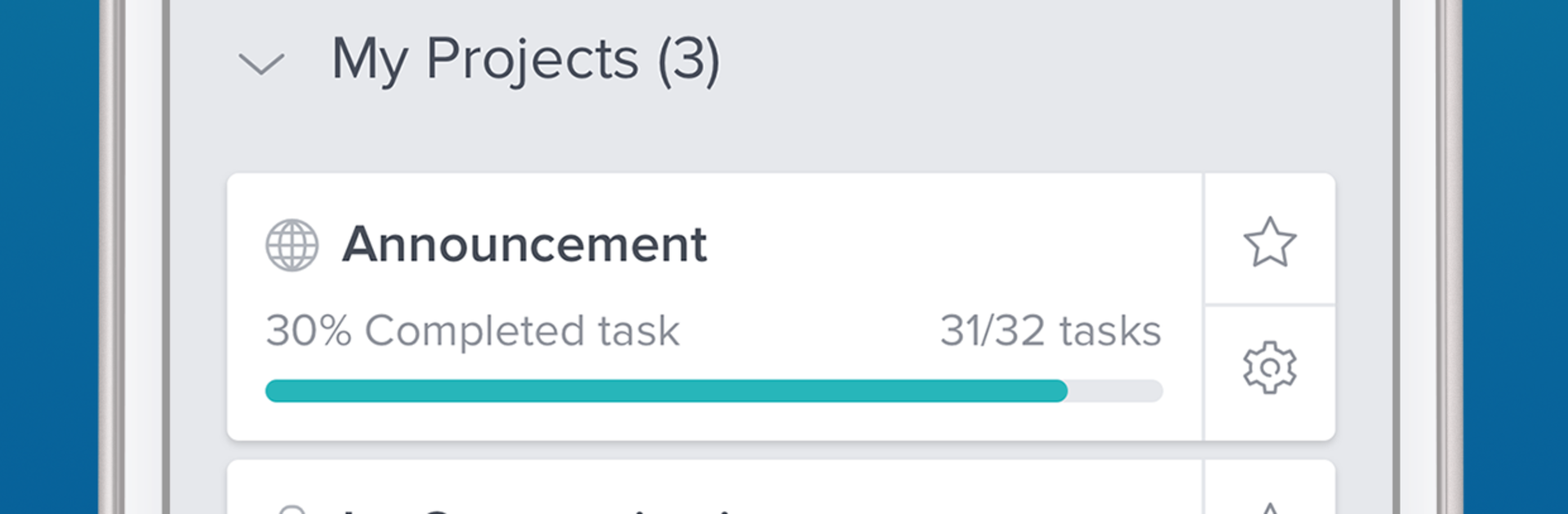
Taskworld
Play on PC with BlueStacks – the Android Gaming Platform, trusted by 500M+ gamers.

Page Modified on: Nov 10, 2023
Run Taskworld on PC or Mac
Upgrade your experience. Try Taskworld, the fantastic Productivity app from Taskworld, from the comfort of your laptop, PC, or Mac, only on BlueStacks.
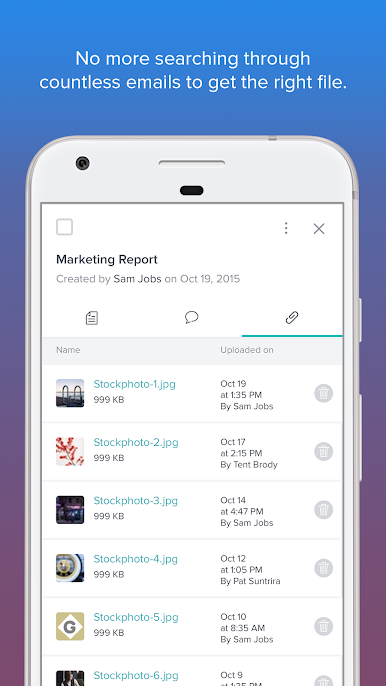
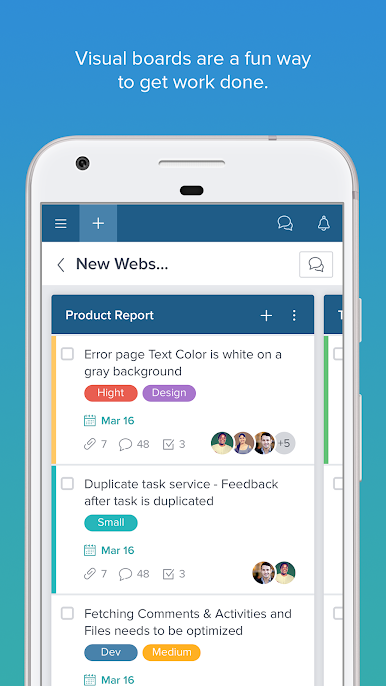
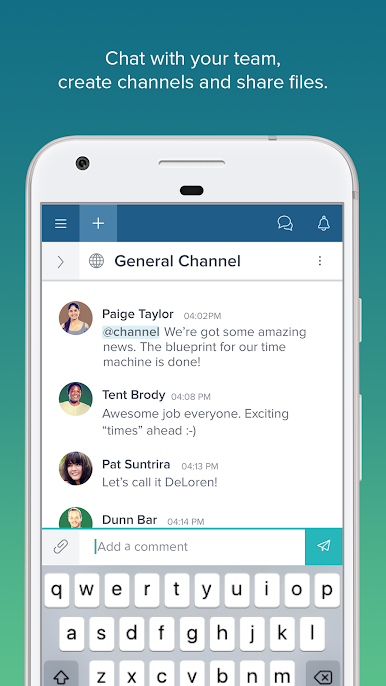
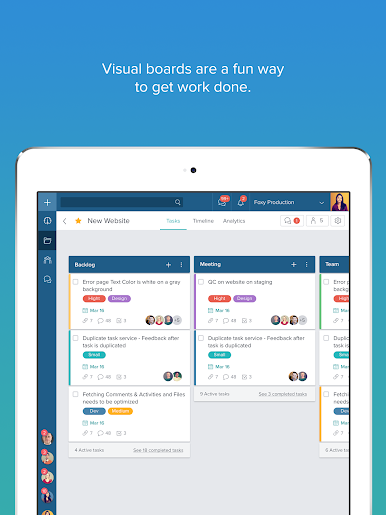
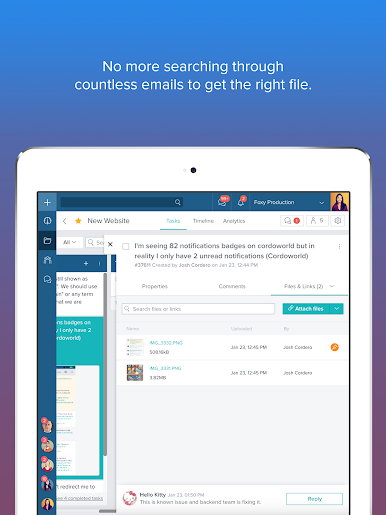
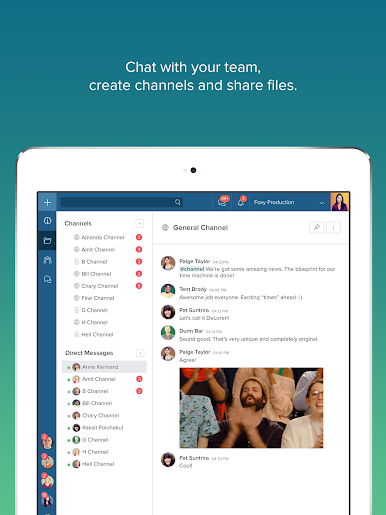
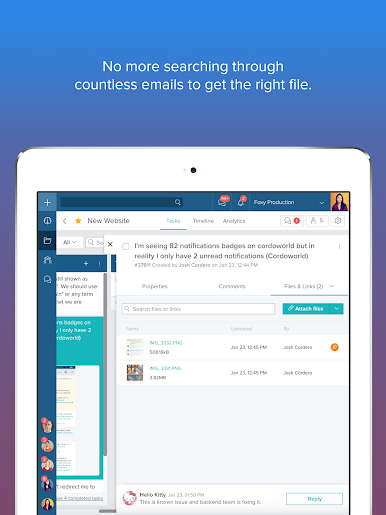
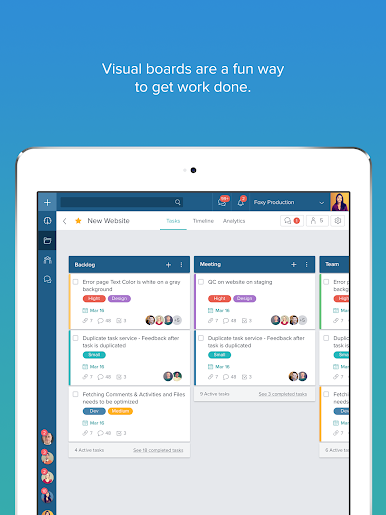
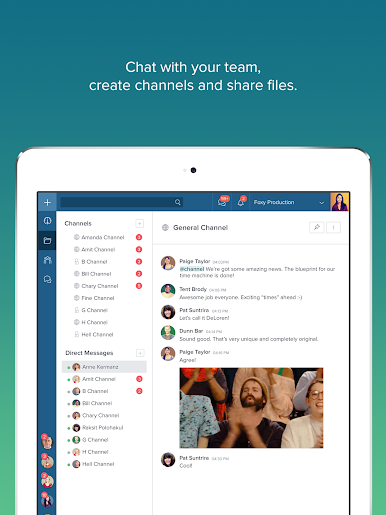
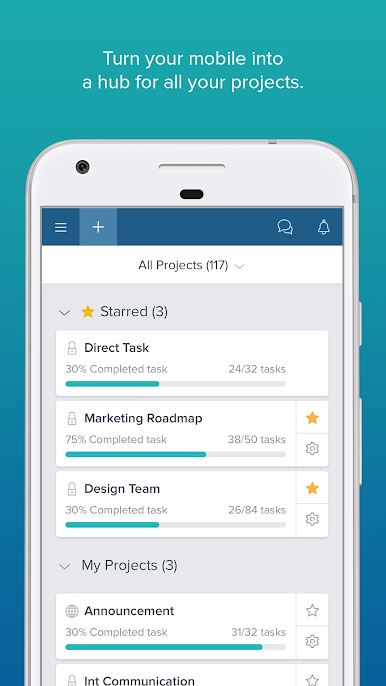
Taskworld feels like a clean command center for projects. It is all about visual boards where tasks live in tidy columns, and moving stuff around is as simple as drag and drop. Each card can have checklists, due dates, files, even recurring schedules, and more than one person can own the same task, which is great when work overlaps. There is built‑in team chat, so updates and quick questions happen right next to the work instead of getting lost somewhere else. Files attach right to tasks, comments stay threaded, and nothing feels too hidden once someone learns the layout.
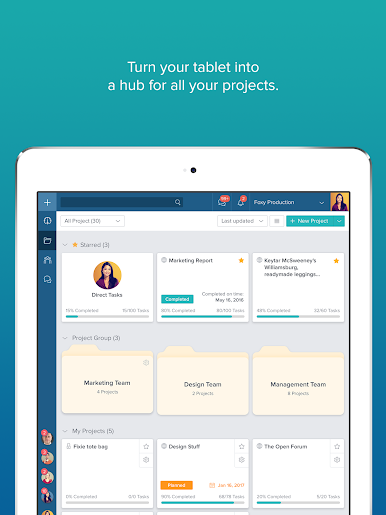
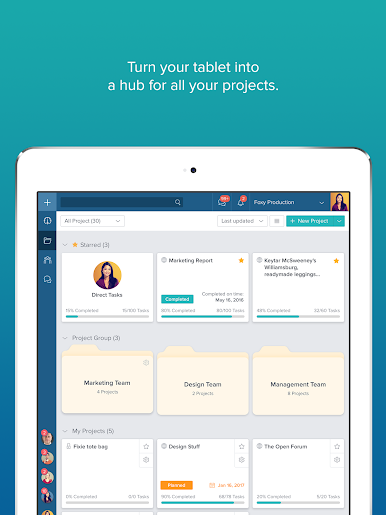
On a PC through BlueStacks, the bigger screen makes the boards and the dashboard way easier to scan. The interactive dashboard shows who is loaded with work, what is late, and what is moving, with filters that actually help, not just clutter. Push alerts keep everyone in the loop, and real‑time sync with the web app means a change on one screen appears everywhere in seconds. It can feel busy on day one because there is alot in here, but color labels and the simple board view make it click fast. Good for small groups or a whole department since it scales without getting fussy. All the features are open for 15 days, so a team can test the full thing before deciding if it fits.
BlueStacks brings your apps to life on a bigger screen—seamless and straightforward.
Play Taskworld on PC. It’s easy to get started.
-
Download and install BlueStacks on your PC
-
Complete Google sign-in to access the Play Store, or do it later
-
Look for Taskworld in the search bar at the top right corner
-
Click to install Taskworld from the search results
-
Complete Google sign-in (if you skipped step 2) to install Taskworld
-
Click the Taskworld icon on the home screen to start playing

