


TeamViewer Assist AR (Pilot)
Play on PC with BlueStacks – the Android Gaming Platform, trusted by 500M+ gamers.

Page Modified on: Nov 20, 2025
Play TeamViewer Assist AR (Pilot) on PC
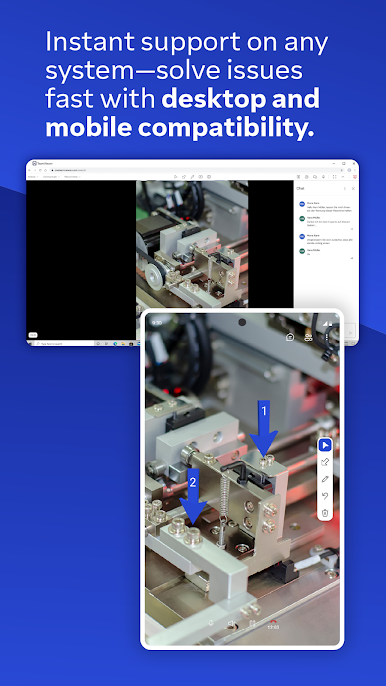
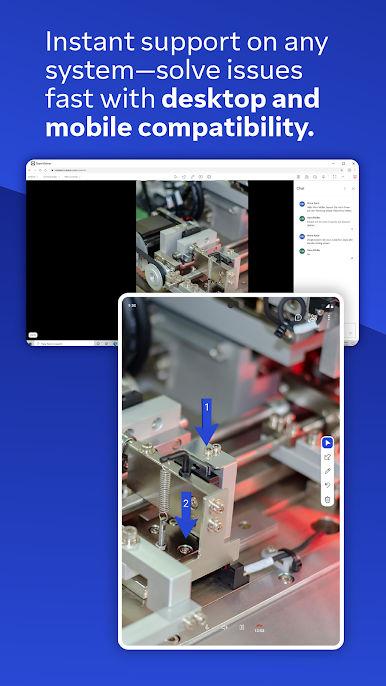
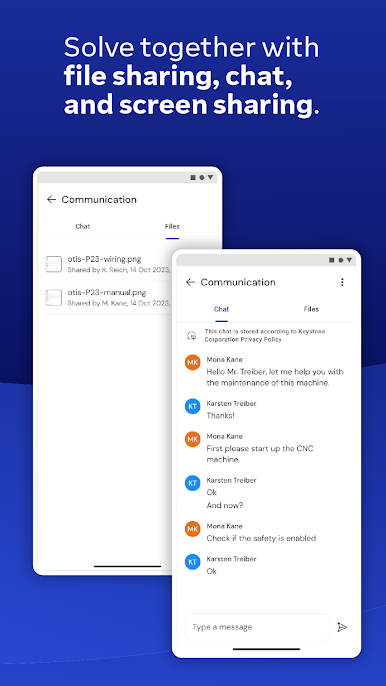
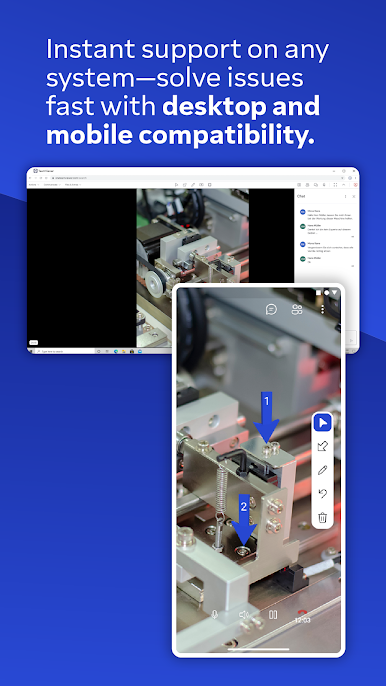
Use this app to receive remote assistance for all kinds of equipment, machinery, and infrastructure issues.
• Simplify troubleshooting and improve productivity by showing the problem instead of just telling about it.
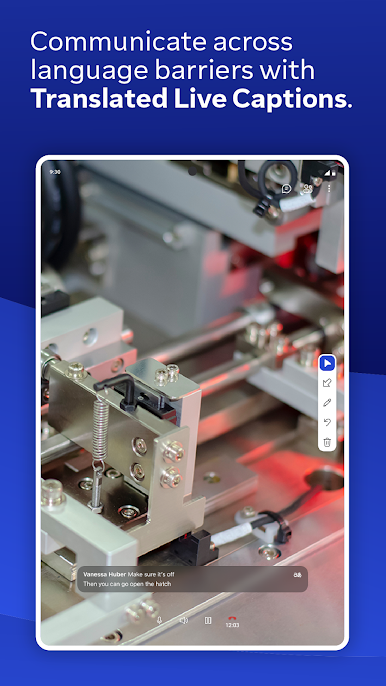
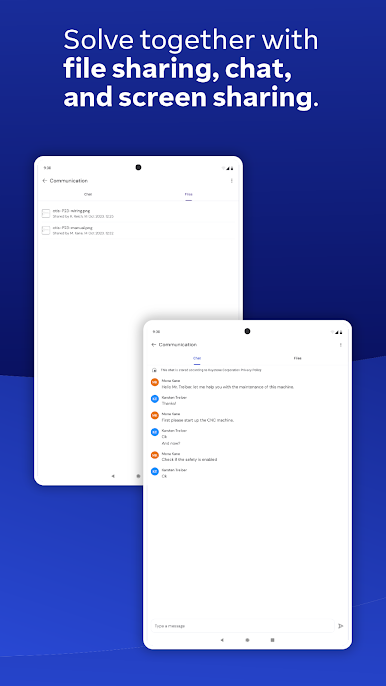
• Receive real-time service and support from your remote experts
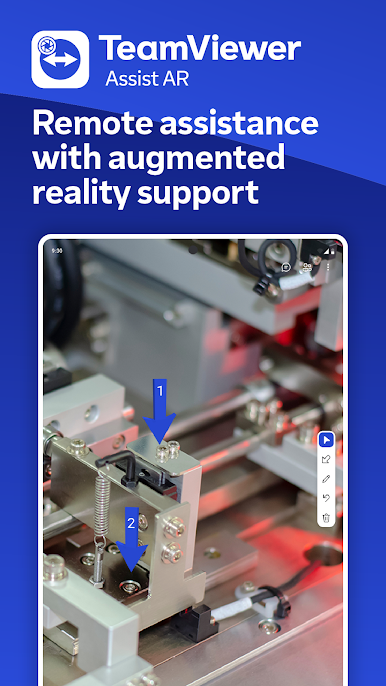
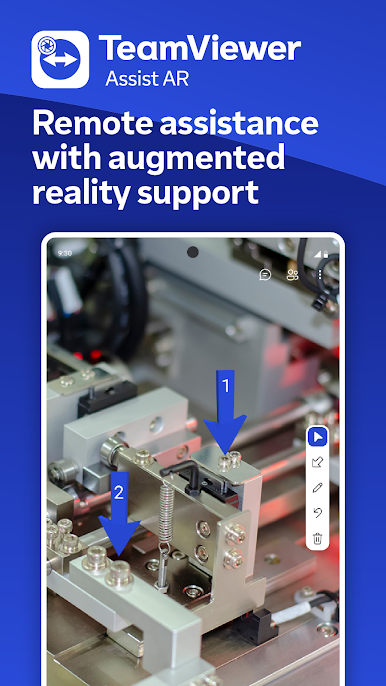
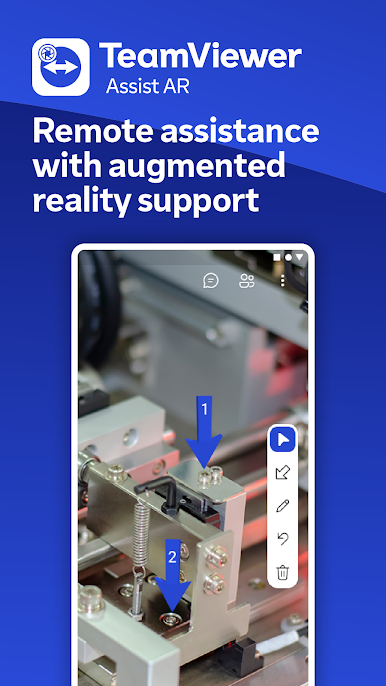
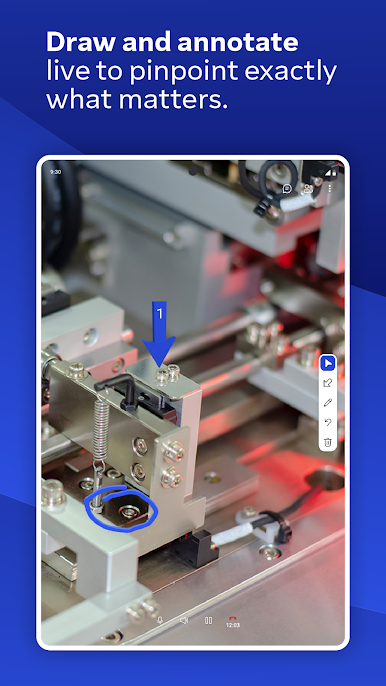
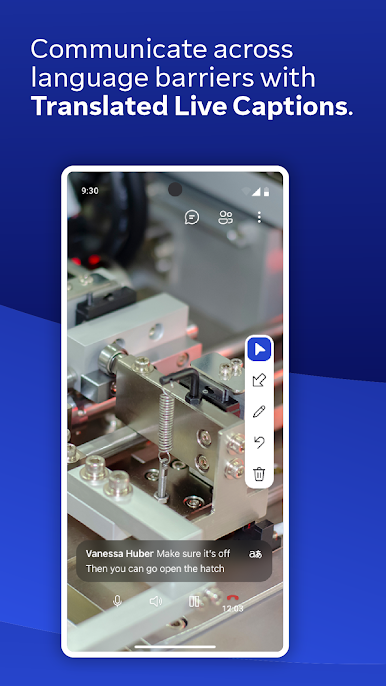
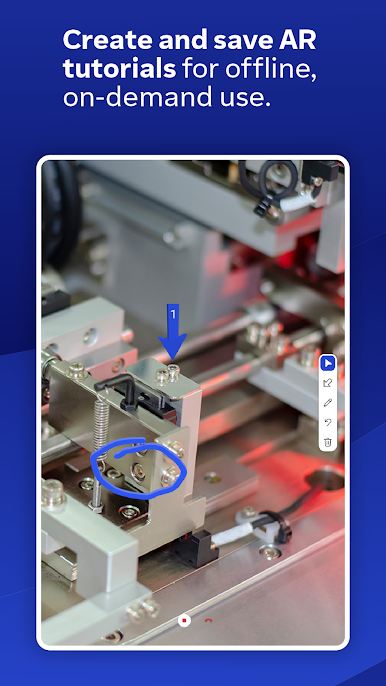
• Your experts see what you see and annotate with 3D markers that stick to real-world objects
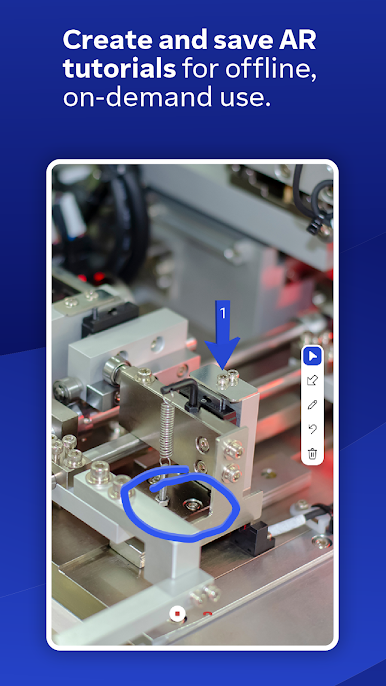
• You can even share your knowledge by creating video tutorials for training purposes
Key Features:
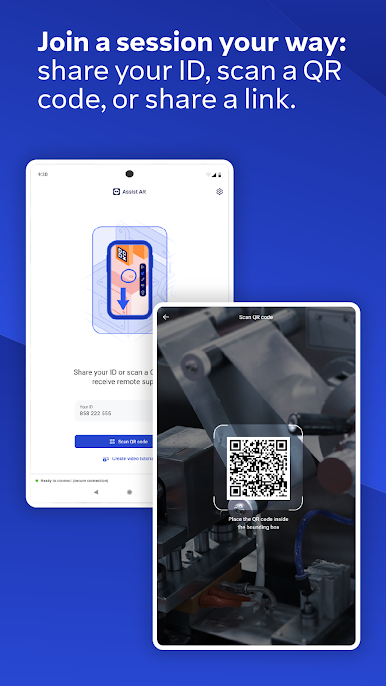
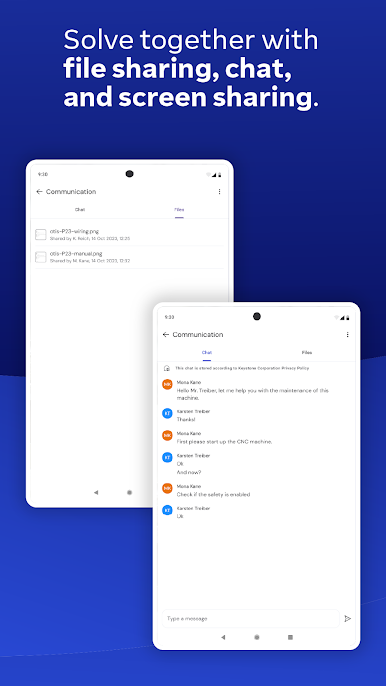
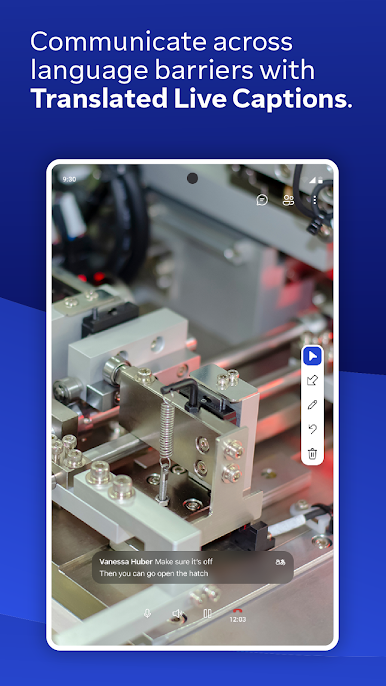
• Remote camera sharing and real-time video streaming
• HD VoIP
• 3D annotations
• Highest security standards: 256 Bit AES session encoding, 2048 Bit RSA key exchange
• Plus so much more…
TeamViewer Assist AR is the #1 choice for visual and remote guidance of field service technicians.
Information on Mandatory Access
● Camera: Necessary to generate video feed on the app
Information on Optional Access*
● Microphone: Fill the video feed with audio, or used to record message or session
*You can use the app even if you do not allow the optional permissions. Please use in-app settings to disable the access.



Play TeamViewer Assist AR (Pilot) on PC. It’s easy to get started.
-
Download and install BlueStacks on your PC
-
Complete Google sign-in to access the Play Store, or do it later
-
Look for TeamViewer Assist AR (Pilot) in the search bar at the top right corner
-
Click to install TeamViewer Assist AR (Pilot) from the search results
-
Complete Google sign-in (if you skipped step 2) to install TeamViewer Assist AR (Pilot)
-
Click the TeamViewer Assist AR (Pilot) icon on the home screen to start playing

