

القراءة العربية (الرشيدي)
Play on PC with BlueStacks – the Android Gaming Platform, trusted by 500M+ gamers.

Page Modified on: Jul 2, 2019
Run القراءة العربية (الرشيدي) on PC or Mac
Multitask effortlessly on your PC or Mac as you try out القراءة العربية (الرشيدي), a Education app by ITKAN EĞİTİM VE KALKINMA DERNEĞİ on BlueStacks.
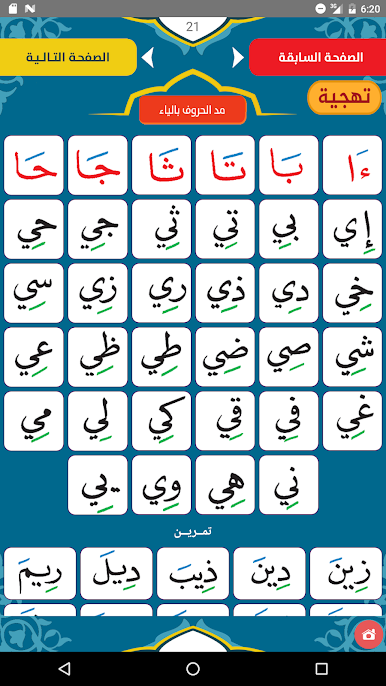
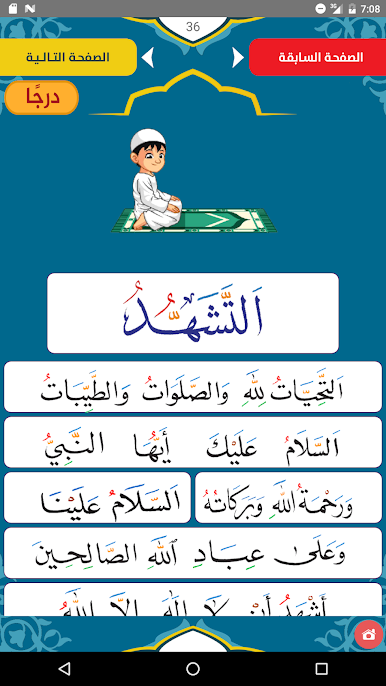
القراءة العربية (الرشيدي) feels like a clean, no-nonsense path into reading Arabic the right way. It starts from the absolute basics, letters and their sounds, then moves to full words and finally full sentences. The flow is steady and practical, built around a spelling style that keeps pointing back to where each sound comes from and what makes it different from similar letters. It is not flashy, and that kind of helps. The focus stays on precision, diacritics, and smooth reading without guessing.
On a PC with BlueStacks it is easy to follow along, since the larger screen makes the script and vowel marks much clearer. Switching between steps with a mouse feels simple, and longer practice does not feel cramped. Someone who is just getting started will not feel rushed, and anyone who already reads a little can use it to fix habits and sharpen pronunciation.
What stands out is how it treats the letters as real building blocks. There is attention to origins and characteristics, which pays off when sentences start to click. It also ties neatly into extra learning, with mentions of online sessions and seminars for proper Arabic reading, plus recitation and memorization of the Holy Qur’an for those who want that structured support. Teachers and parents could park a learner here as the first building block, then layer more practice on top.
BlueStacks brings your apps to life on a bigger screen—seamless and straightforward.
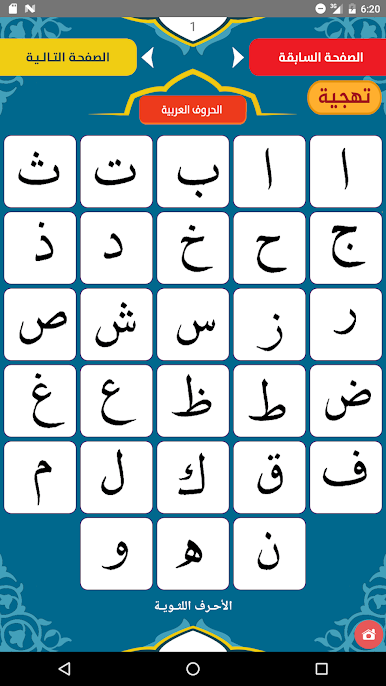
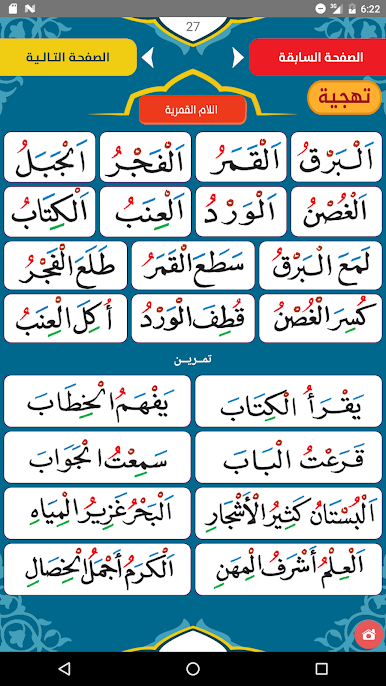
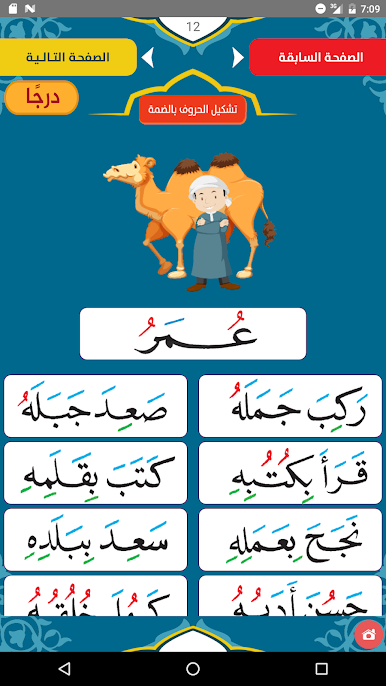
Play القراءة العربية (الرشيدي) on PC. It’s easy to get started.
-
Download and install BlueStacks on your PC
-
Complete Google sign-in to access the Play Store, or do it later
-
Look for القراءة العربية (الرشيدي) in the search bar at the top right corner
-
Click to install القراءة العربية (الرشيدي) from the search results
-
Complete Google sign-in (if you skipped step 2) to install القراءة العربية (الرشيدي)
-
Click the القراءة العربية (الرشيدي) icon on the home screen to start playing

