


Bricks and Balls Crusher
Play on PC with BlueStacks – the Android Gaming Platform, trusted by 500M+ gamers.

Page Modified on: Dec 9, 2025
Play Bricks and Balls - Bricks Breaker Crusher on PC or Mac
Bring your A-game to Bricks and Balls – Bricks Breaker Crusher, the Arcade game sensation from Tee Studio. Give your gameplay the much-needed boost with precise game controls, high FPS graphics, and top-tier features on your PC or Mac with BlueStacks.
About the Game
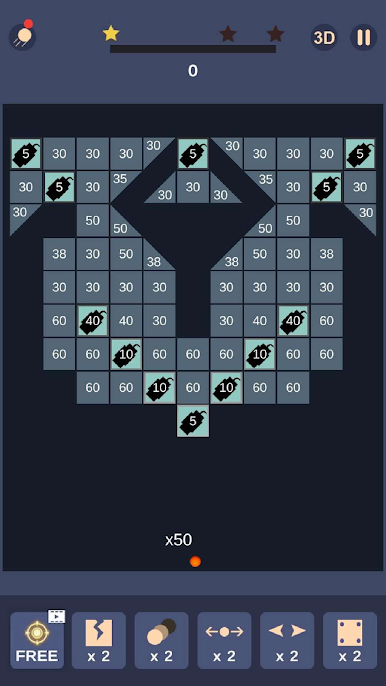
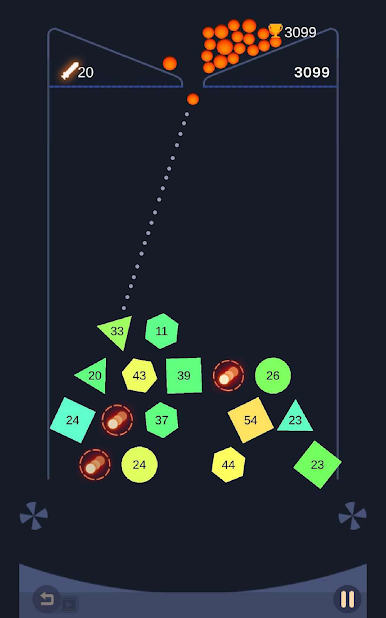
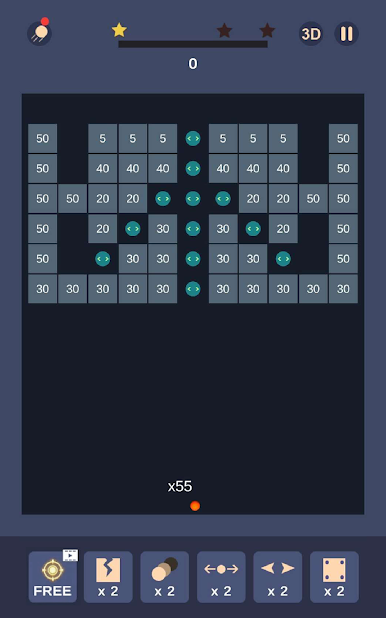
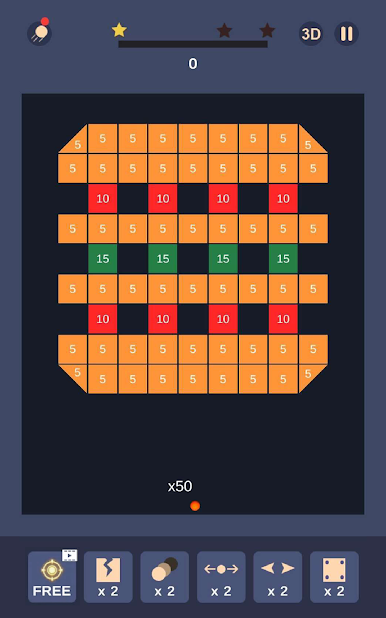
If you’ve got a knack for smashing bricks and love classic arcade vibes, Bricks and Balls – Bricks Breaker Crusher by Tee Studio is just your thing. It’s all about swiping to launch a wave of bouncing balls, busting through walls of colorful bricks for that perfect “aha!” moment. No complicated controls or wild learning curve—just pure, stress-busting fun with hundreds (well, thousands!) of different levels to work through.
Game Features
-
2D and 3D Views
Switch up how you play whenever you want—toggle between clean 2D graphics or give your game a little depth with the 3D option. Both feel smooth, so it’s really just your call which you like better. -
Simple, Satisfying Controls
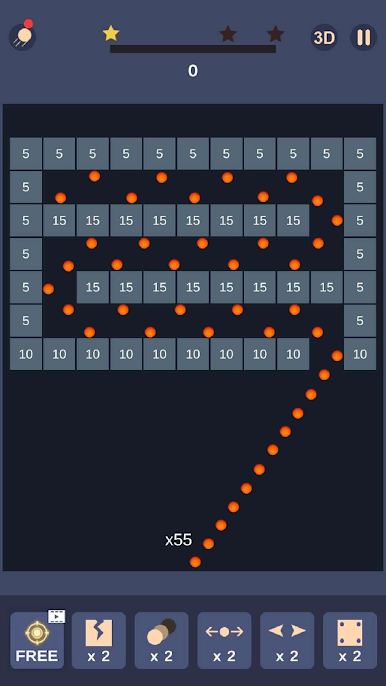
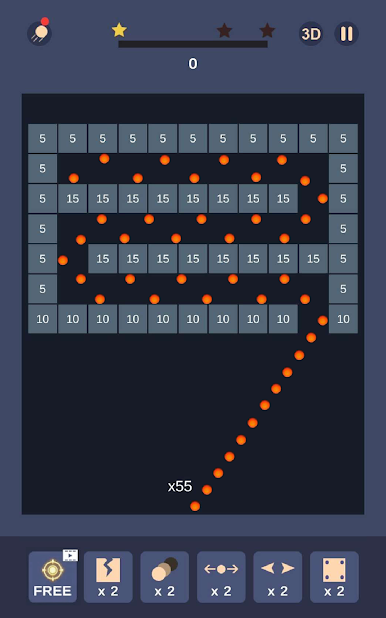
All it takes is a swipe and release to send a shower of balls flying. The mechanics are super easy to pick up, but there’s a little strategy if you want those higher scores. -
Tons of Levels
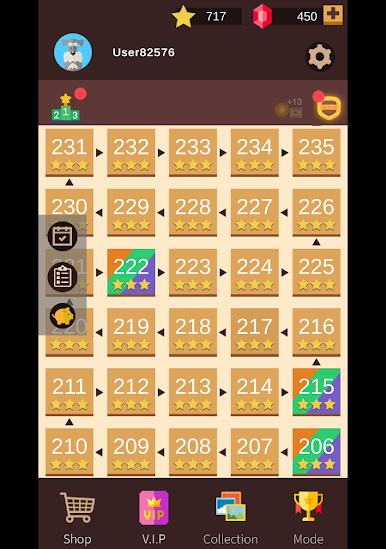
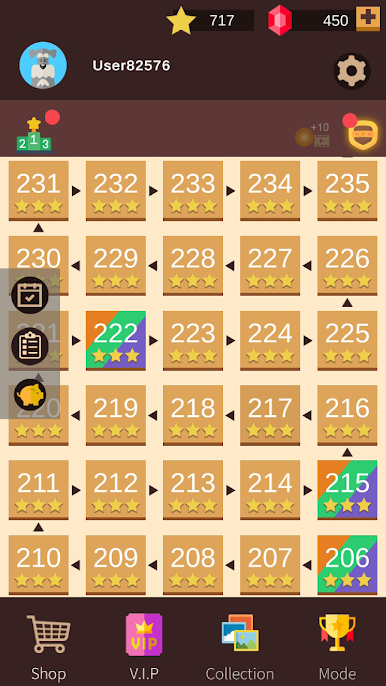
We’re not talking a handful here—there are over 2,000 levels. Whether you’re playing for a quick five minutes or sinking in for a long session, you’ll always find a new puzzle to crush. -
Helpful Items
Hit a tough spot? Don’t sweat it. You’ll collect handy power-ups and get extra balls as you play, giving you that little boost you might need for trickier levels. -
Offline Play
No WiFi? Doesn’t matter! You can keep breaking bricks wherever you are, whether you’re commuting or just chilling without internet. -
Leaderboard Challenges
Got a competitive streak? Aim for the high score and see how you stack up against players globally. -
Free Updates
Expect new challenges to keep things fresh. Tee Studio regularly drops updates packed with extra content. -
Smooth Arcade Experience on BlueStacks
Love playing on a bigger screen? Bricks and Balls – Bricks Breaker Crusher feels right at home when you run it with BlueStacks, making it easy to enjoy those quick sessions on your PC.
Start your journey now. Download the game on BlueStacks, invite your friends, and march on a new adventure.





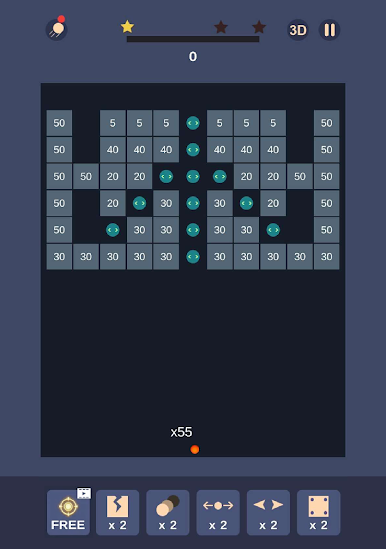


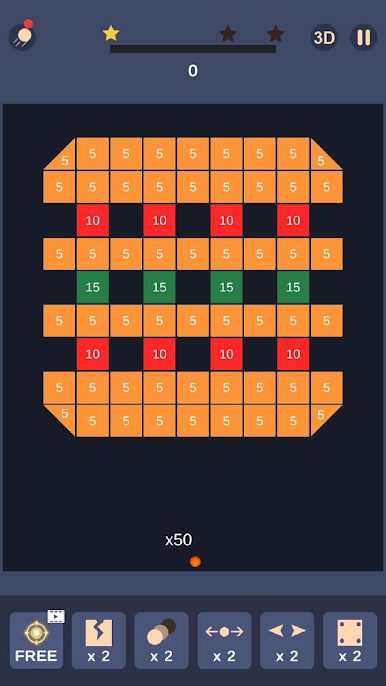
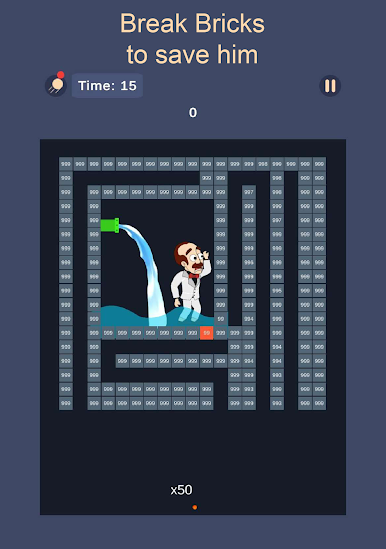


Play Bricks and Balls Crusher on PC. It’s easy to get started.
-
Download and install BlueStacks on your PC
-
Complete Google sign-in to access the Play Store, or do it later
-
Look for Bricks and Balls Crusher in the search bar at the top right corner
-
Click to install Bricks and Balls Crusher from the search results
-
Complete Google sign-in (if you skipped step 2) to install Bricks and Balls Crusher
-
Click the Bricks and Balls Crusher icon on the home screen to start playing

