


Train your Brain
Play on PC with BlueStacks – the Android Gaming Platform, trusted by 500M+ gamers.

Page Modified on: Nov 7, 2025
Play Train your Brain on PC or Mac
Bring your A-game to Train your Brain, the Puzzle game sensation from Senior Games. Give your gameplay the much-needed boost with precise game controls, high FPS graphics, and top-tier features on your PC or Mac with BlueStacks.
About the Game
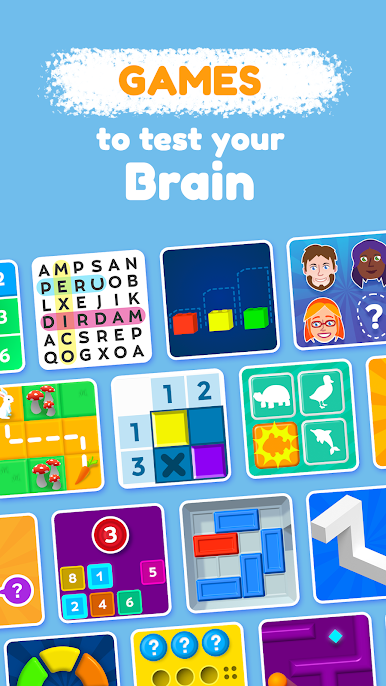
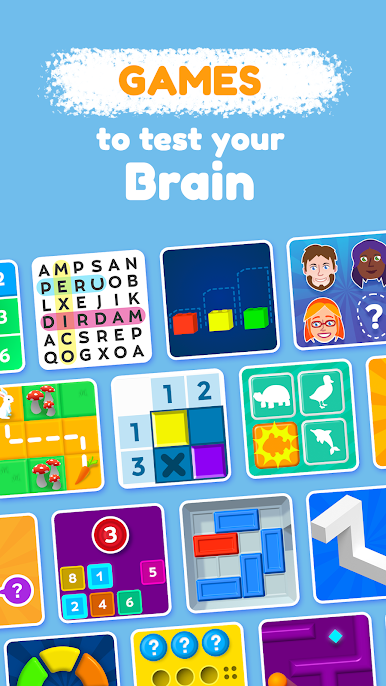
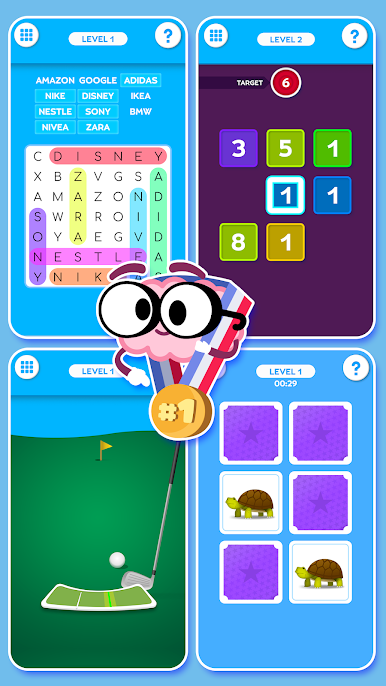
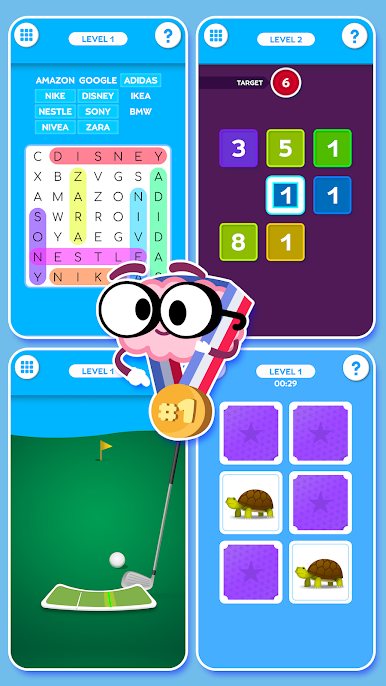
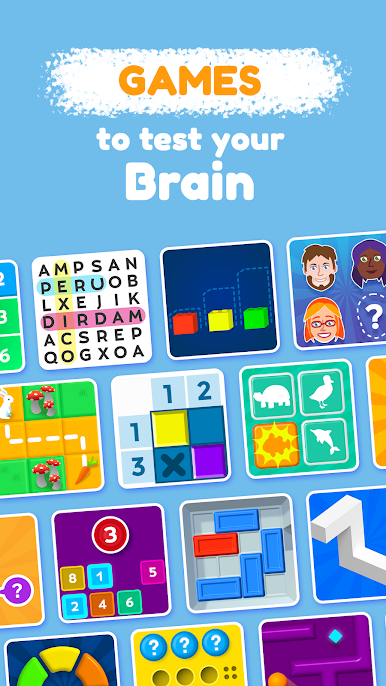
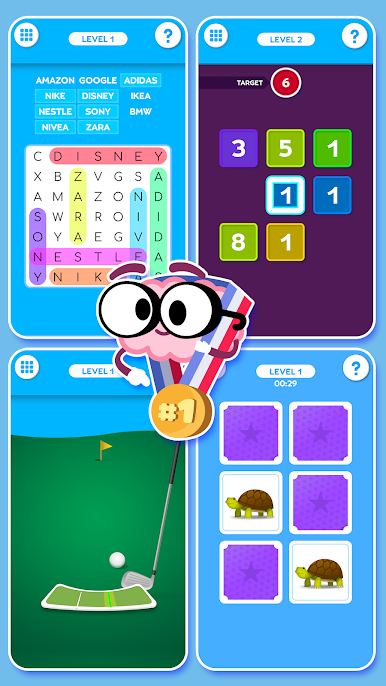
Looking to give your brain a bit of a workout—without feeling like you’re in school again? Train your Brain from Senior Games offers a laid-back way to challenge your mind with tons of mini-games wrapped into one tidy package. No matter if you’re young, old, or somewhere in between, you’ll find quick, casual puzzles to sharpen your thinking and keep you entertained. If you enjoy the Puzzle genre and like mixing things up, this game’s got your name on it.
Game Features
-
Five Brainy Categories
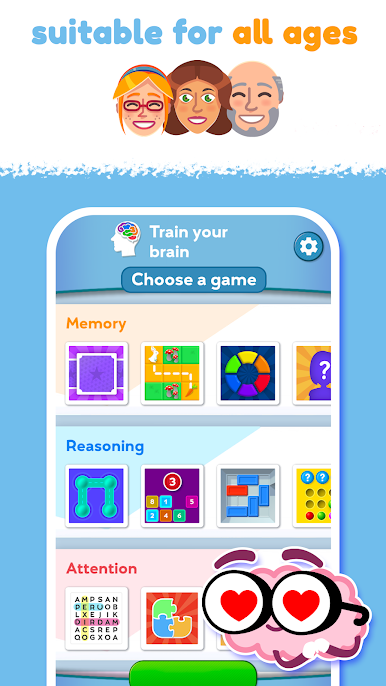
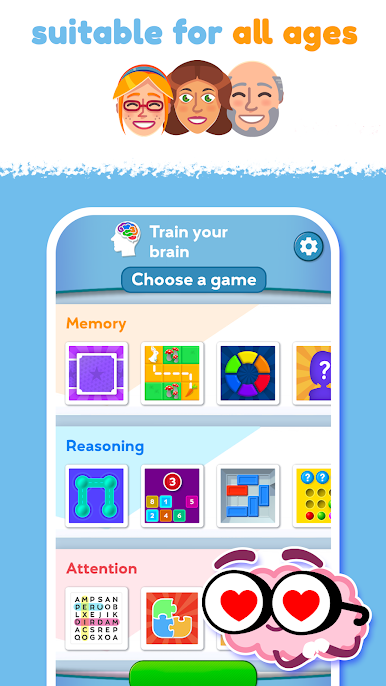
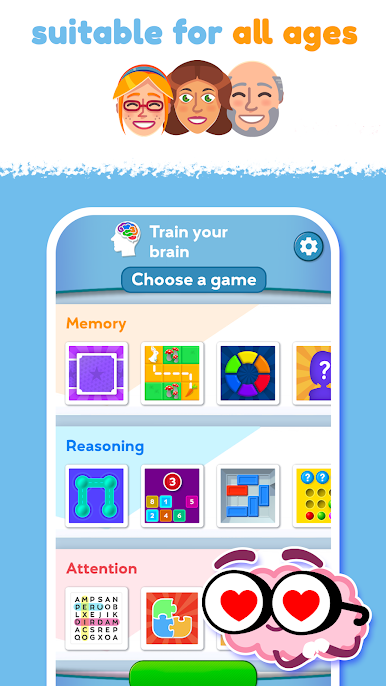
Take your pick from memory, attention, reasoning, coordination, and visuospatial skill challenges. Each one tests a different part of your mind, so it never gets dull. -
Quick, Fun Mini-Games
Hop in for a fast one or settle in for a few rounds—there’s no pressure. These bite-sized puzzles are great for a mental boost, whether you have five minutes or an hour. -
Friendly for All Ages
Little kids, grandparents, and everyone else can find something that fits their speed. Rounds are simple to pick up, but always offer something to chew on. -
Expert Collaboration
The games aren’t just fun—they’re also built with input from neuroscience and psychiatry experts, so you know you’re actually giving your brain a nudge in the right direction. -
Smooth Experience on BlueStacks
If you’re playing on your PC and want everything to feel snappy, the game works well with BlueStacks. -
Easy to Use
The layout keeps things clear and accessible, so you can jump straight into your next brain game without navigating a learning curve.
Ready to top the leaderboard? We bet you do. Let precise controls and sharp visuals optimized on BlueStacks lead you to victory.

Play Train your Brain on PC. It’s easy to get started.
-
Download and install BlueStacks on your PC
-
Complete Google sign-in to access the Play Store, or do it later
-
Look for Train your Brain in the search bar at the top right corner
-
Click to install Train your Brain from the search results
-
Complete Google sign-in (if you skipped step 2) to install Train your Brain
-
Click the Train your Brain icon on the home screen to start playing

