


Party Games - 13 Mini Games
Play on PC with BlueStacks – the Android Gaming Platform, trusted by 500M+ gamers.

Page Modified on: Oct 14, 2025
Play Party Games - 13 Mini Games on PC or Mac
Party Games – 13 Mini Games brings the Board genre to life, and throws up exciting challenges for gamers. Developed by Senior Games, this Android game is best experienced on BlueStacks, the World’s #1 app player for PC and Mac users.
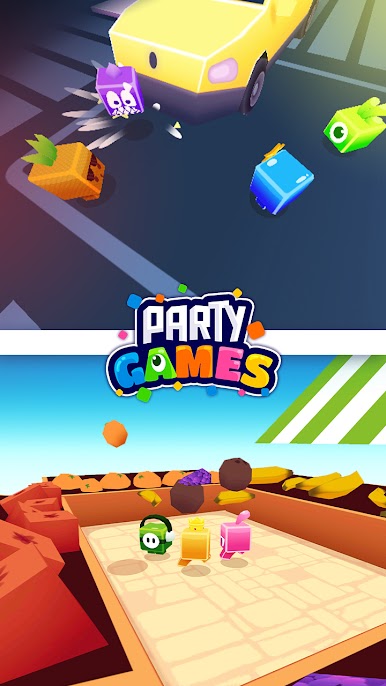
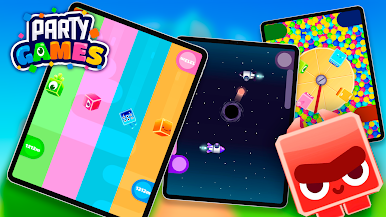
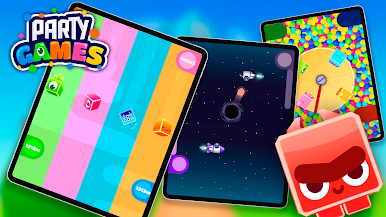
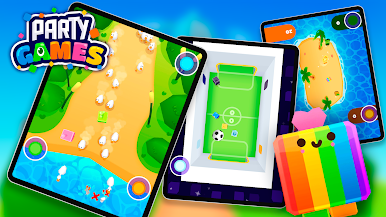
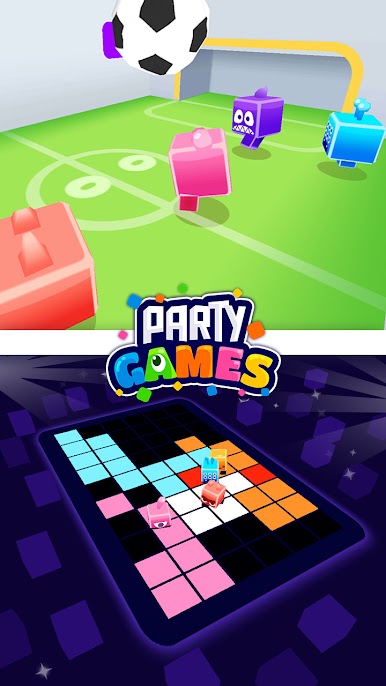
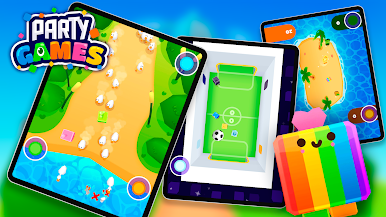
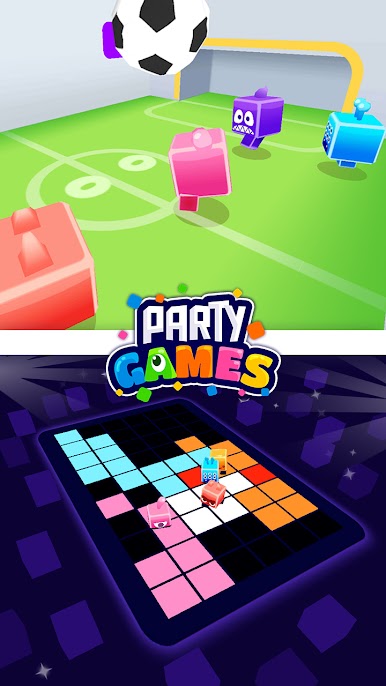
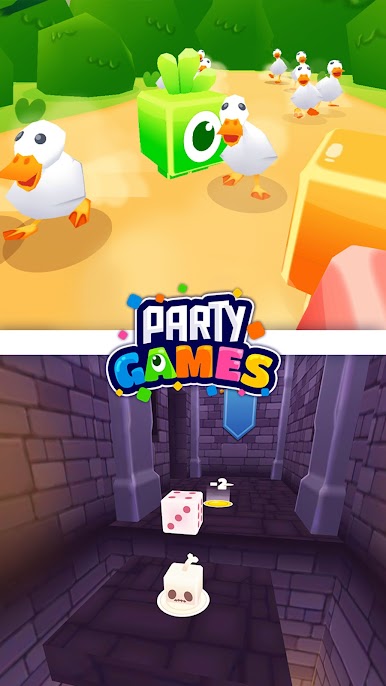
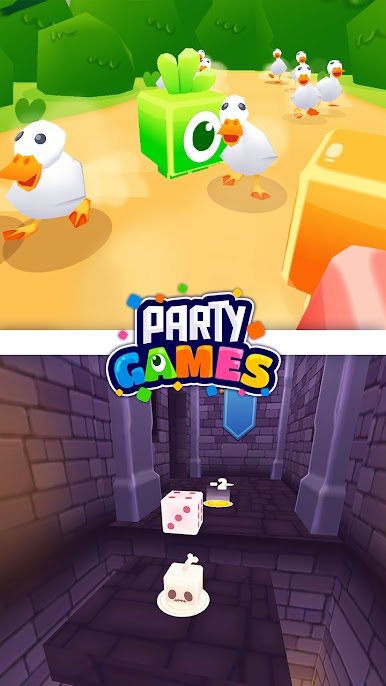
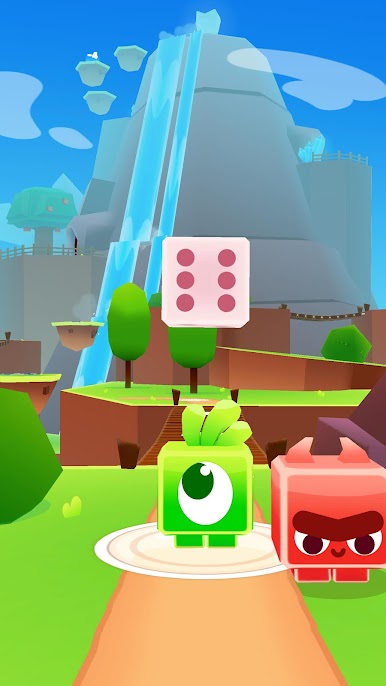
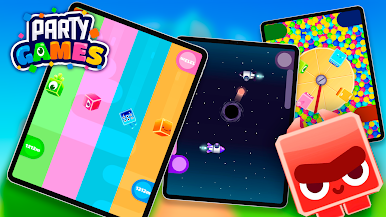
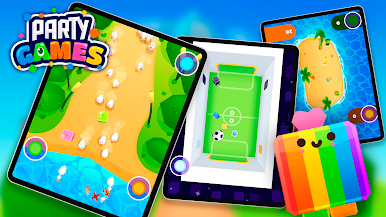
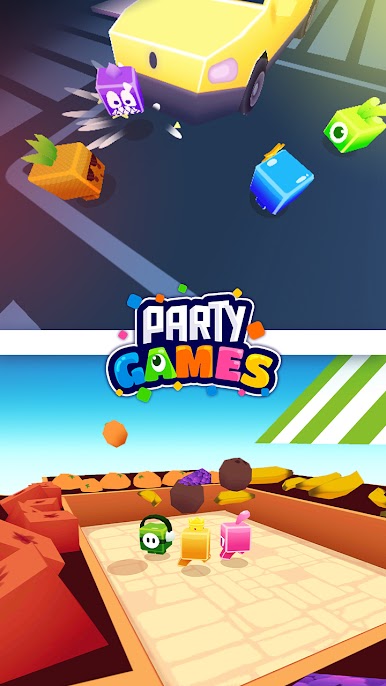
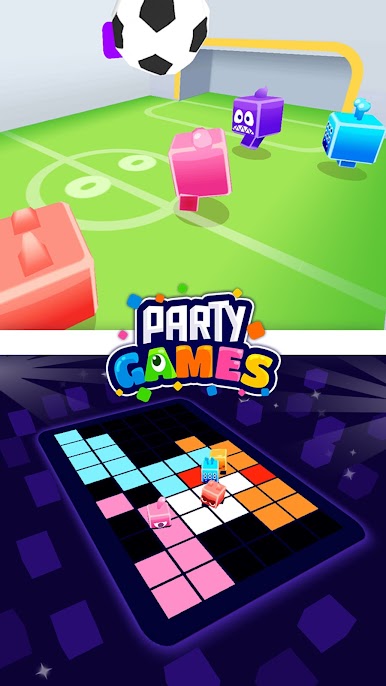
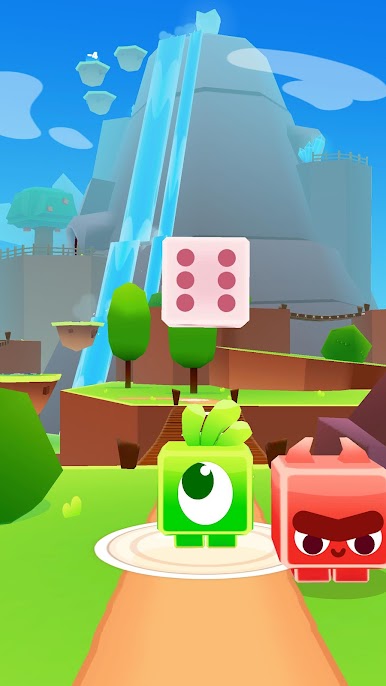
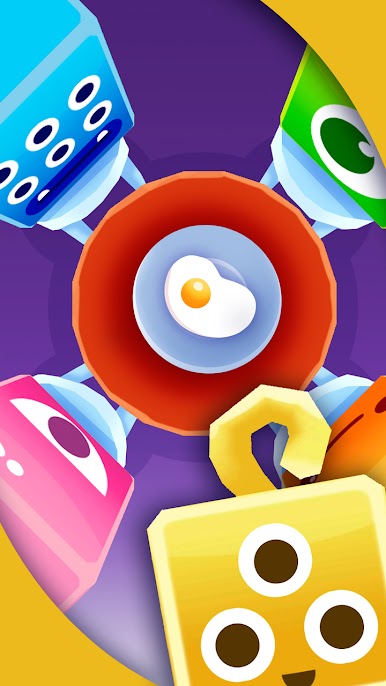
If someone’s looking for a bunch of quick, easy mini-games to play with friends or family on one screen, Party Games – 13 Mini Games is basically built for those moments. It brings together a bunch of little games—think stuff like jumping challenges, quick reaction puzzles, tiny races, and simple sport-style games—and lets up to four people jump in at once, all sharing the same device. Everyone taps, drags, or presses their part of the screen, so it gets a little hectic and funny as people scramble to outplay each other. No internet is needed, so it works even if WiFi goes out or you’re somewhere remote. And if there’s nobody else around, there’s a solo mode where you go up against a bot that’s actually pretty decent.
Controls are kept really straightforward, so there’s nothing complicated to get stuck on, which makes it easy for younger kids or even grandparents to pick up fast. Each mini-game only lasts a minute or two, so people don’t have to wait long for their turn, and the “party mode” keeps things moving by mixing up the game order and letting everyone have a shot at the top spot. It all plays pretty smoothly, especially on something like BlueStacks for PC, where bigger screens make multitouch games easier with a mouse or just keep things from getting too cramped. The variety keeps it from getting stale—there’s everything from dodging things to timing jumps, goofy races, and dance battles, so it’s got a bit for anyone. It’s the kind of thing people can just fire up during family gatherings or hangouts, and nobody has to worry about complex rules, so everyone gets right into it.
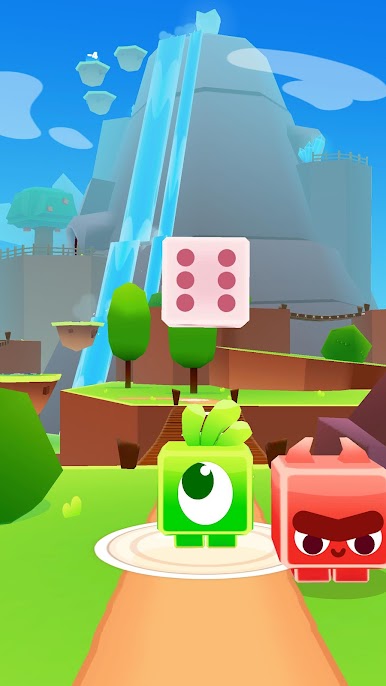
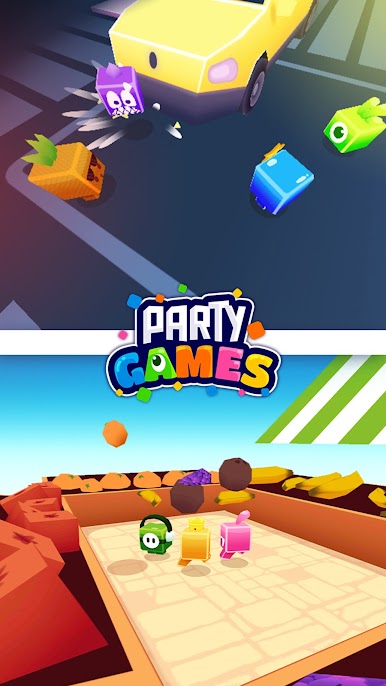
Make your gaming sessions memorable with precise controls that give you an edge in close combats and visuals that pop up, bringing every character to life.

Play Party Games - 13 Mini Games on PC. It’s easy to get started.
-
Download and install BlueStacks on your PC
-
Complete Google sign-in to access the Play Store, or do it later
-
Look for Party Games - 13 Mini Games in the search bar at the top right corner
-
Click to install Party Games - 13 Mini Games from the search results
-
Complete Google sign-in (if you skipped step 2) to install Party Games - 13 Mini Games
-
Click the Party Games - 13 Mini Games icon on the home screen to start playing

