


My Tello
Play on PC with BlueStacks – the Android Gaming Platform, trusted by 500M+ gamers.

Page Modified on: Nov 13, 2025
Run My Tello on PC or Mac
Get freedom from your phone’s obvious limitations. Use My Tello, made by Miron Enterprises, LLC, a Communication app on your PC or Mac with BlueStacks, and level up your experience.
About the App
My Tello from Miron Enterprises, LLC is designed to put control of your phone service right in your pocket. Need to check how much talk time or data you’ve got left? Want to view your past bills, update your plan, or maybe make an international call without worrying about hidden charges? This app wraps all these essentials together into one easy-to-use spot. Whether you’re on the go in the US or traveling overseas, My Tello keeps your phone service familiar and affordable, even when you’re calling over WiFi.
App Features
-
Balance at a Glance
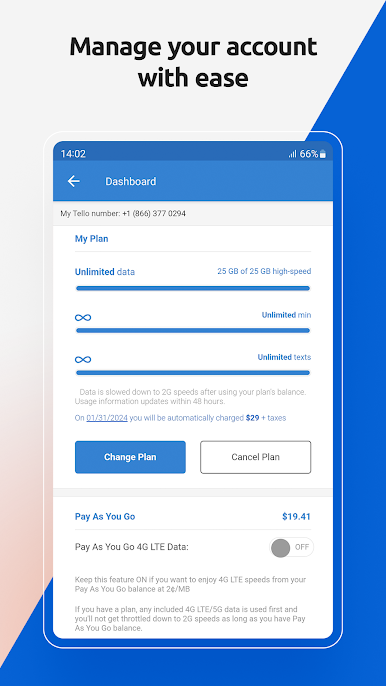
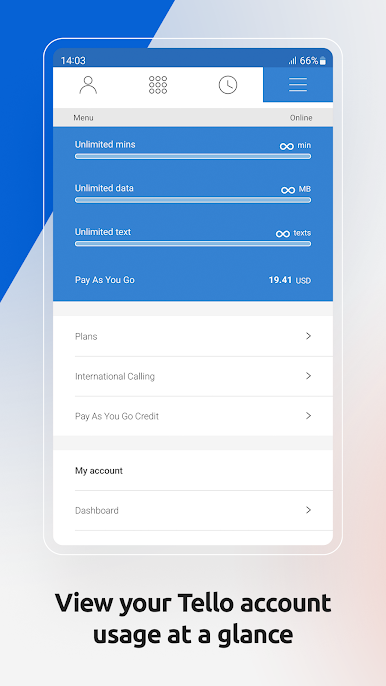
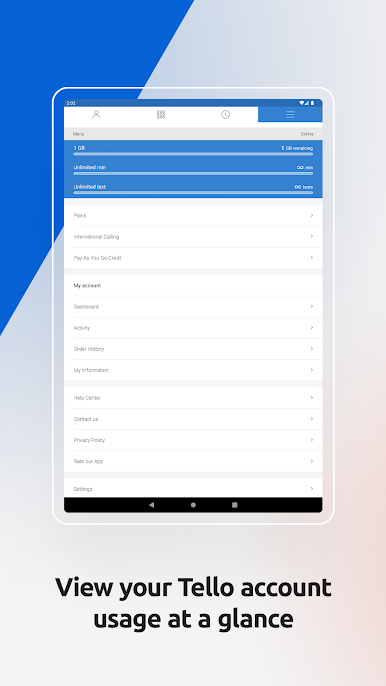
See your remaining balance and all your active plans and Pay As You Go credits, whenever you want. No more guessing, just tap and check. -
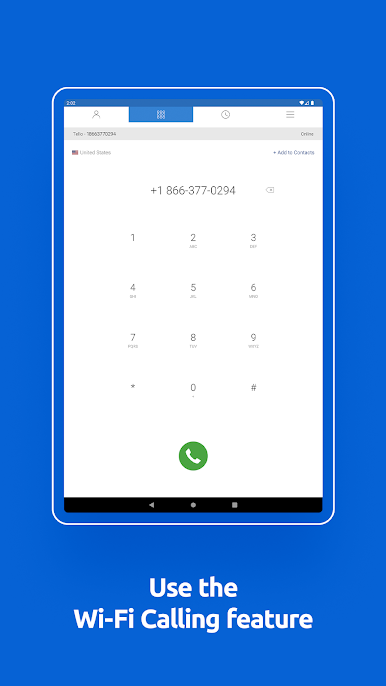
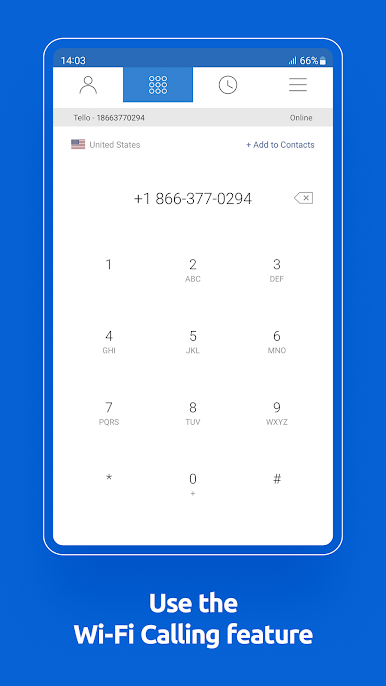
WiFi Calling Anywhere
Headed abroad or stuck without a strong cell signal? Make calls over WiFi using your same Tello balance and phone number—so your friends and family always know it’s you, wherever you are. -
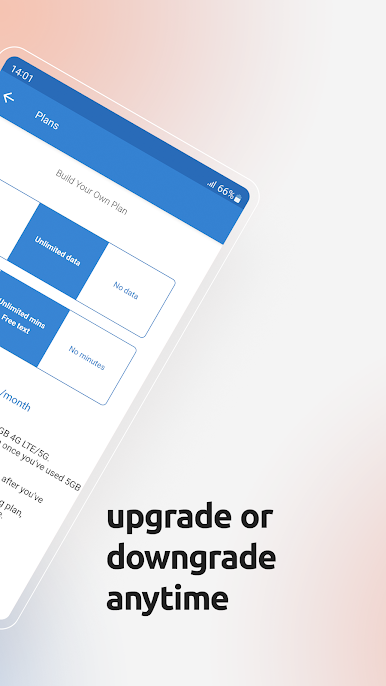
Plan Management Made Simple
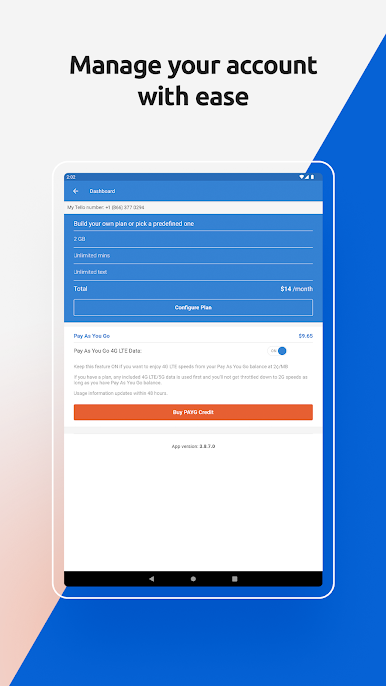
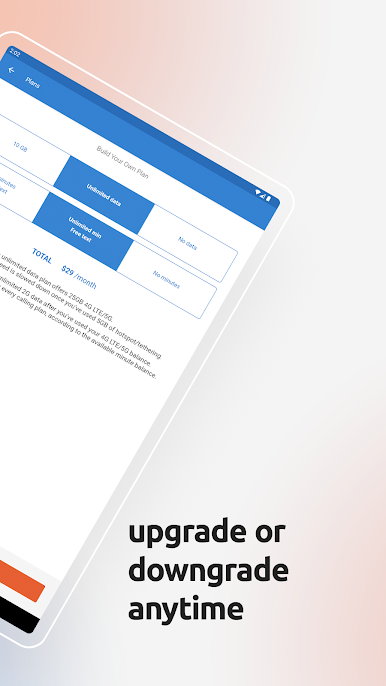
Upgrade, downgrade, or switch your plan right from the app. Build a plan that works for you every month—no contracts, no stress. -
Quick & Safe Recharge
Top up your account in seconds, or set up Auto Recharge so you never run out of credit whether you’re at home or traveling. -
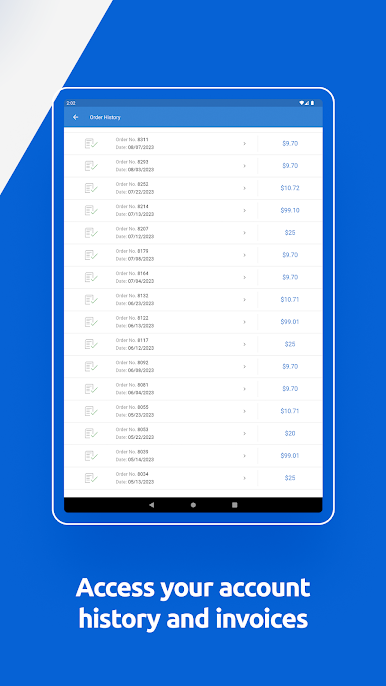
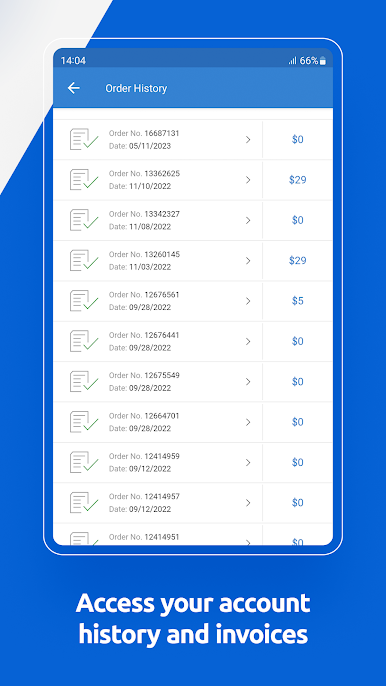
All Your Info in One Place
Browse your billing statements and usage history instantly. It’s all organized and easy to find, just a tap away. -
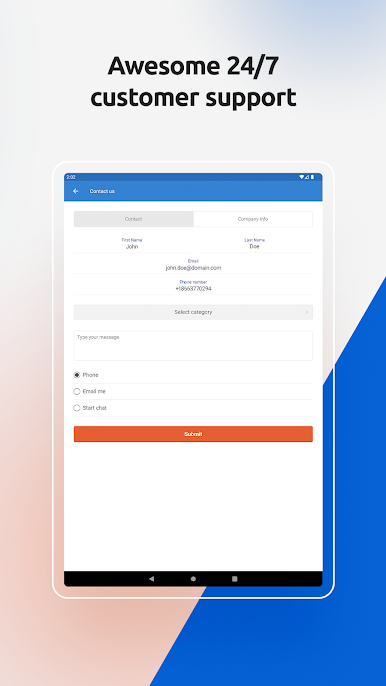
Direct Support Access
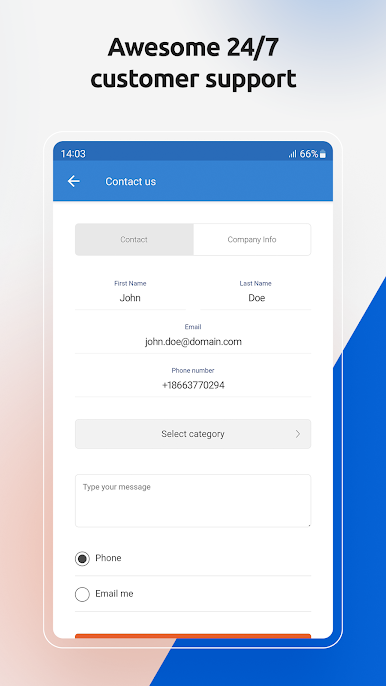
Have a question or need some help? Reach customer service straight from the app—simple and quick. -
Easy Setup on Any Device
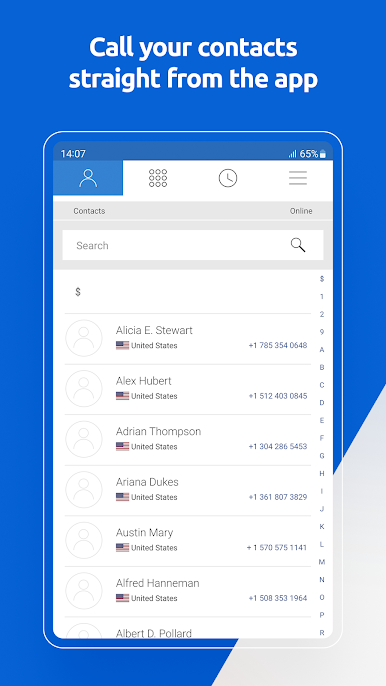
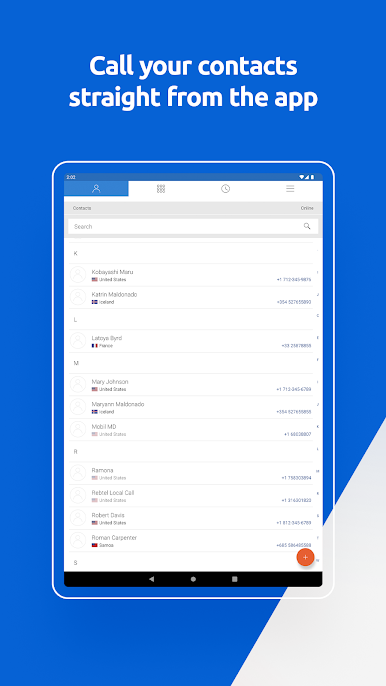
Just log in with your Tello number and password, get instant access to your phone contacts, and you’re set to call and manage your account—even on multiple devices at once.
And for those who like using their favorite apps on bigger screens, My Tello also works smoothly with BlueStacks.
Eager to take your app experience to the next level? Start right away by downloading BlueStacks on your PC or Mac.


Play My Tello on PC. It’s easy to get started.
-
Download and install BlueStacks on your PC
-
Complete Google sign-in to access the Play Store, or do it later
-
Look for My Tello in the search bar at the top right corner
-
Click to install My Tello from the search results
-
Complete Google sign-in (if you skipped step 2) to install My Tello
-
Click the My Tello icon on the home screen to start playing

