


JOOX Music - AI Player
Play on PC with BlueStacks – the Android Gaming Platform, trusted by 500M+ gamers.

Page Modified on: Nov 16, 2026
Main JOOX Music - AI Player on PC
Enjoy AI song recognition, smart recommendations, synced lyrics, Playlist, Radio, Offline Music, and HiFi lossless audio anytime, anywhere.
Whether you enjoy K-pop, Cantopop, English songs, DJ music, EDM, or trending hits, JOOX Music Player helps you discover your favorite music world.
Key Features: AI-Powered Music Experience
●JOOX AI Smart Recommendations:
Chat with JOOX AI to discover personalized songs, playlists, and trending music based on your listening preferences.
●AI Music Inspiration Creation:
Support AI-assisted melody generation and music inspiration creation to easily capture your music ideas.
●Song Recognition & Dynamic Lyrics:
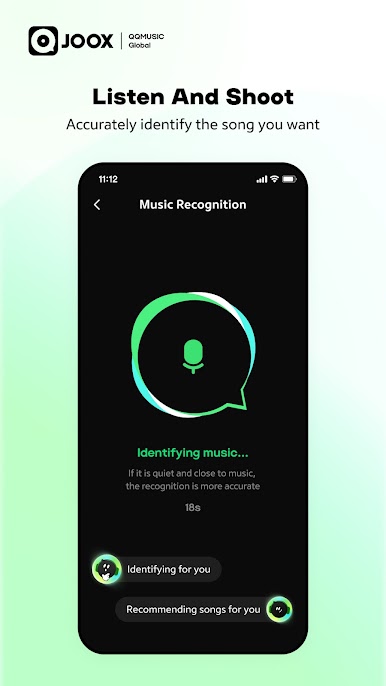
Rapidly identify currently playing songs, achieving a global top-tier recognition rate. Lyrics support, and immersive listening experiences.
●Music Player & HiFi Audio Experience:
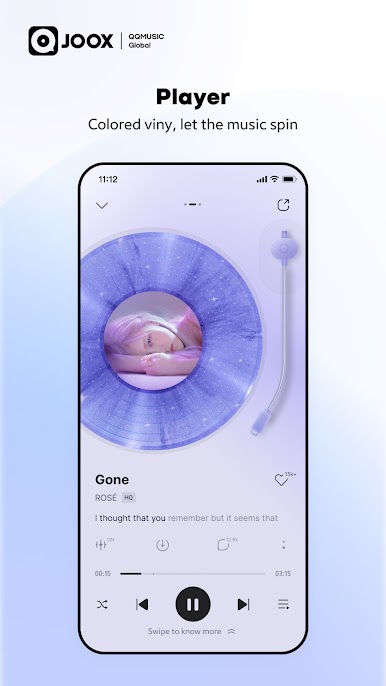
Supports HiFi lossless audio and high-quality music playback for a more immersive listening experience.
Discover More Music
●Personalized Playlist & Music Radio:
Get personalized playlists, Playlist recommendations, Radio stations, and trending music content based on your listening habits.
●Global Trending Music Charts:
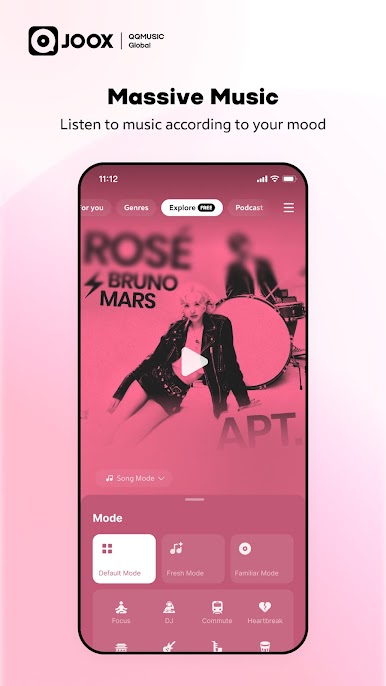
Explore K-pop, Cantopop, Chinese pop, English songs, DJ music, and trending new songs worldwide.
●Favorites & Playlists:
Create your own playlists and save favorite songs, albums, and artists.
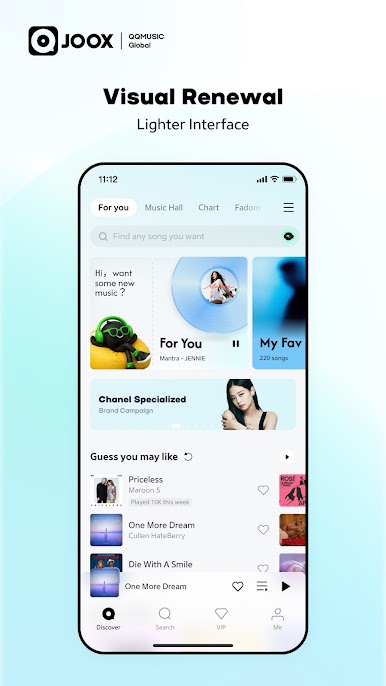
●Simple Music Player Experience:
Easily manage music, lyrics, playlists, and playback queues with a clean player interface.
Upgrade to JOOX VIP: HiFi Music Experience
●HiFi Premium Audio:
Supports HiFi lossless audio and Dolby Atmos on selected content.
●Offline Music Playback:
Download songs for offline listening and enjoy uninterrupted music even with weak network connections.
●More Flexible Music Playback:
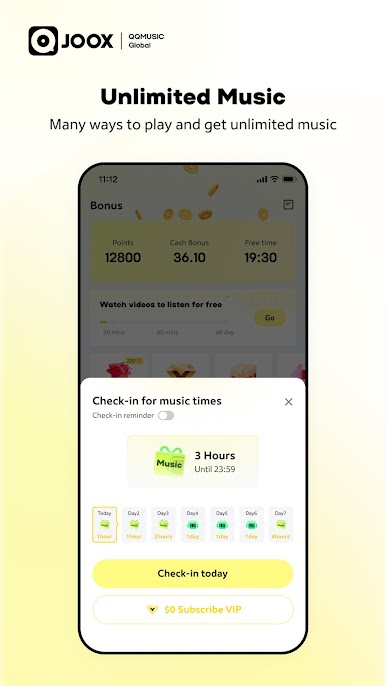
Reduce ad interruptions and unlock more playback privileges for a better music experience.
●Exclusive VIP Benefits & Interactions:
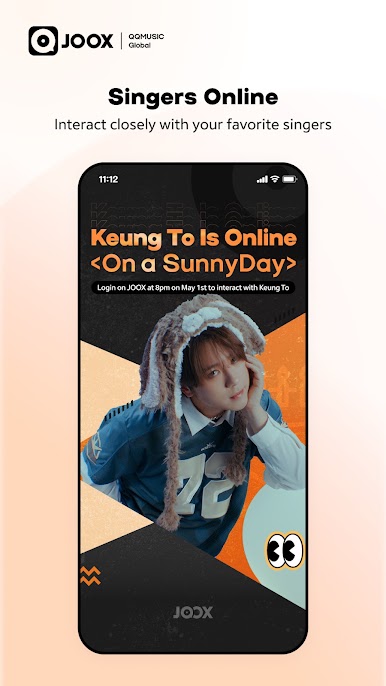
Join artist interactions and member activities to enjoy exclusive music content and VIP benefits.
Play JOOX Music - AI Player on PC. It’s easy to get started.
-
Download and install BlueStacks on your PC
-
Complete Google sign-in to access the Play Store, or do it later
-
Look for JOOX Music - AI Player in the search bar at the top right corner
-
Click to install JOOX Music - AI Player from the search results
-
Complete Google sign-in (if you skipped step 2) to install JOOX Music - AI Player
-
Click the JOOX Music - AI Player icon on the home screen to start playing

