


WeTV: Asian & Local Drama
Play on PC with BlueStacks – the Android Gaming Platform, trusted by 500M+ gamers.

Page Modified on: Mar 23, 2026
Main WeTV: Asian & Local Drama on PC
Other features you may like:
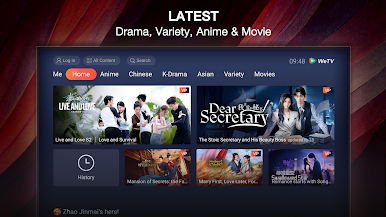
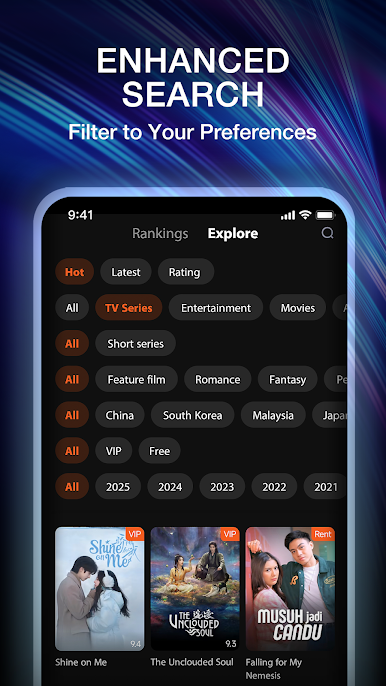
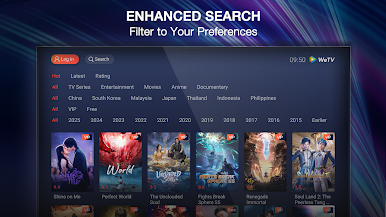
Category selection: Movies, dramas, and variety shows are categorized into different pages. We make it easier for you to find a specific category that you want to explore more.
Continue to watch: We help you to remember where you left last time and pick up from there directly.
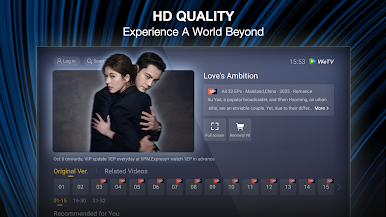
Video definition adjustment: You can select different picture qualities based on your demand. When you are watching with cellular data, you may select 360P to save your data. You can also enjoy Blu-ray picture quality (Full HD) to upgrade the watching experience.
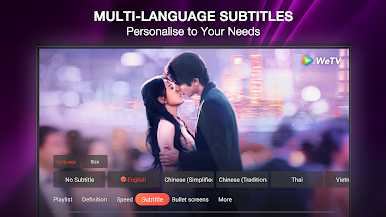
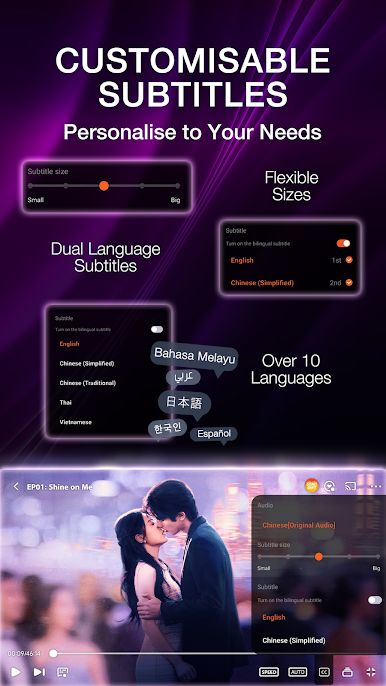
Subtitles: We provide multiple languages and subtitles for you to choose from. You can also switch language based on your preference.
Screen control: You can swipe your screen up and down with your finger to adjust volume and brightness and swipe left and right to skip back or forward the video.
Your feedback is valuable for WeTV. Whenever you encounter any errors or problems while using WeTV, please send us your feedback or comment to our email at service@wetv.vip to help us improve our service.










Play WeTV: Asian & Local Drama on PC. It’s easy to get started.
-
Download and install BlueStacks on your PC
-
Complete Google sign-in to access the Play Store, or do it later
-
Look for WeTV: Asian & Local Drama in the search bar at the top right corner
-
Click to install WeTV: Asian & Local Drama from the search results
-
Complete Google sign-in (if you skipped step 2) to install WeTV: Asian & Local Drama
-
Click the WeTV: Asian & Local Drama icon on the home screen to start playing

