


LineWeave
Play on PC with BlueStacks – the Android Gaming Platform, trusted by 500M+ gamers.

Page Modified on: Jan 27, 2026
Main LineWeave on PC
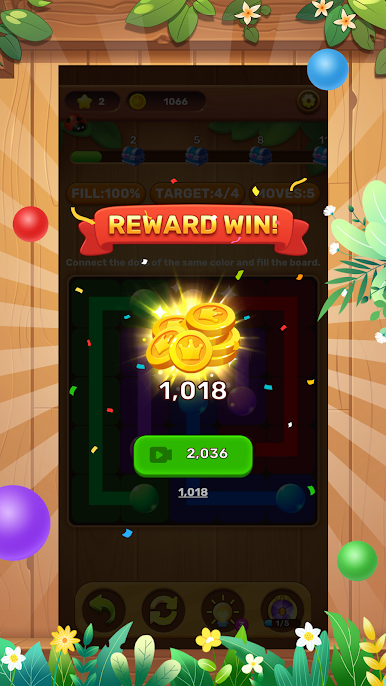
You connect dots. That’s it. No time limits breathing down your neck. No “genius score” shaming you for going slow. Just you, a bunch of numbered dots, and the satisfying pop of watching a random picture appear once you’re done. Will it be a penguin wearing a top hat? A pizza with extra cheese? A cat that looks like it’s judging your life choices? Spoiler: You’ll laugh either way.
Download LineWeave now and turn your “meh” moments into “haha” moments. Connect the dots, unlock the chaos, and remember: Life’s too short to take games (or dot patterns) seriously.
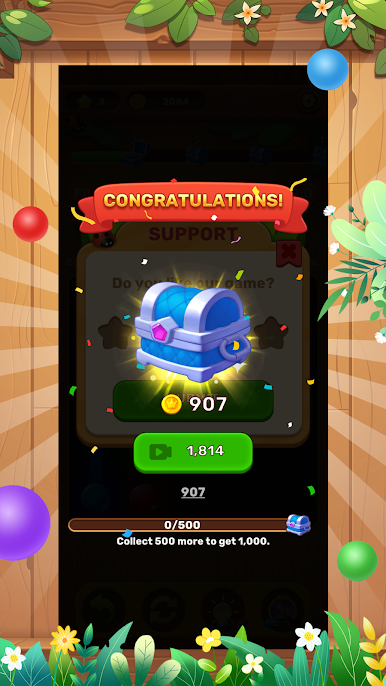
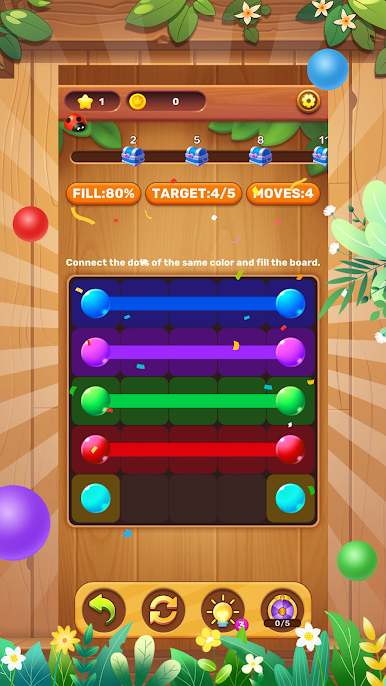
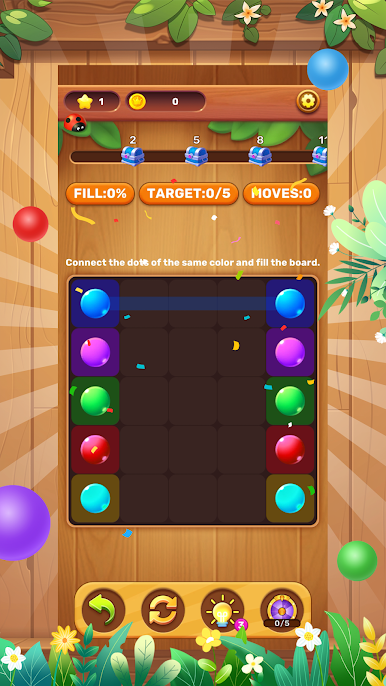
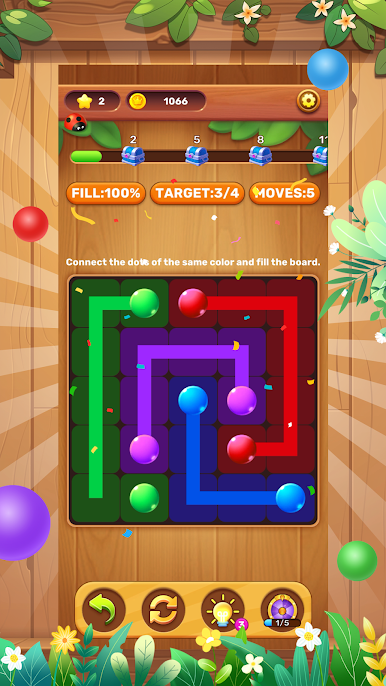
Play LineWeave on PC. It’s easy to get started.
-
Download and install BlueStacks on your PC
-
Complete Google sign-in to access the Play Store, or do it later
-
Look for LineWeave in the search bar at the top right corner
-
Click to install LineWeave from the search results
-
Complete Google sign-in (if you skipped step 2) to install LineWeave
-
Click the LineWeave icon on the home screen to start playing

