

GT Moto Racing: Bike Game 3D
Play on PC with BlueStacks – the Android Gaming Platform, trusted by 500M+ gamers.

Page Modified on: Aug 10, 2026
Play GT Moto Racing: Bike Game 3D on PC or Mac
Bring your A-game to GT Moto Racing: Bike Game 3D, the Racing game sensation from Crownforge Games. Give your gameplay the much-needed boost with precise game controls, high FPS graphics, and top-tier features on your PC or Mac with BlueStacks.
About the Game
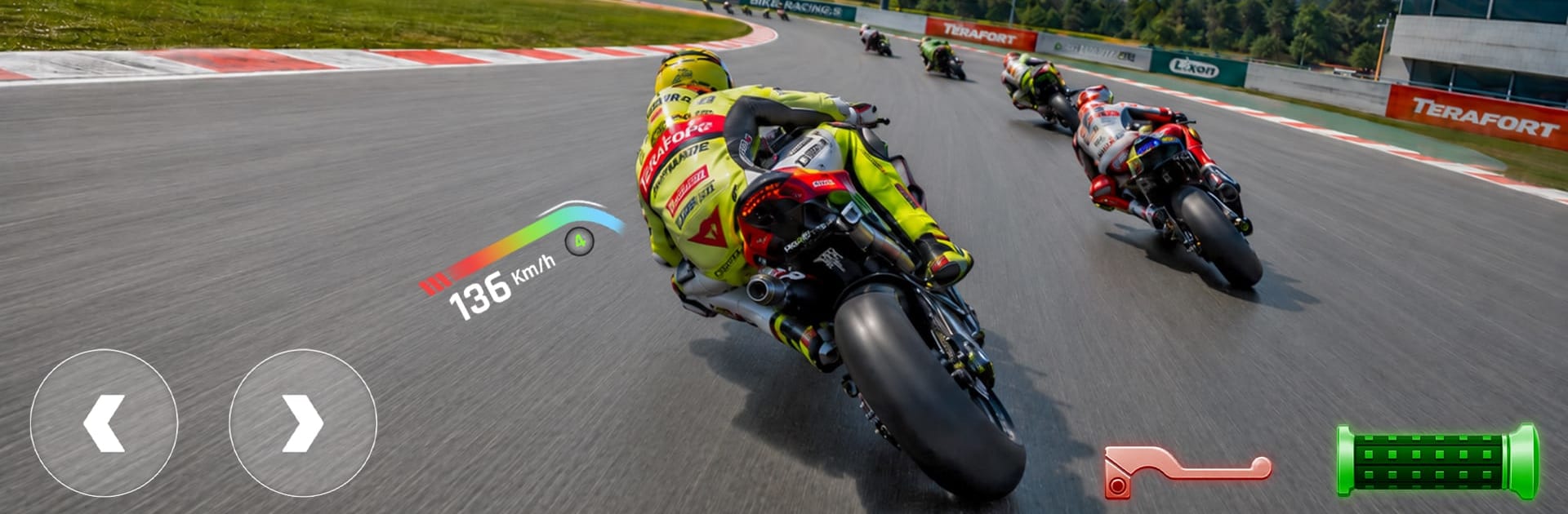
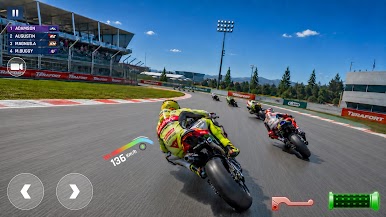
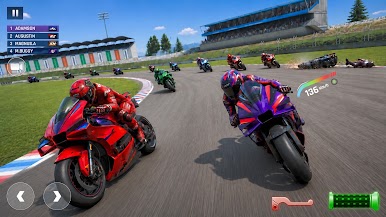
GT Moto Racing: Bike Game 3D serves up a crisp, throttle-happy take on Racing, made for players who love nailing the apex and shaving tenths off their lap time. With living tracks, grounded physics, and authentic engine audio, every pass feels earned—and it’s easy to enjoy on a bigger screen with BlueStacks.
Game Features
- Dynamic tracks and weather: Race through shifting day/night cycles and changing conditions that affect grip, visibility, and strategy.
- Authentic sound and commentary: Hear RPM-accurate superbike audio and live race chatter that reacts to what’s happening on the circuit.
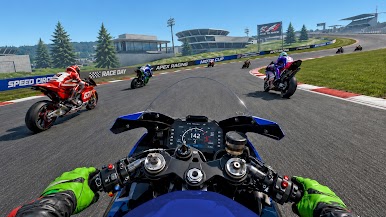
- Smart HUD and mini‑map: Track your position, watch lap splits, and read corners early with clean, real-time navigation.
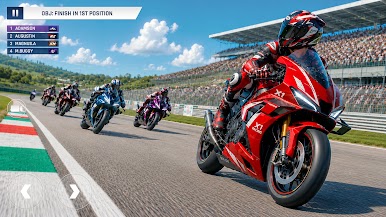
- Eye‑catching visuals: High‑definition environments, packed grandstands, and fluid rider animations keep every lap satisfying to watch.
- Career campaign: Work through 30+ handcrafted events, climb the ladder, and test your consistency across a mix of circuits.
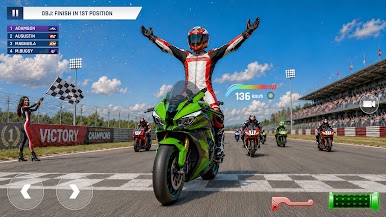
- Elimination mode: Stay out of last place as the clock ticks—every 20 seconds someone’s dropped until only one rider remains.
- Head‑to‑head stakes: Take on tough AI in focused duels, put in-game credits on the line, and try to double your payout.
- Garage of superbikes: Choose from 10 distinct rides, each with its own feel; upgrade performance and dial in handling.
- Rider style options: Equip unique gear and match your look to your machine without sacrificing performance.
- Customizable controls: Go with tilt for natural lean, on‑screen buttons for precision, or tap‑and‑drag for laid‑back steering—tweak sensitivity to fit your style.
Start playing GT Moto Racing: Bike Game 3D on BlueStacks and get a smoother, more comfortable PC or Mac setup.

Play GT Moto Racing: Bike Game 3D on PC. It’s easy to get started.
-
Download and install BlueStacks on your PC
-
Complete Google sign-in to access the Play Store, or do it later
-
Look for GT Moto Racing: Bike Game 3D in the search bar at the top right corner
-
Click to install GT Moto Racing: Bike Game 3D from the search results
-
Complete Google sign-in (if you skipped step 2) to install GT Moto Racing: Bike Game 3D
-
Click the GT Moto Racing: Bike Game 3D icon on the home screen to start playing

