


Yes or No?! - Food Pranks
Play on PC with BlueStacks – the Android Gaming Platform, trusted by 500M+ gamers.

Page Modified on: Feb 23, 2024
Play Yes or No?! - Food Pranks on PC or Mac
Bring your A-game to Yes or No?! – Food Pranks, the Casual game sensation from Lion Studios. Give your gameplay the much-needed boost with precise game controls, high FPS graphics, and top-tier features on your PC or Mac with BlueStacks.
About the Game
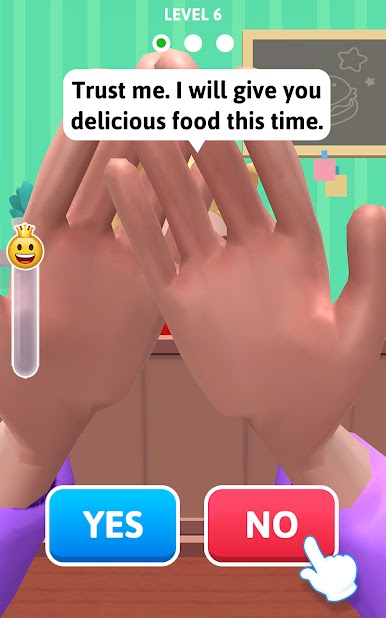
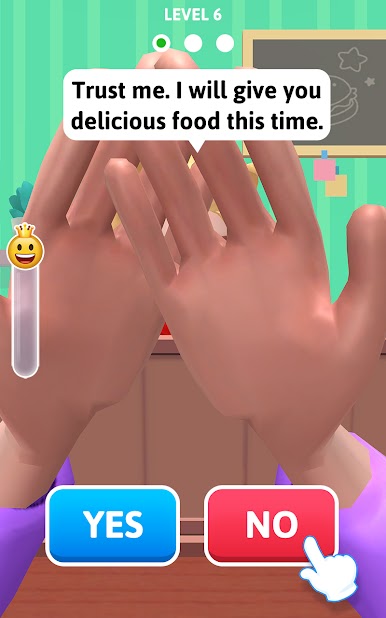
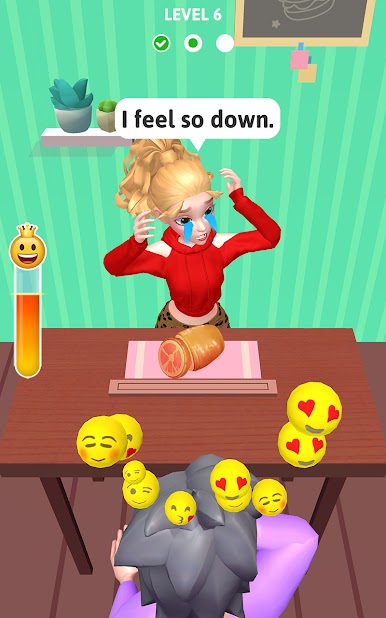
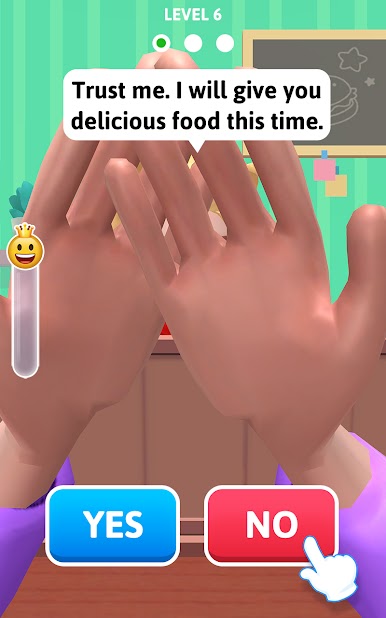
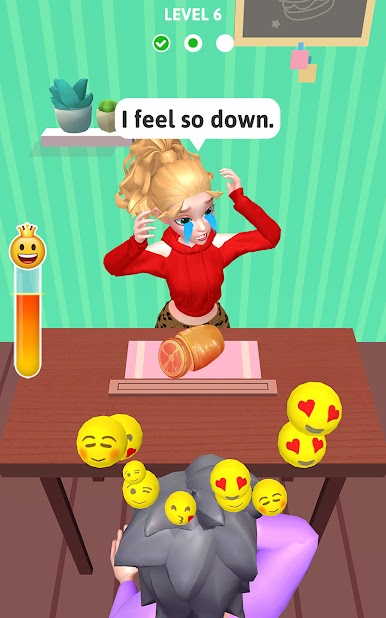
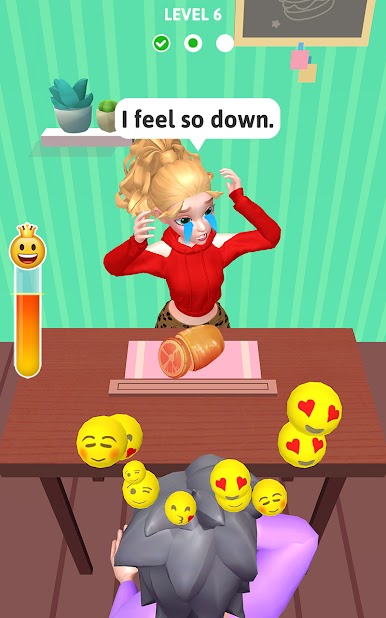
Yes or No?! – Food Pranks from Lion Studios is an offbeat, hilarious casual game that puts your prankster skills right in the spotlight. If you’ve ever wanted to trick someone into eating something wild—or just get a good laugh—here’s your chance. You’re the mastermind behind a quirky food guessing game, feeding bizarre bites to an unsuspecting, blindfolded date. Every round brings something new and unexpected, so get ready for laughs, surprises, and a little friendly mischief.
Game Features
-
Sneaky Food Surprises
Choose between serving up the tastiest dishes or truly strange food combos. Sometimes she’ll get a delicious snack, other times… well, let’s just say her reaction says it all. -
Guessing and Pranking
It’s never just about what you put on the plate—the real trick is in guessing whether your blindfolded date will take the bait. Every successful prank earns you points, but her reactions keep things unpredictable. -
Unlimited Mischief
No clocks ticking here. You can keep pranking and experimenting with different food choices for as long as you want, with no limits on the fun. -
Simple Spinner Gameplay
At the heart of it all is a playful spinner mechanic—just a tap and a twist, and the outcome is anyone’s guess. Will she get the tasty treat or the total oddball option? -
Play Anywhere, Anytime
Quick sessions and easy controls let you dive into the action whether you’re looking to pass the time on your phone or want a bigger screen experience using BlueStacks.
Make your gaming sessions memorable with precise controls that give you an edge in close combats and visuals that pop up, bringing every character to life.



















Play Yes or No?! - Food Pranks on PC. It’s easy to get started.
-
Download and install BlueStacks on your PC
-
Complete Google sign-in to access the Play Store, or do it later
-
Look for Yes or No?! - Food Pranks in the search bar at the top right corner
-
Click to install Yes or No?! - Food Pranks from the search results
-
Complete Google sign-in (if you skipped step 2) to install Yes or No?! - Food Pranks
-
Click the Yes or No?! - Food Pranks icon on the home screen to start playing

