
The Great Courses
Play on PC with BlueStacks – the Android Gaming Platform, trusted by 500M+ gamers.

Page Modified on: Oct 22, 2026
Play The Great Courses on PC
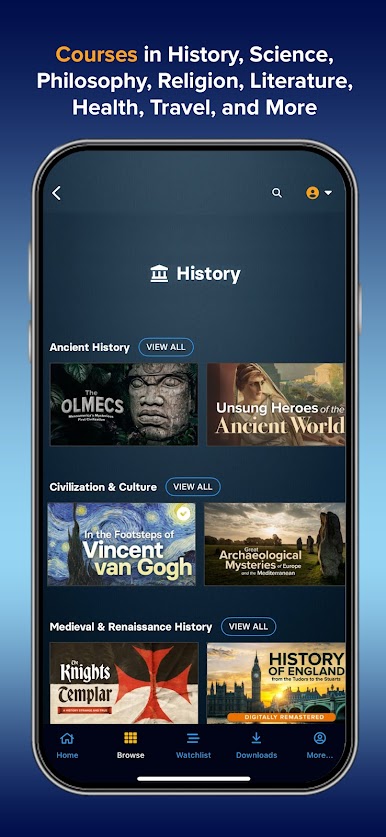
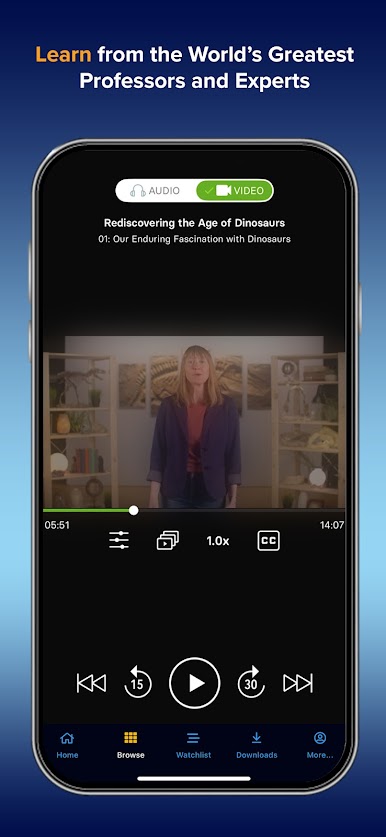
The Great Courses specializes in courses taught by the world’s greatest professors and experts covering diverse topics such as history, science, math, philosophy, religion, literature, health, travel, personal & professional development, and more. It’s the place to experience the pure joy of learning—anytime, anywhere.
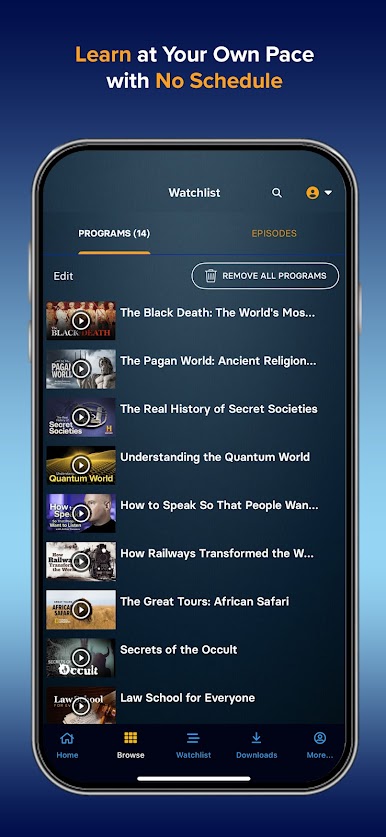
The Great Courses ensures an engaging and enriching learning experience for all. Catering to learners of all skill levels and interests, our platform provides the flexibility to deep-dive into specific topics or explore a variety of subjects at your leisure.
The Great Courses grants seamless online and offline access to our extensive library of online courses, empowering you to learn and grow at your own pace. Existing users can sign in to access their purchases and subscription content, while new users can register and subscribe directly within the app to access thousands of educational videos online and offline for one low price.
Optimized for OS 8.0 and higher, The Great Courses offers a variety of subscription plans, along with a Free Trial to start your educational journey.
Payment Details:
• Payment will be charged to your Google Play Account at confirmation of purchase
• Subscription automatically renews unless you cancel at least 24 hours before the end of the current period
• Your account will be charged for renewal within 24 hours prior to the end of the current period
• Subscriptions may be managed or cancelled by accessing your Google Play account
• If you cancel during a free trial period, you will have access until the end of the trial period
Privacy Policy: https://www.TheGreatCourses.com/Privacy
Terms of Service: https://www.TheGreatCourses.com/TOS
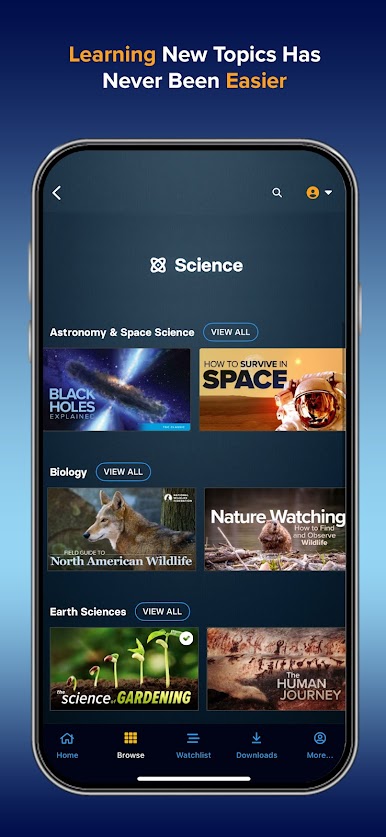
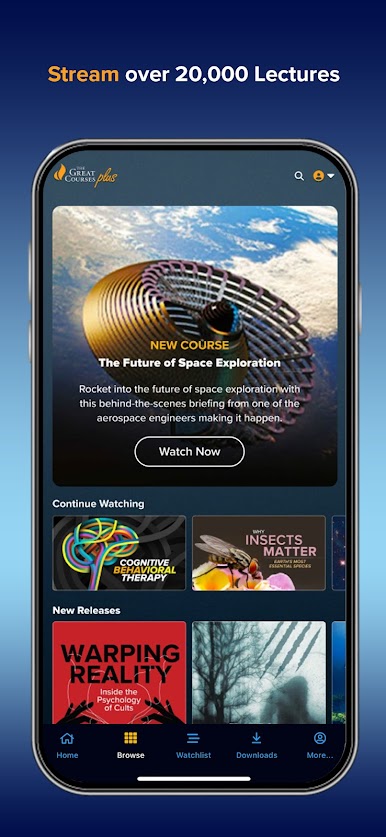
Play The Great Courses on PC. It’s easy to get started.
-
Download and install BlueStacks on your PC
-
Complete Google sign-in to access the Play Store, or do it later
-
Look for The Great Courses in the search bar at the top right corner
-
Click to install The Great Courses from the search results
-
Complete Google sign-in (if you skipped step 2) to install The Great Courses
-
Click the The Great Courses icon on the home screen to start playing